
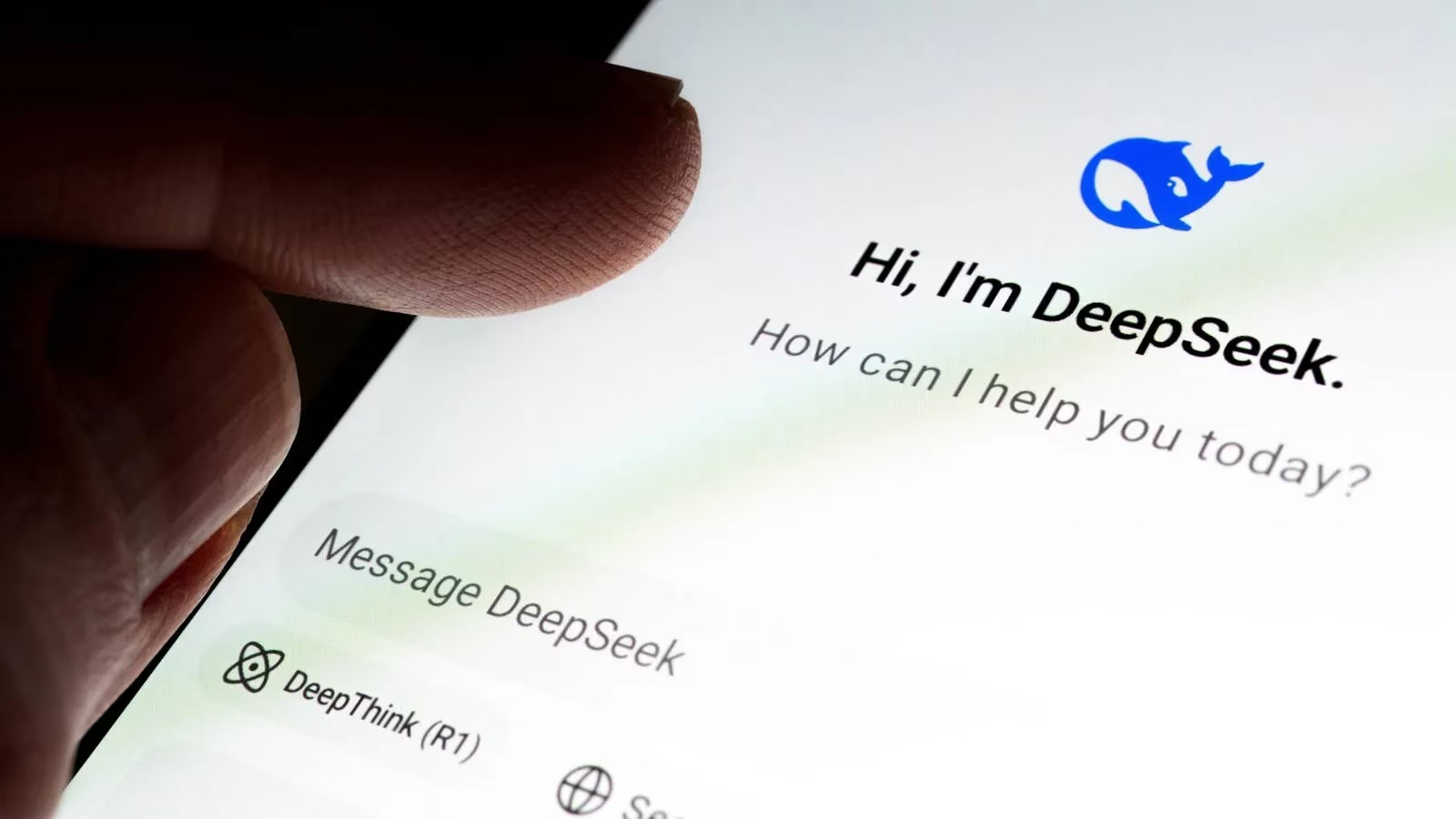
In 2026, the Chrome Web Store is still bursting at the seams with DeepSeek-powered extensions. Some are polished productivity tools; others are little more than API wrappers wearing a trench coat. To separate the wheat from the chaff, a reviewer put five of the most popular options through the wringer: deepseekai.works, a DeepSeek web wrapper, fadelmalnab, DeepSeek Assistant, and supaeasy. The mission was simple: find out which one actually earns a permanent spot in the browser toolbar.
The Five Contenders at a Glance
| Extension | Model | Best For | Biggest Headache |
|---|---|---|---|
| deepseekai.works | DeepSeek V3 | Clean sidebar chat | No history, no page access |
| DeepSeek Web Wrapper | DeepSeek V3 | Full web app in a window | Not a true extension, server busy errors |
| fadelmalnab | DeepSeek V3 | 28 languages, coding help | Five free queries, cramped UI |
| DeepSeek Assistant | DeepSeek V3 and R1 | Context minibar, search widget | No file attachments, API timeouts |
| supaeasy | DeepSeek R1 | Quick, short answers | No V3, cuts off long responses |
1. deepseekai.works: Clean Looks, Shallow Roots 🧼
The first extension comes from deepseekai.works. It offers a clean, minimal sidebar that feels easy on the eyes. Under the hood, it runs on DeepSeek V3, but there is no option to switch models. That is a notable limitation, especially for users who have grown used to AI extensions with model pickers.
The reviewer asked it to explain quantum entanglement and write a Python palindrome function. It also threw in a few other prompts. The responses were technically accurate and concise. So far, so good.
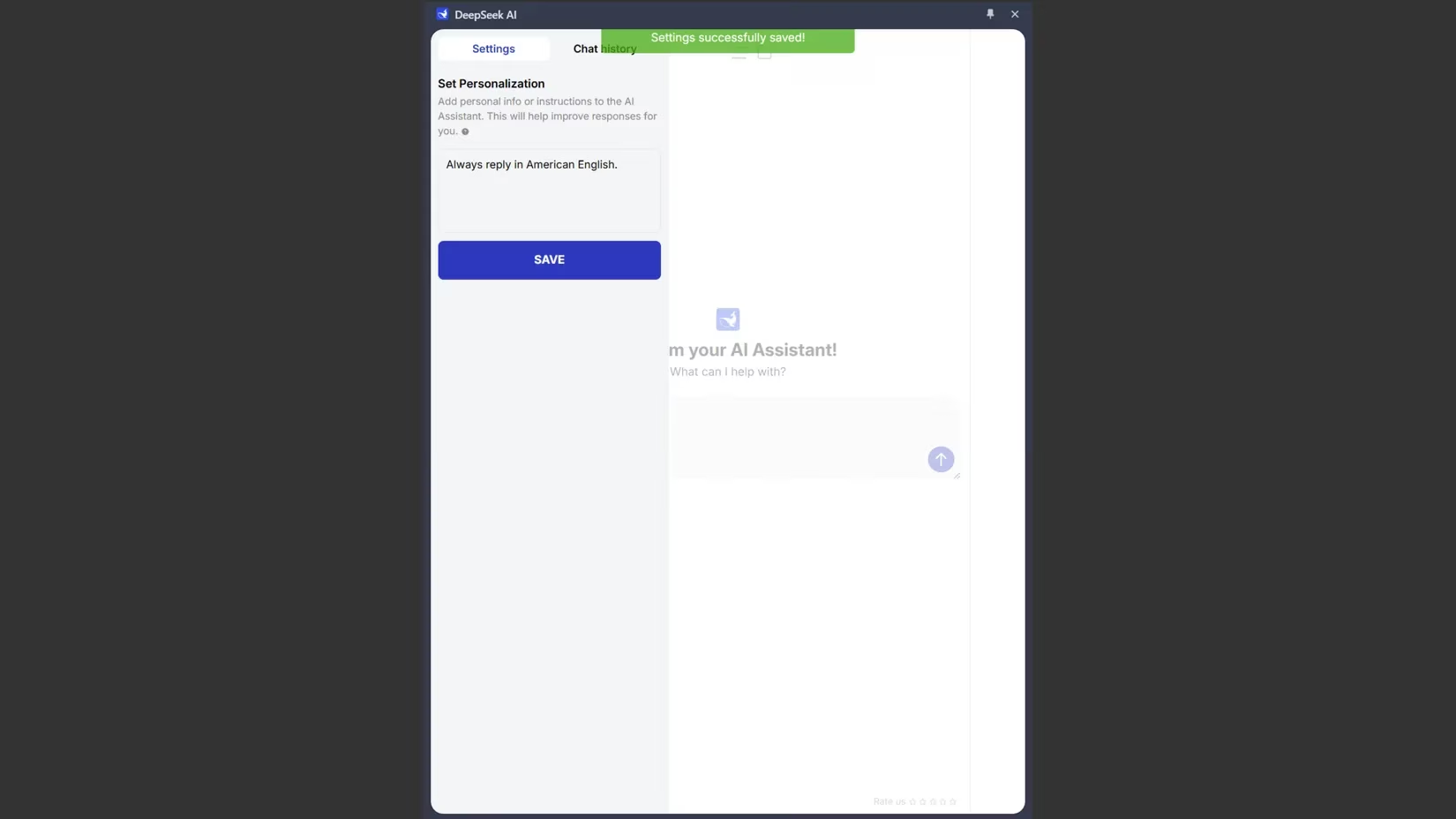
One feature that caught attention was personalization. Users can add personal information or instructions to guide DeepSeek's responses. For example, they can tell it to always reply in a specific language or writing style, similar to giving ChatGPT a personality. However, the implementation feels basic and underdeveloped. It is a nice idea that never quite leaves the driveway.
The most glaring limitations show up fast. There is no chat history preservation, so conversations vanish when the sidebar closes. More importantly, it cannot access or analyze web page content. That makes it far less useful for research or content summarization. The interface also nudges users to share the extension on social media to unlock all AI Assistant features. That feels like an unnecessary barrier. Overall, it functions more like a standalone chatbot than a true browser assistant.
2. The DeepSeek Web Wrapper: A Bookmark in Disguise 🔖
This extension does not function as an integrated browser extension. Clicking the icon opens a separate window of the DeepSeek web version. It is less a browser sidekick and more a bookmark with delusions of grandeur.
There are advantages. Users get the full DeepSeek AI chatbot on their PC, pinned to the taskbar. It runs DeepSeek V3, supports attachments, and can search the web. Responses are exactly what one would expect from DeepSeek. It also supports dark mode and keeps chat history, so users can pick up where they left off.
But calling it a browser extension is a stretch. What users get is a glorified shortcut to the DeepSeek website. The functionality is comprehensive, yet the lack of proper browser integration feels like a missed opportunity. The biggest drawback comes straight from the DeepSeek web platform: frequent 'server is busy, please try again later' messages. These interruptions happen during peak usage times, making the tool frustratingly unreliable when quick answers are needed.
3. fadelmalnab: Language Lover with a Tiny Free Leash 🌍
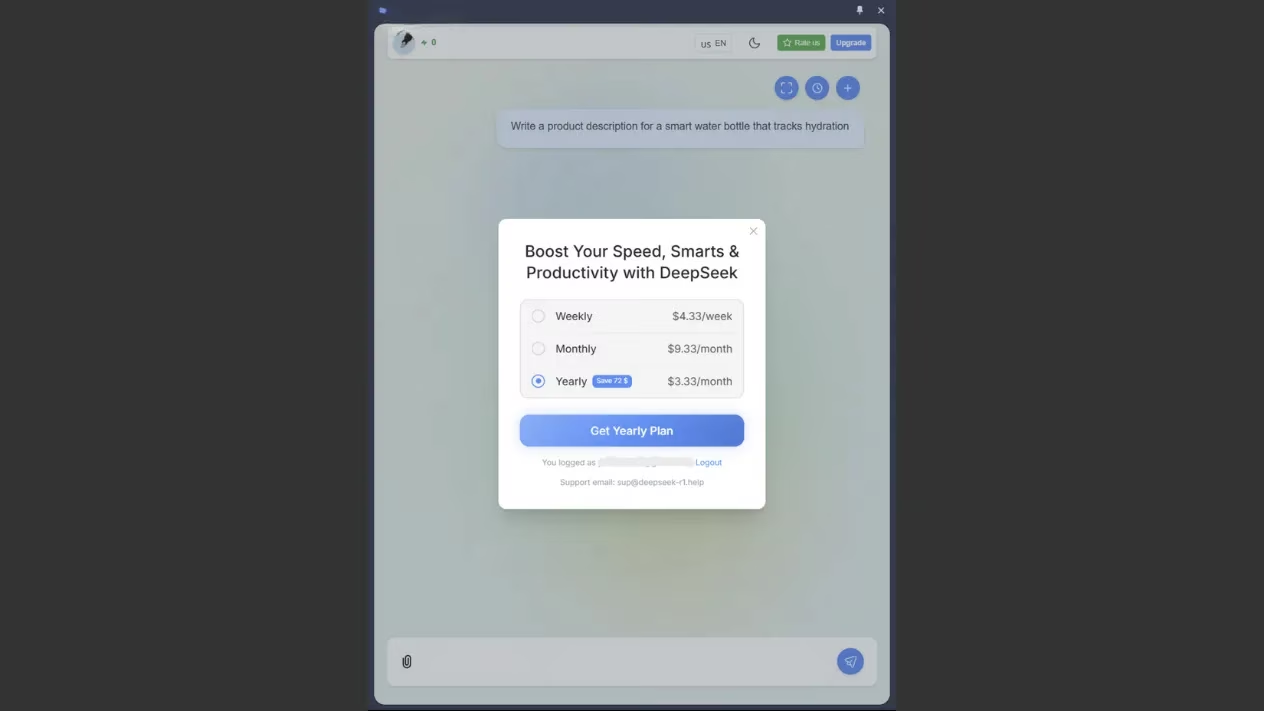
This DeepSeek Chrome extension promises an interactive UI. Several limitations become evident with use. The most restrictive issue is the five-query balance offered to free users. That is a shockingly low limit compared with other AI extensions.
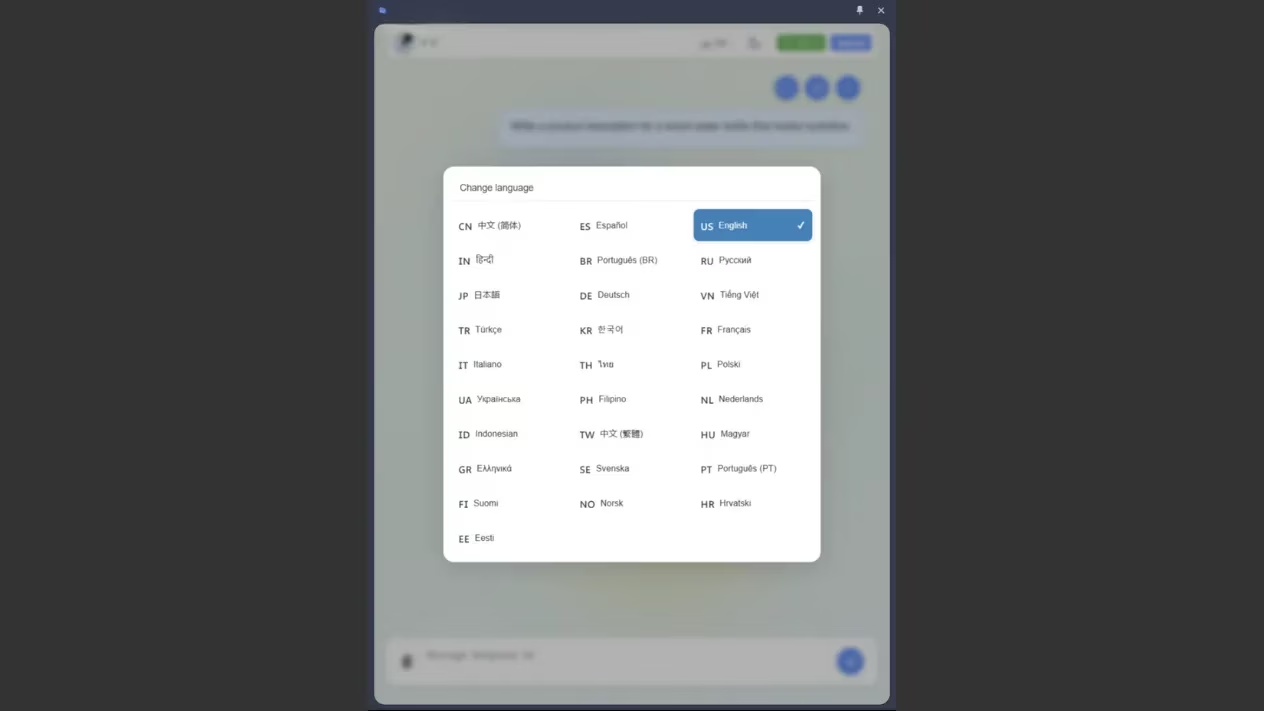
Like the first extension, this one lacks web page access. On a positive note, it preserves chat history and includes dark mode. It supports basic image uploads in .jpg, .jpeg, and .png formats. Its language support is impressive, with 28 different options, making it accessible to a global audience.
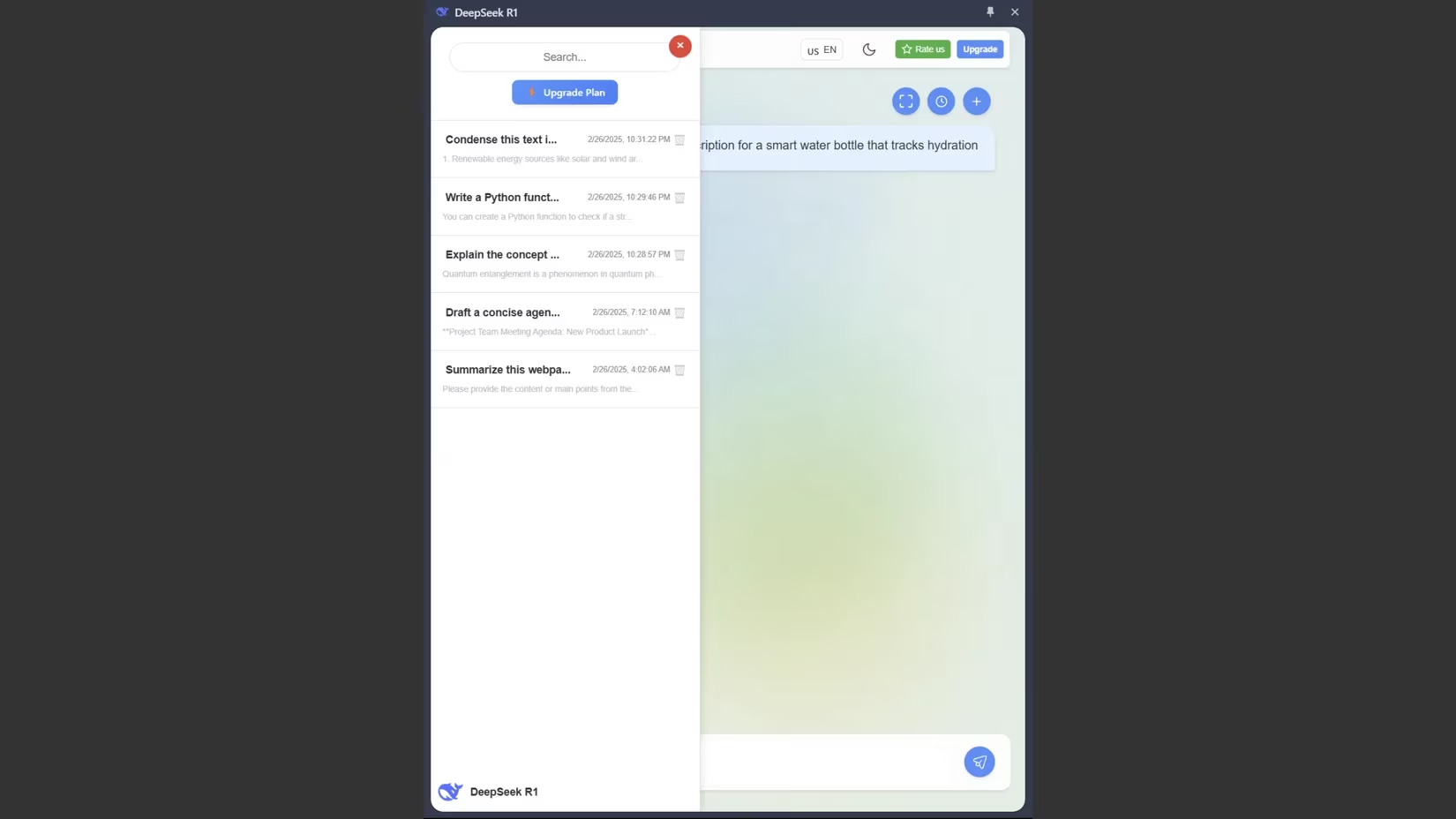
The core functionality focuses on coding tasks, concept explanations, text improvements, and code analysis. The reviewer received well-structured responses during testing. However, design flaws hurt readability. Text crowds against the borders, creating a cramped appearance. Curiously, while the extension prompts for upgrades, there is no clear indication of how many credits come with the paid plan. Potential subscribers are left in the dark about what they are buying.
4. DeepSeek Assistant: The Swiss Army Knife That Almost Nails It 🏆
Many free AI chatbots with Chrome extensions focus solely on the sidebar interface. DeepSeek Assistant stands out because it has a traditional sidebar for chat and a context-aware minibar that appears when text is highlighted on web pages.
Despite better functionality, this extension still cannot access or summarize web pages directly from its side panel. When asked to analyze a web page, it responded with a generic guess about what the article might contain based only on the URL. That is a templated response, not real analysis.
The extension handled prompts related to coding, writing, and summarization. Its responses were consistently well-structured and more detailed. The highlight-activated minibar is the real star. When text is selected on any web page, it shows several options: translate, summarize, paraphrase, expand, check grammar, explain, and go to chat. Except for the translation option, these contextual tools worked well and proved genuinely helpful.
This extension also allows model selection between DeepSeek V3 and R1, which provides flexibility. It integrates with Google Search and displays a widget similar to Google Gemini to provide answers directly in search results. Limitations remain: the extension does not accept file attachments, and 'API timed out' errors occasionally appear during busy periods. Even so, it is the closest thing to a proper browser assistant in this lineup.
5. supaeasy: Bare-Bones and Blunt 🦴
The final extension is perhaps the most basic of all. It claims to run on the DeepSeek R1 model, but users cannot switch to DeepSeek V3. The interface is minimalist, offering little more than a text input box and a response area.
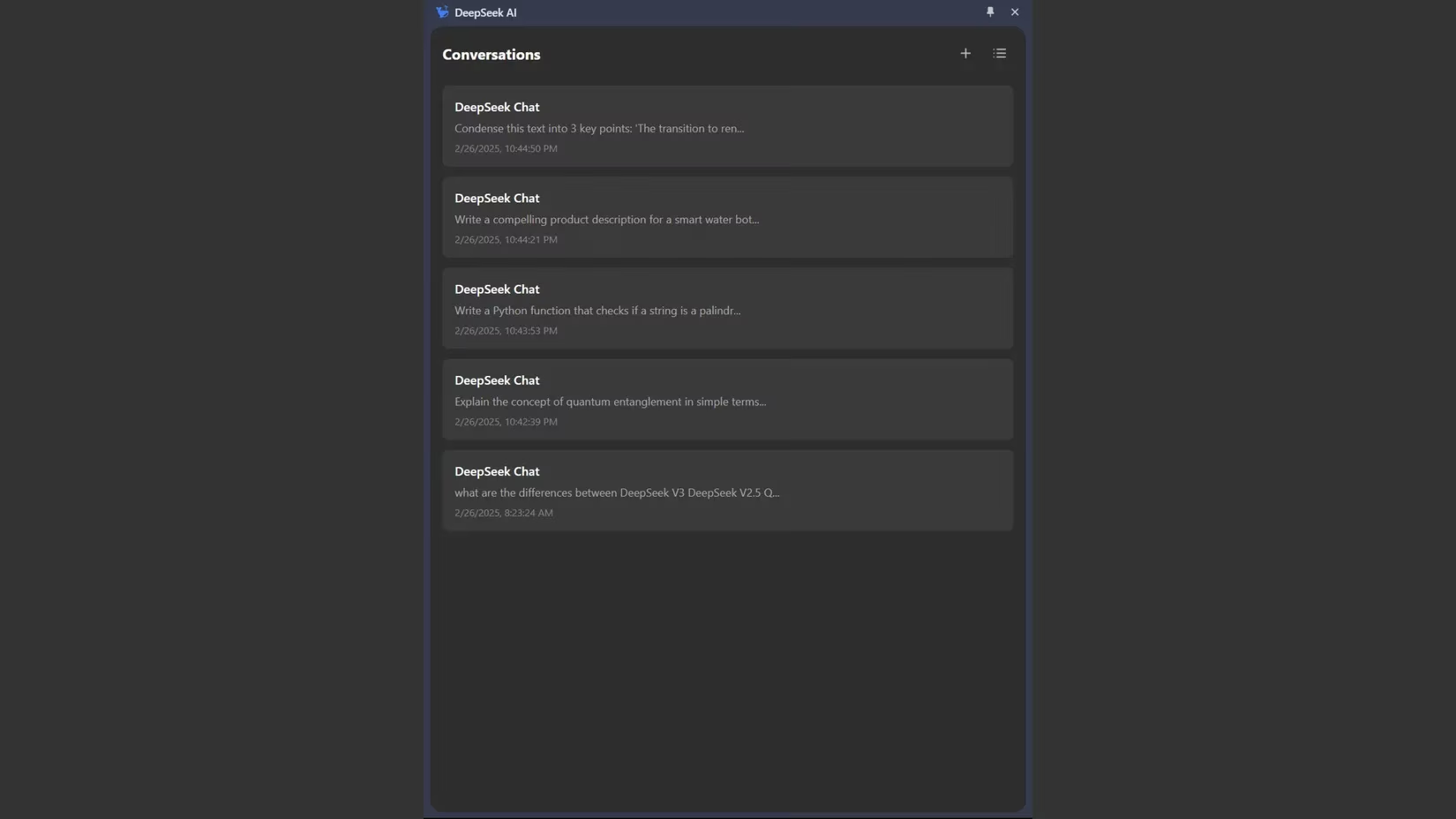
Like most of its counterparts, it completely lacks web page browsing capabilities. It cannot access or analyze the content being viewed in the browser. On the bright side, it gave the shortest and quickest responses to prompts. It maintains conversation history, allowing users to reference previous exchanges.
However, the absence of file attachment support and web page integration limits its practical applications. It functions more as a basic DeepSeek API wrapper than a full-featured browser assistant. The extension also tends to cut off long responses mid-sentence. It appears to have a word limit, sometimes resulting in incomplete explanations. That makes it unreliable for anything beyond the most basic queries.
The Verdict: DeepSeek Assistant Takes the Crown 👑
After thoroughly testing all five DeepSeek Chrome extensions, the reviewer found DeepSeek Assistant the most useful. Its highlight-activated minibar is a helpful tool that integrates with everyday browsing. It provides functionality that improves productivity.
None of these extensions offer perfect web page integration. DeepSeek Assistant comes closest with its contextual tools and search widget integration. The reviewer continued using it after testing. It is also a great reason to keep using DeepSeek despite its privacy and censorship issues.
For users who want a no-frills quick chat, supaeasy might do the trick. For those who need 28 languages, fadelmalnab has appeal. For anyone who wants the full DeepSeek web app in a separate window, the wrapper gets the job done. But for a true browser assistant in 2026, DeepSeek Assistant is the go-to pick. It does not bat a thousand, but it gets more things right than the rest of the pack.