
Back in 2025, my Netflix evenings had become a ritual of disappointment. I’d collapse onto the couch after a long day, fire up the browser, and then… stare. For twenty minutes. Sometimes forty. The endless carousel of thumbnails felt less like a library of entertainment and more like a psychological experiment designed to induce paralysis. The built-in recommendations, which I can only assume were powered by a hyperactive hamster on a wheel, kept pushing shows I’d watched for ten minutes three years ago. It was like the platform knew my past but completely misunderstood my soul. I was drowning in content, yet starving for something good.
One night, after a particularly brutal bout of decision fatigue, I vented to a friend. “Netflix just gets me wrong,” I groaned. He laughed and mentioned this tiny browser extension called Trim. “It’s like a no-nonsense friend who sits on your shoulder and whispers the real story behind every title,” he said. Intrigued—and frankly, desperate—I installed it right then.
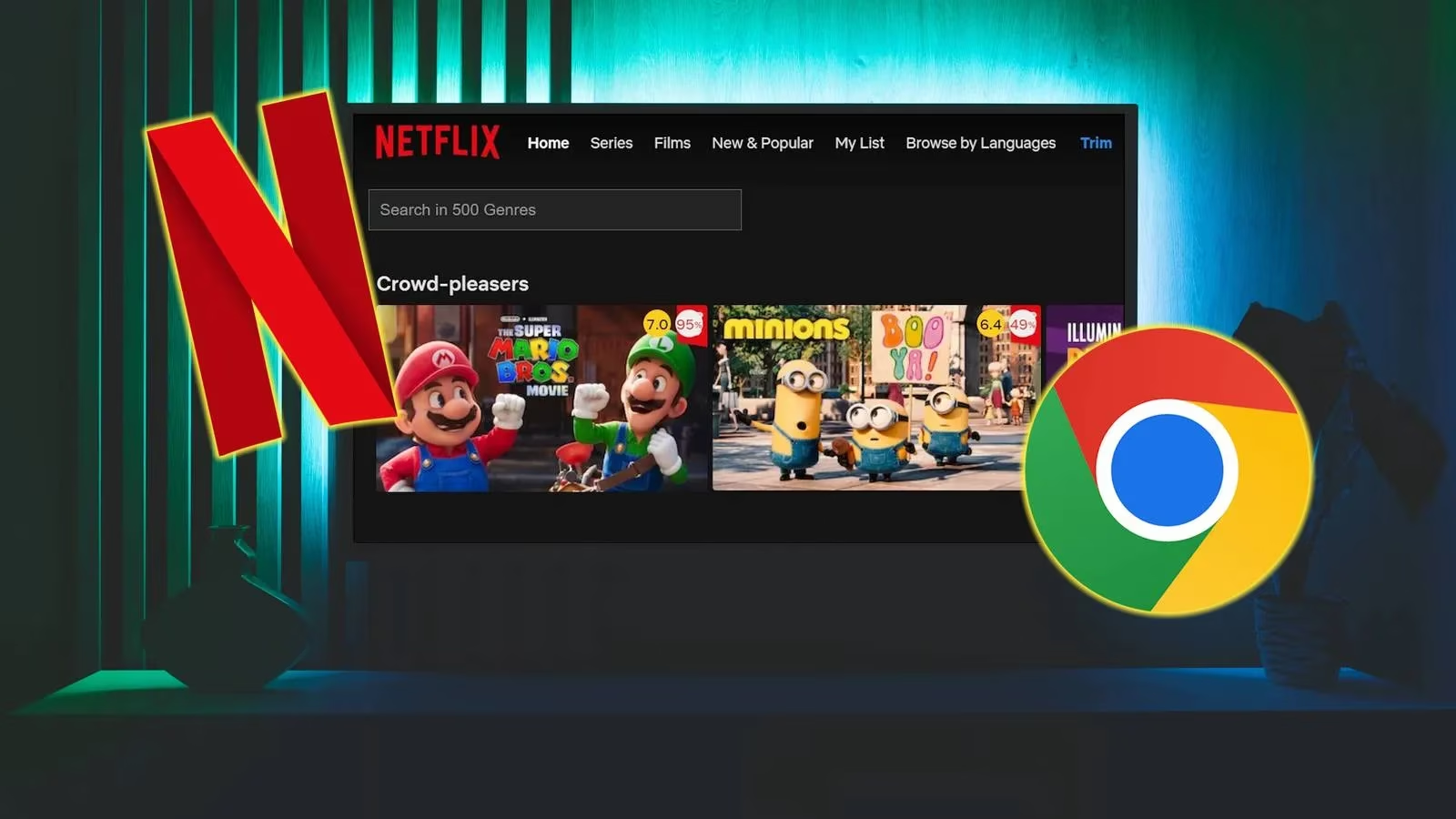
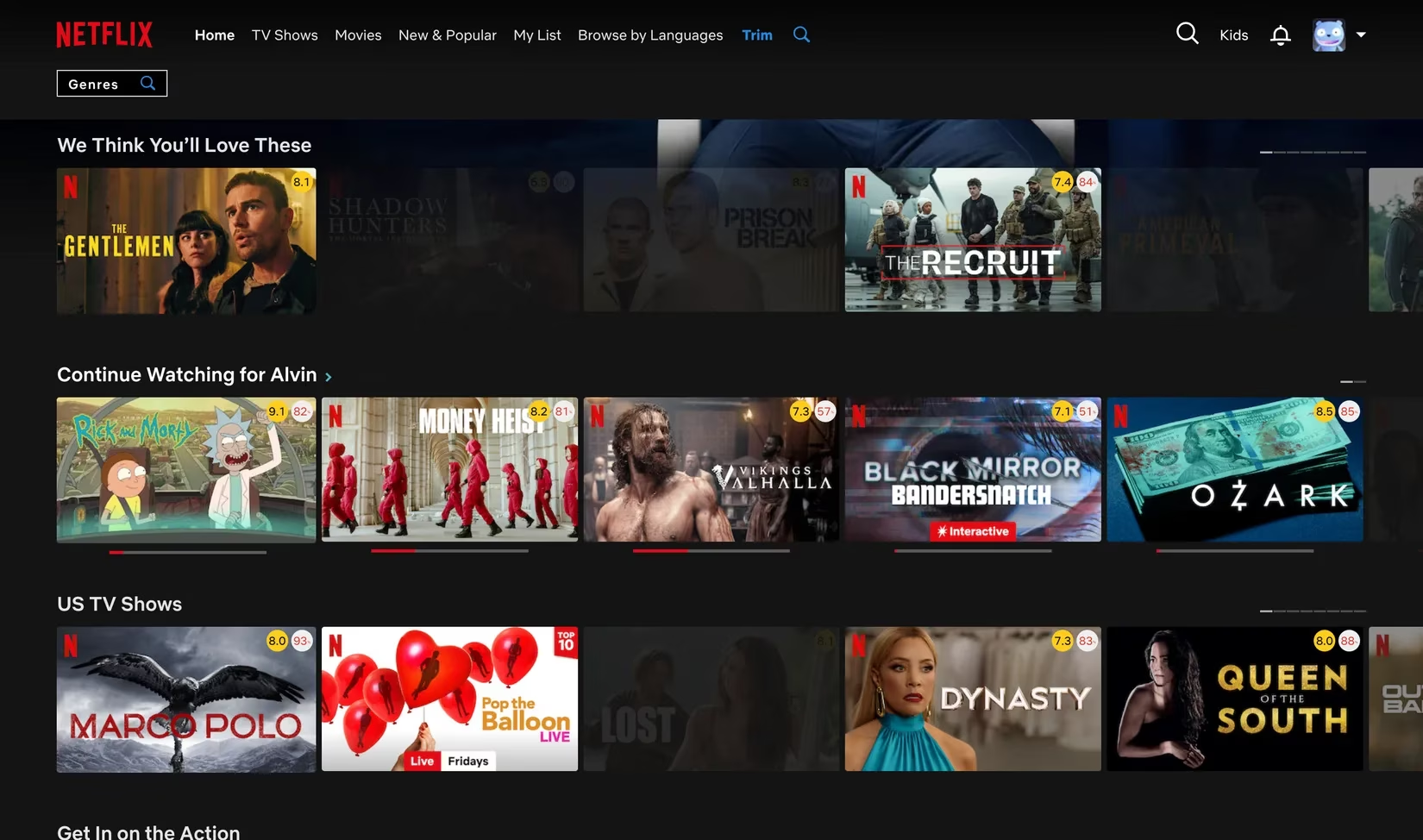
The installation took seconds. I wish I could say I was prepared for what happened next, but I’d be lying. When I reloaded Netflix, the familiar thumbnail grid had… changed. It was as if the platform had put on a pair of glasses for the first time. Right there, on every single title, were the IMDb and Rotten Tomatoes audience scores, nestled neatly in the corner like little badges of honor—or warning labels. I literally gasped. For over a decade I’d been juggling tabs, checking review sites, and second-guessing my choices. Now the truth was just there, brave and unblinking.
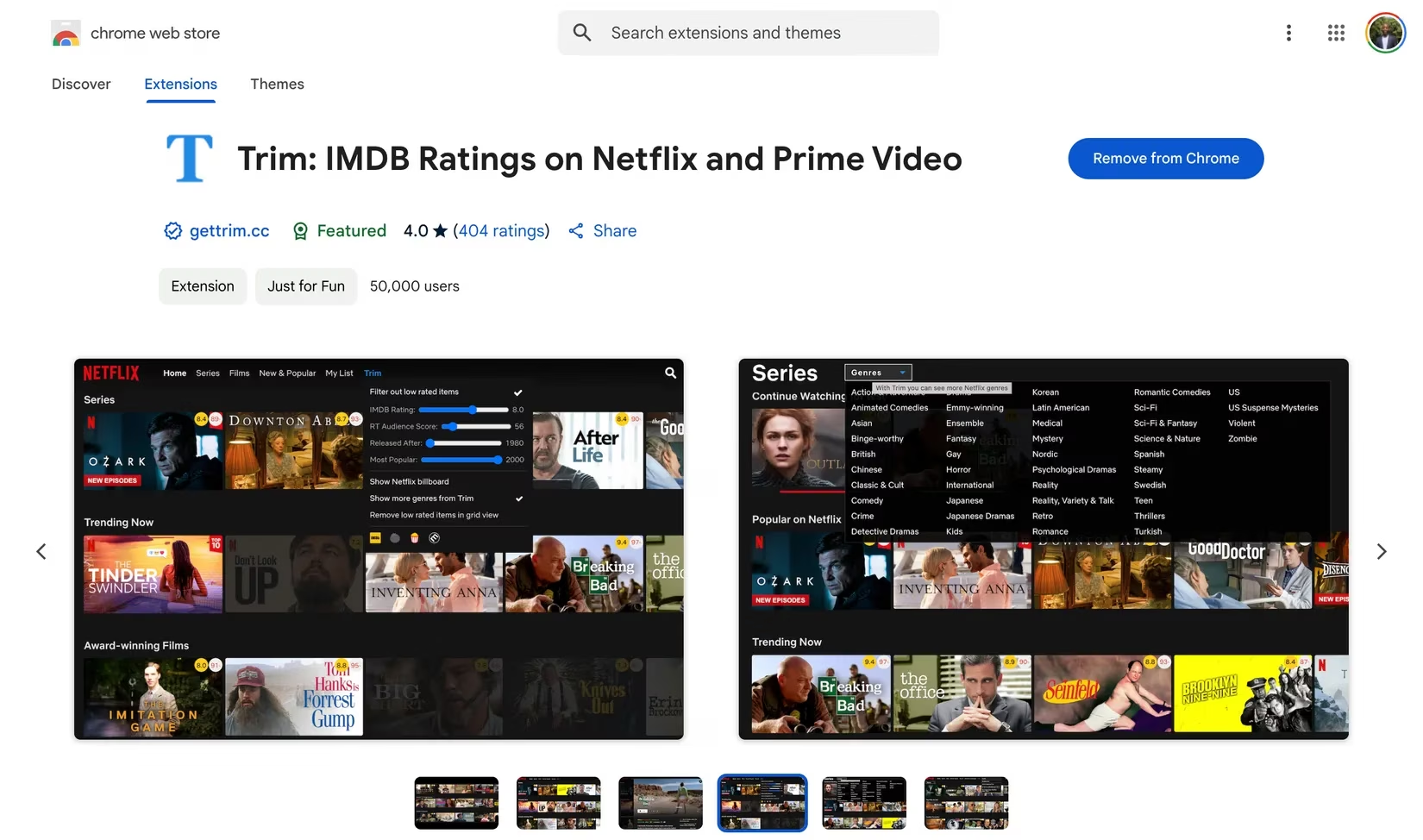
What I love about Trim is that it doesn’t scream for attention. It’s quiet and subtle, like a librarian whose authority you trust immediately. By default, it displays the Rotten Tomatoes audience score rather than the critic Tomatometer, which, honestly, is the only one that matters when you just want to know if real people hated it or loved it. But if you’re the type who wants both the critic and audience vibe, you can toggle that on with a couple of clicks. No fuss.
The first thing I did was test its fade‑out feature, and that’s when the magic truly melted my cynicism. I set a threshold: any title with an IMDb rating below 6.0 or a Rotten Tomatoes audience score under 50% would gently fade into the background. Boom—half the grid dimmed as if someone had finally pulled the curtain back on all the filler. What remained practically glowed. Binge‑worthy gems I’d scrolled past a hundred times suddenly stood tall, their ratings giving them the spotlight they deserved. I could even fade out older titles by release year so I’d only see what was fresh. Let me tell you, hearing my own sigh of relief echo in the room was… something else. Gone was the anxiety of accidentally wasting two hours on a 3.4‑rated disaster.
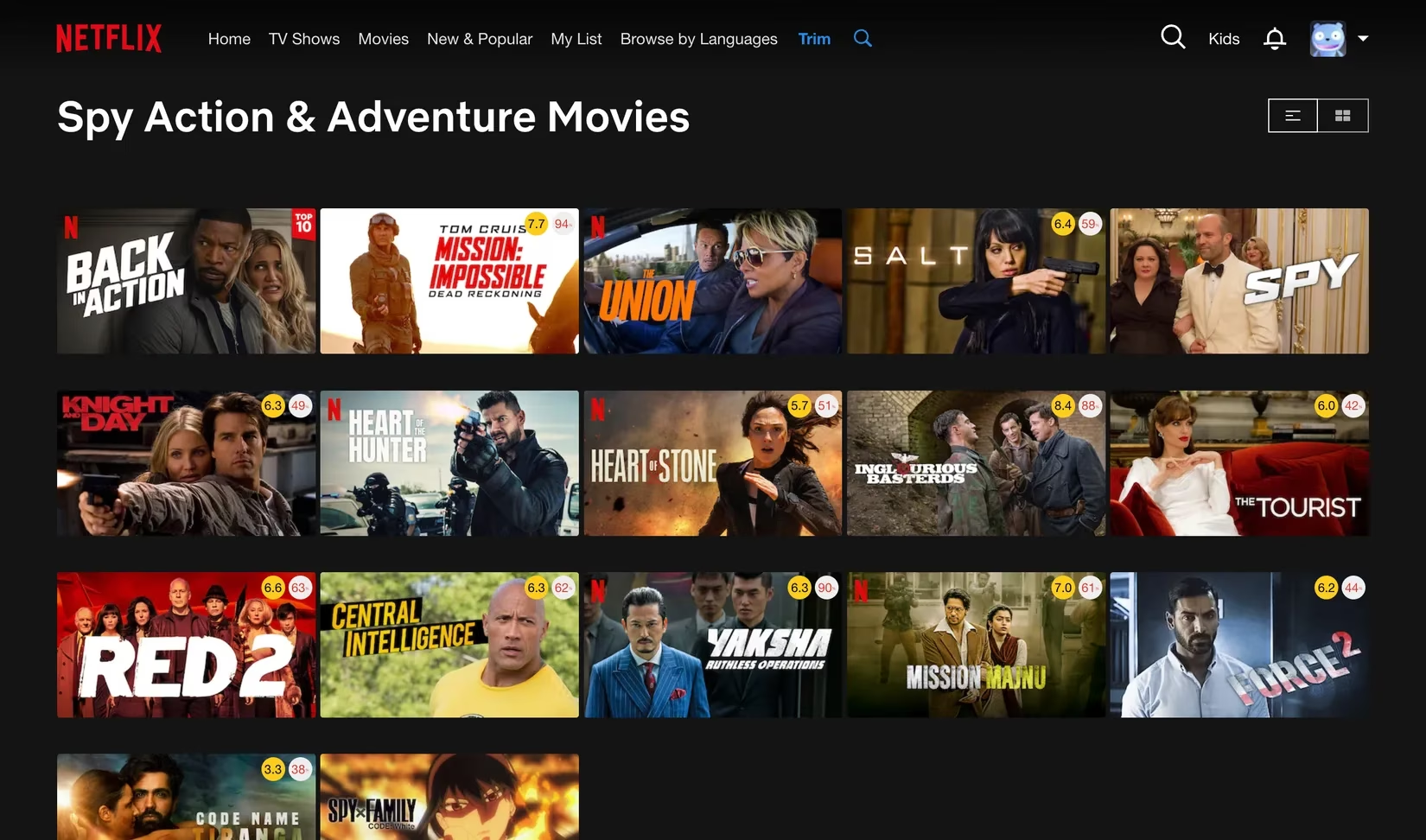
Trim also gave me two features I didn’t know I was starving for: instant search and hidden genres. Netflix’s native search always felt… sluggish, like asking a sleepy intern to rummage through a dusty archive. Trim’s search is blazingly fast and stays right there in a modal under the bar, showing results as you type, no page reloads, no drama. And the hidden genres? Oh, buddy. I never realized how badly I wanted to browse “Spy Action & Adventure” movies specifically until I could. It’s like unlocking a secret wing of the library.
By 2026, Trim has become my indispensable streaming sidekick—and it doesn’t stop at Netflix. I’ve used it on Amazon Prime Video and Disney+ too, though a few features are only supported on some platforms. Still, the core magic—those humble little rating badges—follows me everywhere. Picture‑in‑picture mode, auto‑skip intros, keyboard shortcuts for playback speed… these aren’t futuristic asks. They’re basic courtesies, and Trim delivers them with the kind of quiet confidence that makes you wonder why the big‑budget platforms never bothered.
What struck me most, reflecting on the last year, is how a browser extension no bigger than a postage stamp reshaped my entire relationship with streaming. It turned a chore back into a treat. These days I spend maybe three minutes choosing what to watch, and then I just… watch. No tab‑hopping, no regret‑sinking. Just me, my remote, and a little digital guru who’s never impressed by hype. If you’ve ever felt personally attacked by an algorithm that thinks you’re still the same person who watched that one reality show at 2 AM, do yourself a favor and invite Trim into your life. It won’t make you coffee, but it’ll clear the noise so you can finally hear the stories worth hearing.
Data referenced from The Verge - Gaming helps frame why small, user-first overlays can feel transformative: when platforms prioritize engagement loops over clarity, even simple signals—like visible ratings, faster search, and filter thresholds—act like “decision friction” reducers that restore a sense of control, much like Trim does by surfacing trust cues and fading low-quality options directly inside the browsing grid.