
For what felt like an eternity, I was a digital prisoner of my own making, shackled to Google Chrome not by preference, but by the sheer weight of my meticulously curated bookmark library. The thought of manually migrating hundreds of links, preserving complex folder hierarchies, and battling duplicates across Firefox, Edge, or Brave was a nightmare I wasn't willing to face. My workflow was held hostage by bookmarks—talk about being stuck between a rock and a hard place! That all changed in 2026 when I discovered Floccus, a free and open-source tool that didn't just solve my problem; it fundamentally changed how I interact with the web. This is the story of how I finally broke free.
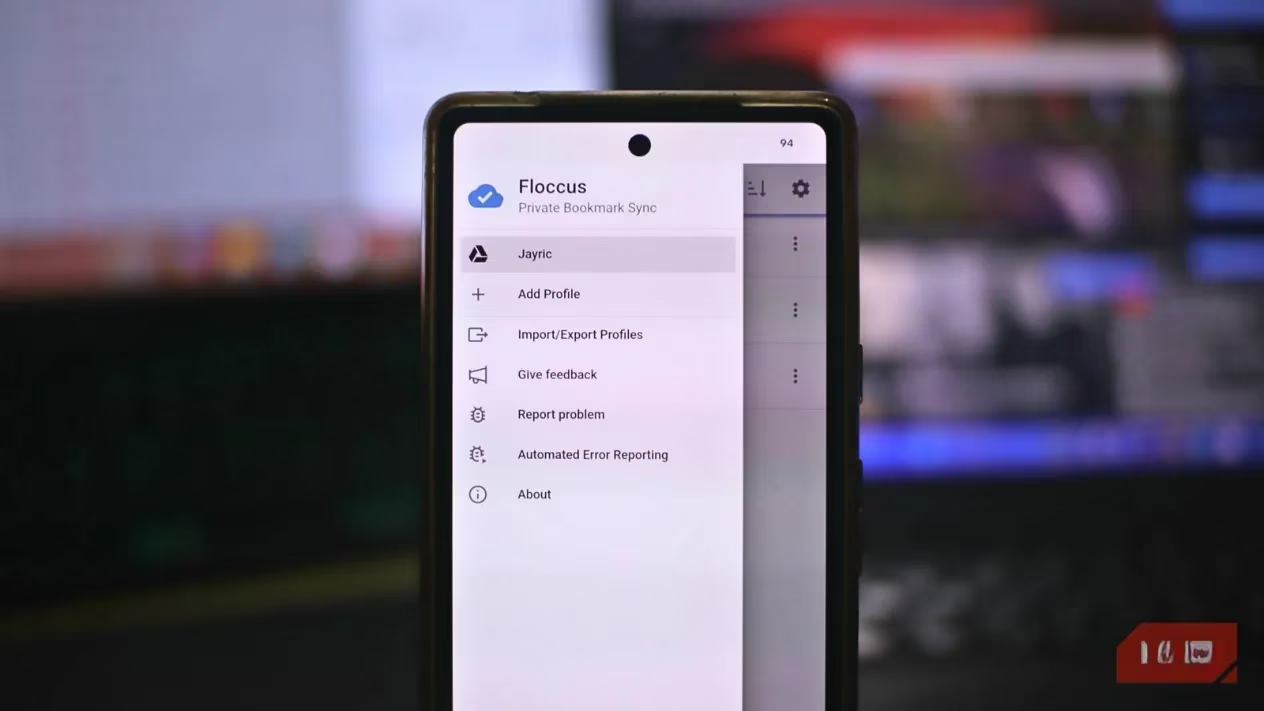
The Setup: My Multi-Device, Multi-Browser Reality
My daily tech arsenal is, frankly, a bit of a mess—but it's my mess. I have a powerhouse desktop PC where Chrome reigns supreme for heavy-duty work projects. My trusty laptop dual-boots Chrome and Microsoft Edge; the former for writing and research, the latter for when I need to tap into some of its unique features like better battery efficiency or built-in tools. And of course, my Android smartphone is always within arm's reach for quick lookups. The dream was simple: one unified, up-to-date bookmark system across all of them. I chose the path of least resistance for testing, using Google Drive as my cloud storage backend. The beauty of Floccus is its agnosticism—you can use Nextcloud, WebDAV, or a local file, but Google Drive was my 'let's see if this actually works' choice.
The setup process was, in a word, straightforward. No rocket science here.
-
Mobile First: I grabbed the Floccus app from the Google Play Store. The app guided me through a simple configuration wizard.
-
Cloud & Config: I selected 'Google Drive,' gave my sync profile a name (I went with 'PrimaryBookmarks'), and authorized access.
-
Security First: I enabled end-to-end encryption with a strong passphrase. This means my data is encrypted before it ever touches Google's servers—a major privacy win!
-
Sync Cadence: I set the automatic synchronization interval to a brisk five minutes.
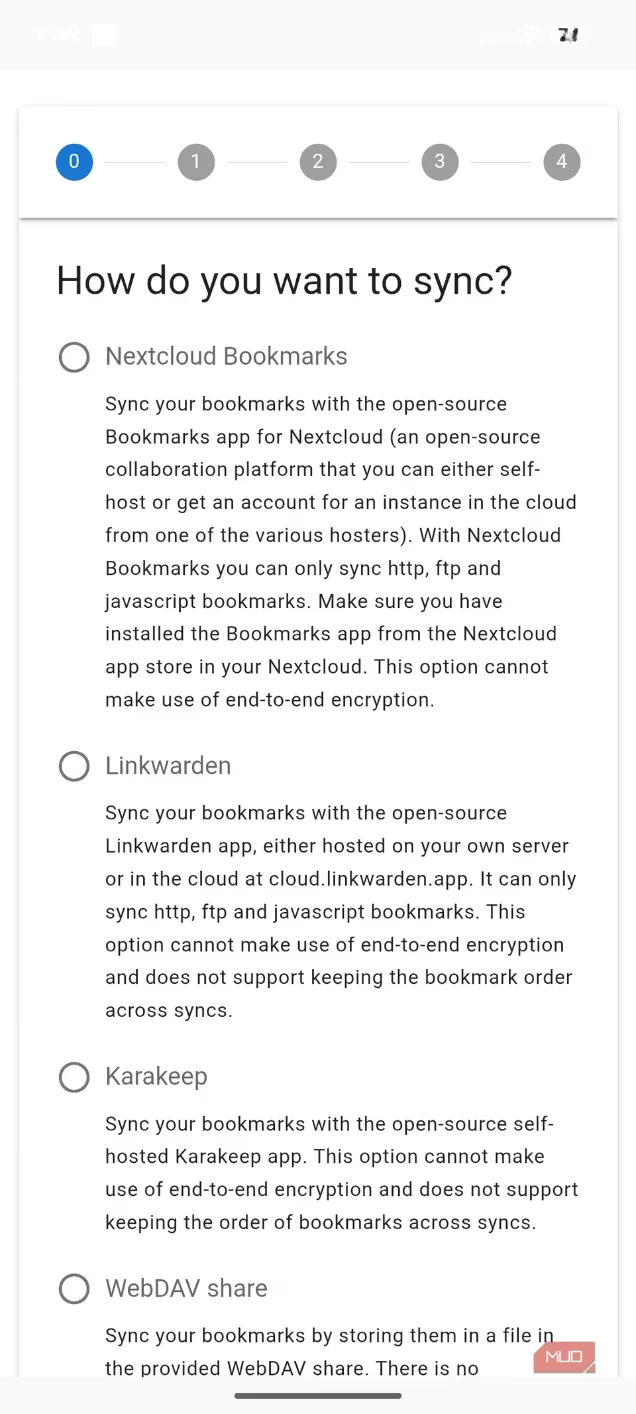
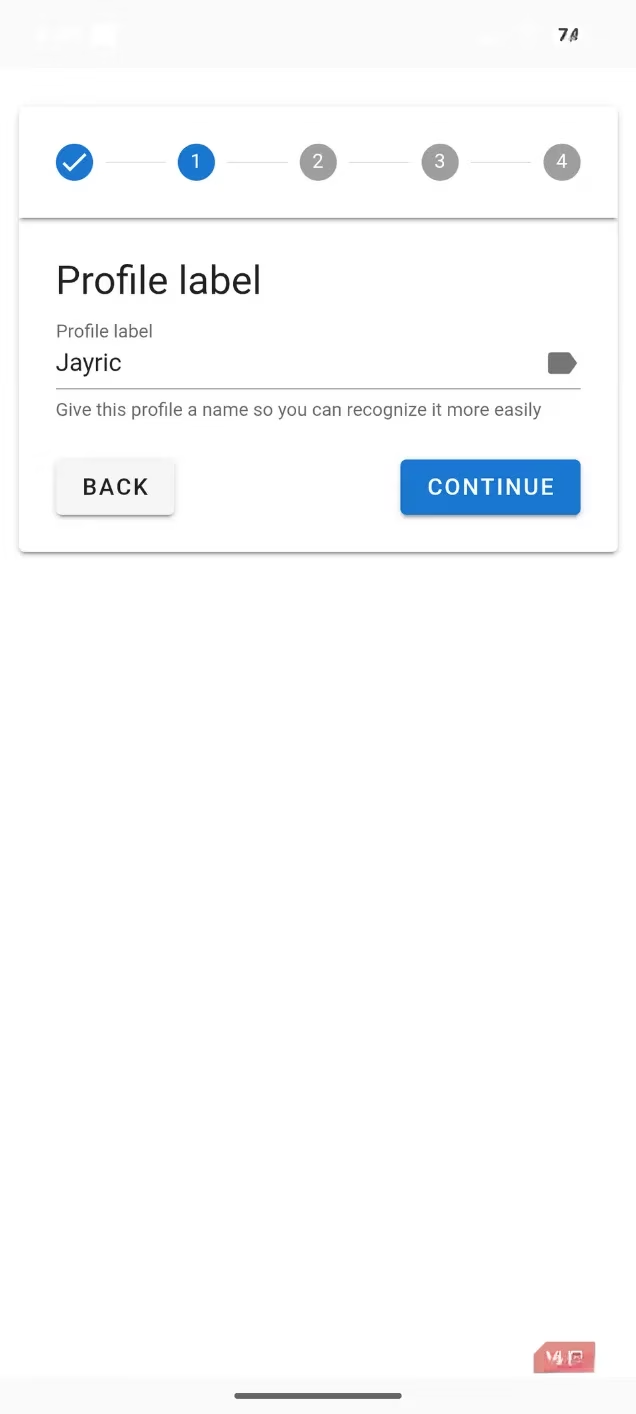
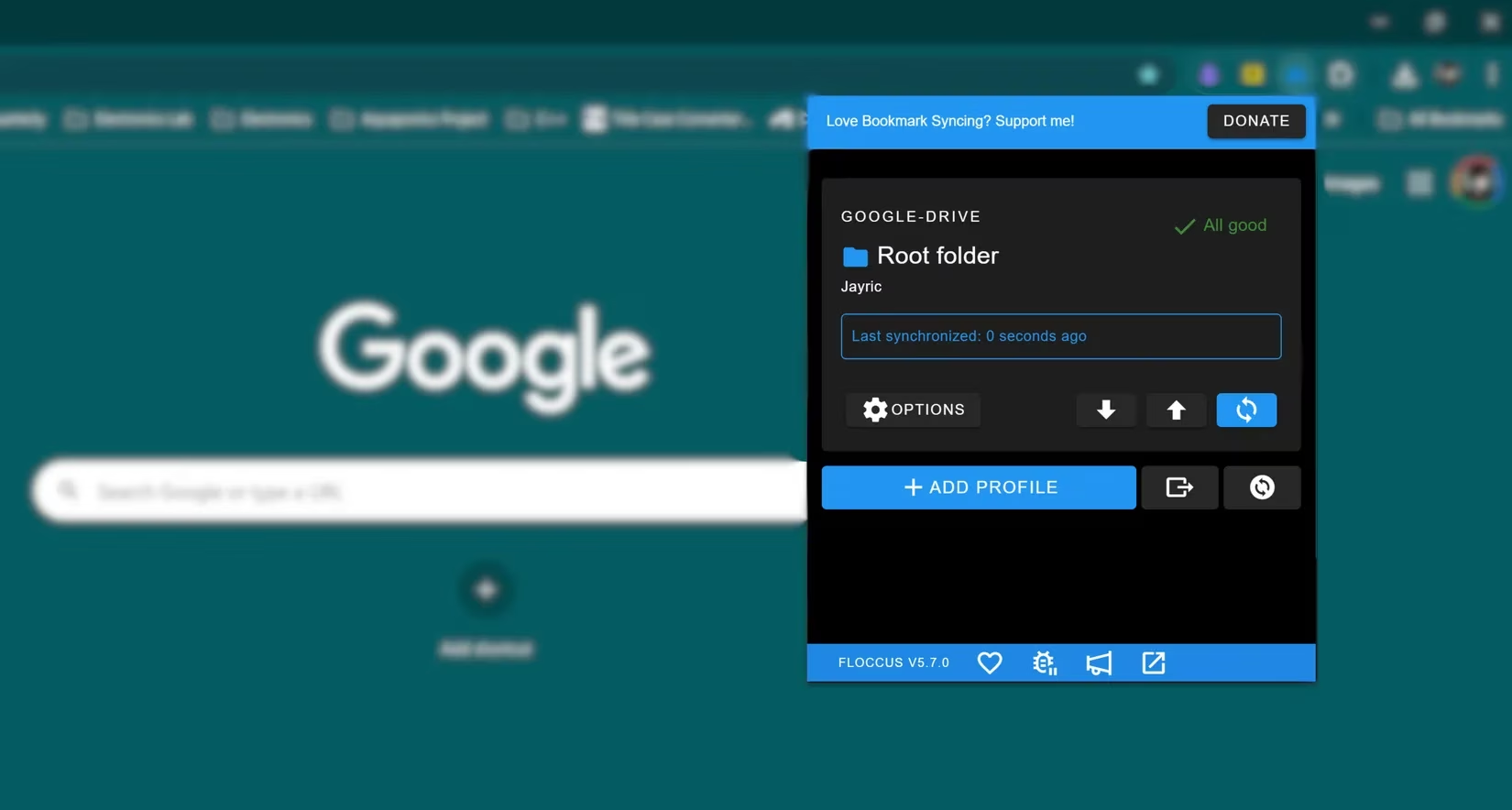
Repeating this process for the Floccus browser extension on my desktop Chrome and laptop Edge was a carbon copy of the mobile setup. The only slightly tedious part was doing it on three devices, but hey, a small price to pay for liberation!
The Magic Moment: When Everything Just Worked
Once configured, the magic happened almost instantly. I added a bookmark in Chrome on my desktop under a folder named 2026_Project_Research, and within minutes, it appeared in the identically named folder in Edge on my laptop. My entire structure—Projects/, Tech_Articles/, Resources/, Fun/—remained perfectly intact. No broken hierarchies, no mysterious duplicates. It was like watching a well-rehearsed symphony. The five-minute auto-sync is great for set-and-forget peace of mind, but I love that I can trigger a manual sync anytime with a single click on the extension icon. No more 'Is it synced yet?' anxiety.
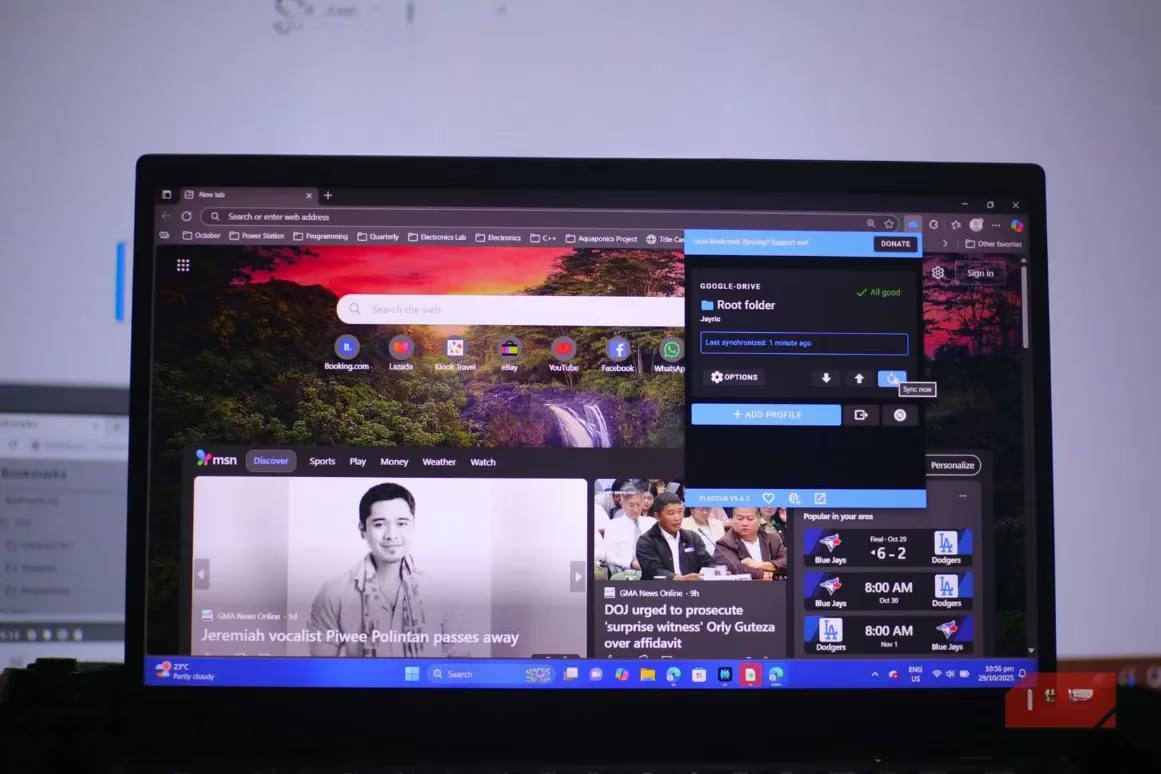
Features That Blew My Mind (Seriously!)
Beyond the basic sync, several features made me a true believer:
-
Flawless Conflict Resolution: I deliberately added the same bookmark on two different devices at nearly the same time. Floccus handled it intelligently, merging the data without creating a duplicate. This is the kind of polish you don't always see in free tools.
-
Android App Excellence: The standalone Floccus app on my phone is slick. It has a clean interface, lightning-fast search, and integrates seamlessly to open links directly in Chrome Mobile. It's my go-to bookmark manager on the go.
-
Privacy by Design: Even though my data sits on Google Drive, the end-to-end encryption option is a game-changer. Google only sees encrypted gibberish. My bookmark habits remain my business.
-
True Browser Agnosticism: This is the killer feature. I can now choose my browser based on the task at hand. Need a feature only Edge has? No problem, all my bookmarks are there. Want to test the latest Firefox beta? Go for it. The power is back in my hands.
The Reality Check: It's Not All Sunshine and Rainbows (But Close)
Let's keep it 100—Floccus has its limitations, and they mostly orbit the Apple universe.
| Browser/Platform | Floccus Support Status | Workaround / Note |
|---|---|---|
| Safari (macOS/iOS) | ❌ Not Supported | Apple's extension API locks it out. iOS app requires a one-time $1.99 fee. |
| Firefox for Android | ⚠️ Limited | Can't use extension in-browser. Must use the standalone Floccus app. |
| Chrome, Edge, Firefox (Desktop) | ✅ Full Support | Works flawlessly with the browser extension. |
| Chrome for Android | ✅ Full Support | Excellent integration with the mobile app. |
For Safari die-hards, this is a dealbreaker. You're locked out unless you're willing to switch browsers on your Apple devices. For Firefox Android users, it's a minor inconvenience—you just use the app instead of the browser extension. For everyone else in the Windows, Linux, and Android worlds, it's smooth sailing.
The Verdict: Why This Open-Source Gem is a Game-Changer
In 2026, where digital flexibility is paramount, Floccus has been nothing short of revolutionary for my workflow. It's one of the most underrated open-source projects out there—a true hidden gem. It took a process that was formerly a massive headache and made it utterly effortless.
Here’s my bottom line: If you've ever felt 'stuck' with a browser because moving your bookmarks is too much of a hassle, you owe it to yourself to try Floccus. It's free (except for that tiny iOS fee), it's open-source, it respects your privacy, and it just works. It gave me back the freedom to browse on my own terms. After years of being a reluctant Chrome loyalist, I can finally say: my bookmarks work for me, not the other way around. That's a win in my book. ✨