
Ugh, those cookie pop-ups are the absolute worst! 😩 Every time I browse the web, I'm bombarded with those pesky boxes demanding my attention, forcing me to click 'accept' or 'decline' just to see the content I want. It's supposed to protect my privacy, but honestly, it feels like a never-ending game of whack-a-mole. I've had enough, and in 2025, I finally found a game-changer: Consent-O-Matic, a privacy-focused Chrome extension that automates the whole mess. Let me share how this tool transformed my online life—no more interruptions, just pure browsing bliss.
Why I Ditched "I Don't Care About Cookies"
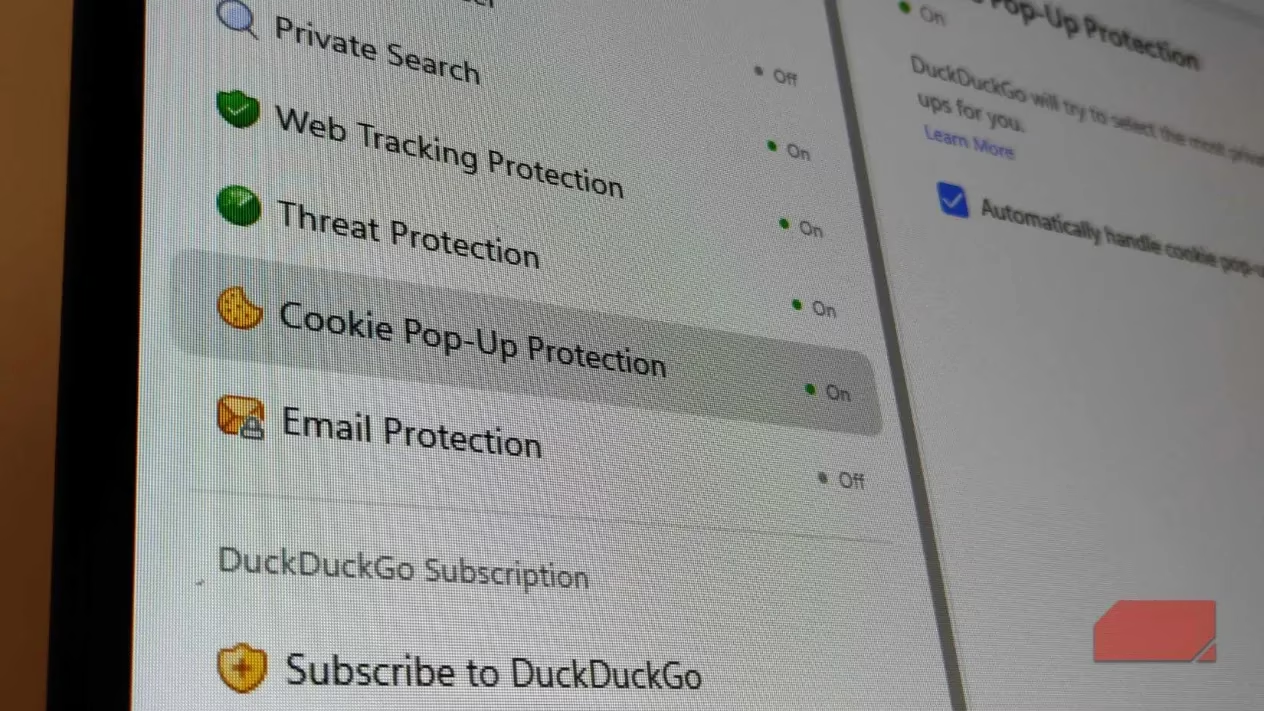
I used to rely on another extension called "I don't care about cookies" to handle these pop-ups. At first, it seemed handy—it made the screens disappear quickly. But here's the catch: it didn't care about my privacy at all! Instead of declining cookies, it would just accept everything to get rid of the annoyance. That meant my data was still being tracked left and right. I realized this wasn't protecting me; it was just sweeping the problem under the rug. After a while, I uninstalled it because I wanted real control over my online footprint. Privacy should be a priority, not an afterthought.
Discovering Consent-O-Matic: A Privacy-First Approach
Enter Consent-O-Matic—this extension is a total lifesaver! 🔒 Unlike my old tool, it's designed with privacy at its core. It automatically recognizes and handles cookie pop-ups from major providers across the web. Did you know many websites outsource these to comply with regulations like GDPR or CCPA? Consent-O-Matic knows them all and steps in to make smart decisions for me. If it can't figure out the best option right away, it always defaults to the most privacy-preserving choice. That means rejecting all tracking by default. I installed it in seconds from the Chrome store, and boom—no more pop-ups ruining my flow. It's like having a personal bodyguard for my data!
Configuring for Maximum Privacy: My Settings Guide
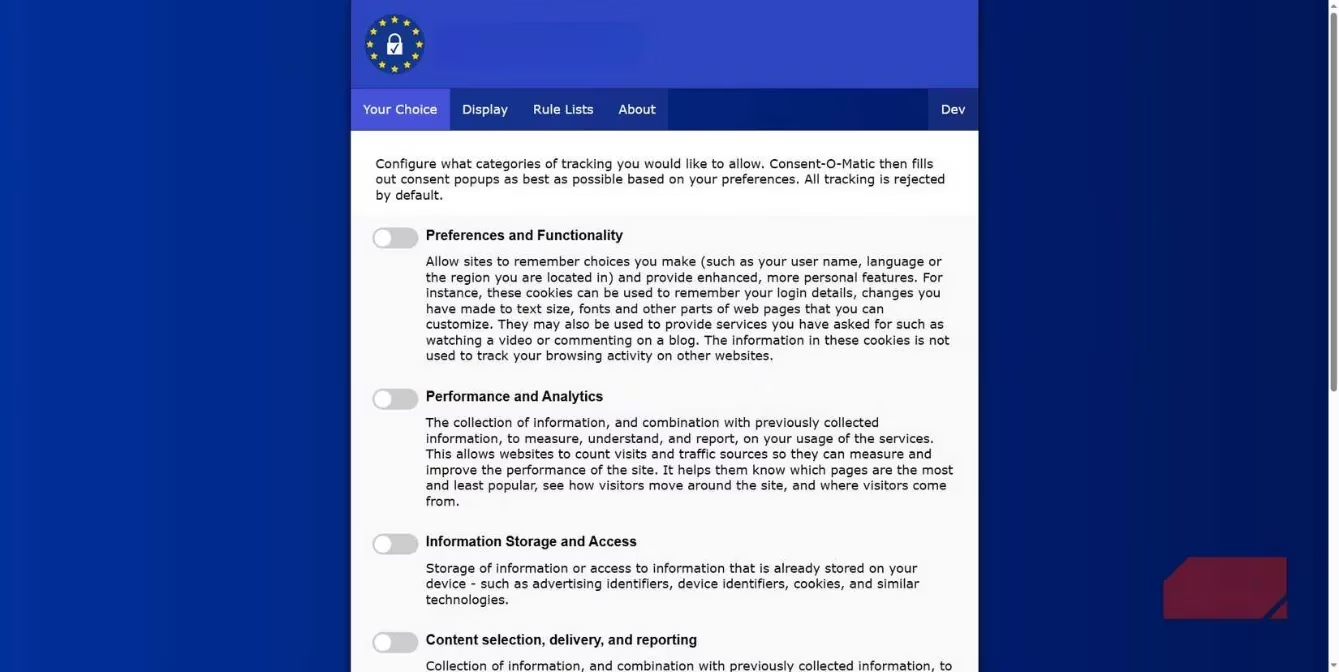
One of the best parts is how customizable it is. I can tweak the settings to match my preferences, ensuring I'm not sacrificing privacy for convenience. Here's a quick rundown of the key options I use, all accessible from the extension menu:
-
Preferences and functionality: I leave this unchecked to block sites from remembering personal details like my name or region—no need for that! 🙅♀️
-
Performance and analytics: Unchecked too; I don't want any usage data collected about me.
-
Information storage and access: This includes cookies and identifiers, so I keep it off to prevent storage on my device.
-
Content selection, delivery, and reporting: Nope, not allowing this—it combines info for targeted content, which feels invasive.
-
Ad selection, delivery, and reporting: Definitely unchecked! I hate personalized ads, so this stops any ad-related data collection.
-
Other purposes: I skip this category as well; it covers any leftover data grabs.
By leaving all these unchecked, Consent-O-Matic works hard to decline every cookie it encounters. It's so easy to set up—just a few clicks, and I'm protected. This flexibility is why I trust it more than any other tool out there.
Custom Rules: For the Tech-Savvy Users
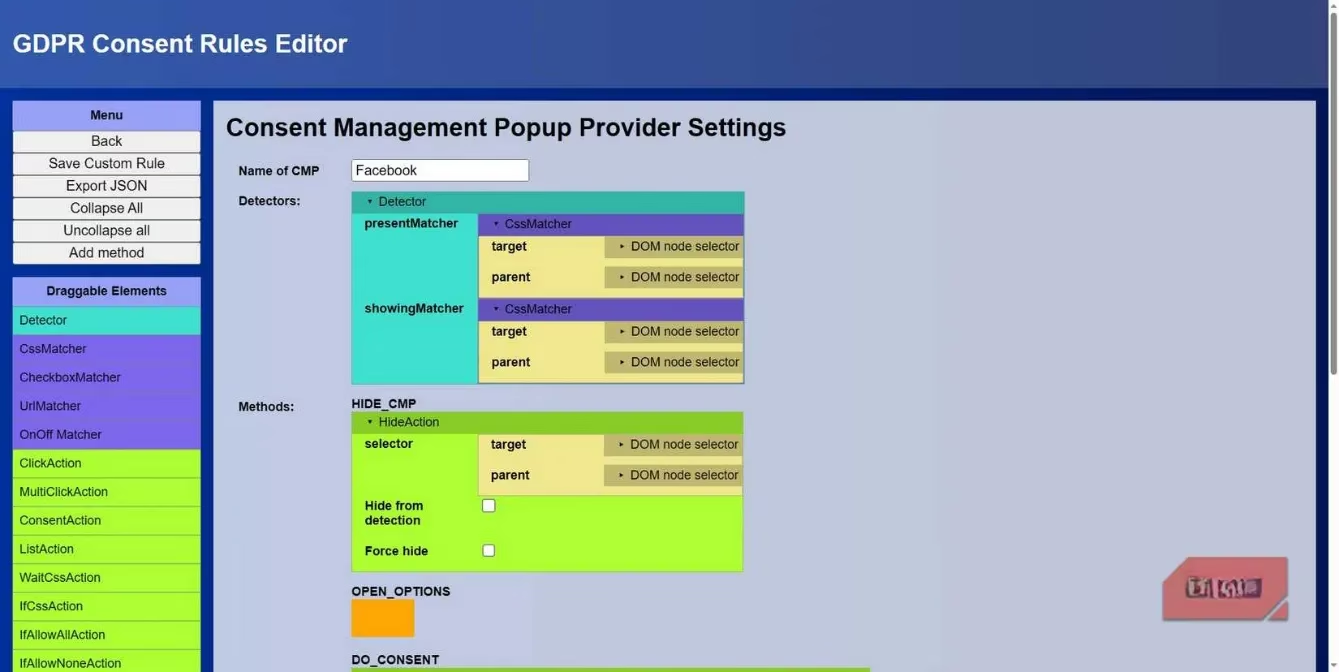
If you're like me and want even more control, Consent-O-Matic lets you create custom rules for specific cookies or data trackers. 🧪 In my experience, it flags most automatically, but I've run into a few stubborn ones. Setting up a rule involves identifying the cookie container—you can use browser tools like Inspect (just press F12) to hover over the pop-up and find the exact name. Then, you define the actions needed for consent. I'll admit, this part is a bit technical and not super intuitive. The custom rule page has tons of info, but it can feel overwhelming at first. However, since it's open-source, there's a solid framework for those who dive in. Most days, though, I stick with the defaults because they work flawlessly. It's a small trade-off for ultimate privacy!
The Bigger Picture: Why Privacy Matters in 2025
Online privacy is a real nightmare these days. 😵💫 With all the tracking happening, it's easy to feel exposed. But tools like Consent-O-Matic are part of a bigger solution. I think of privacy as a layer cake—you need multiple extensions to build real protection. For instance, combining this with a privacy-focused browser makes a huge difference. It's all about taking small steps to reclaim control. In 2025, we're all more aware of data risks, and using extensions like this helps me sleep better at night. It's not just about convenience; it's about empowerment. So, if you're tired of cookie chaos, give Consent-O-Matic a try—it's free, effective, and totally worth it for a smoother, safer browsing experience!
Final thoughts? Consent-O-Matic has been a game-changer for me. No more interruptions, no more unwanted tracking—just pure peace of mind. If you're on the fence, just install it and see the magic happen. Your future self will thank you! 💪✨
```The following breakdown is based on data referenced from Statista - Video Games, a leading source for industry statistics and market trends. Statista's research highlights the growing importance of privacy tools and browser extensions as the global gaming and internet user base expands, emphasizing how solutions like Consent-O-Matic are becoming essential for users seeking to protect their data while enjoying seamless online experiences.