
For years I kept losing my best ideas inside a messy pile of bookmarks and scattered notes. You probably know the pain—you read an amazing paragraph, swear you’ll remember it, and two days later it’s gone. In 2026, my research workflow finally clicked when I discovered Glasp, a free Chrome extension that turns your browser into a colorful, social, and crazy-smart highlighter. It’s like adding a Kindle-style marker to every webpage, PDF, and even YouTube video, and I’m honestly obsessed.
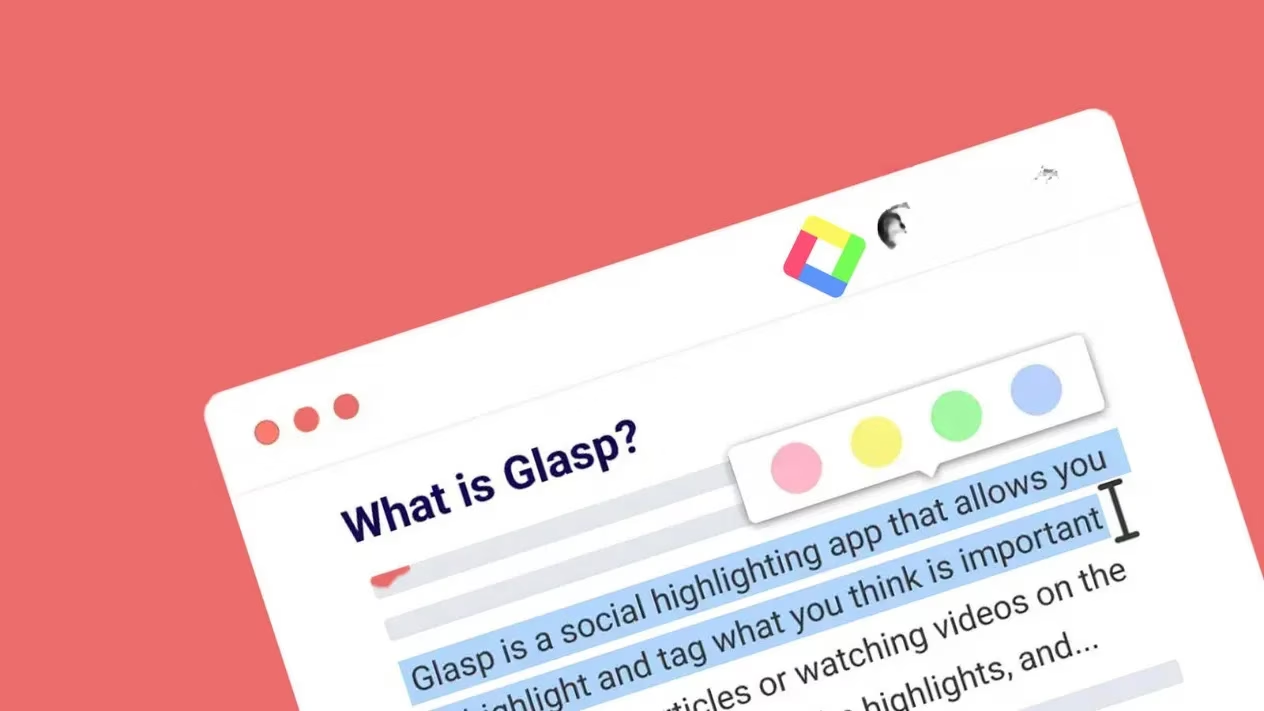
Installation took me maybe 90 seconds. After adding the extension from the Chrome Web Store, I created a free account using Google (Apple login works too). No clutter, no confusing dashboard. Highlighting feels just like dragging your finger across a Kindle screen. I started clipping golden quotes from long-form articles, research PDFs, and even web versions of eBooks. The Glasp community calls this “glasping” something, and honestly, it feels like collecting shiny little knowledge gems.
The thing that hooked me instantly was the color-coded highlight system. Select any text, and Glasp gives you four colors: yellow, pink, green, and blue. I assigned a meaning to each—yellow for hard facts, blue for powerful quotes, pink for personal inspiration, and green for random interesting bits. My highlight library instantly went from a chaotic wall of text to a visually scannable rainbow of insights 🎨.
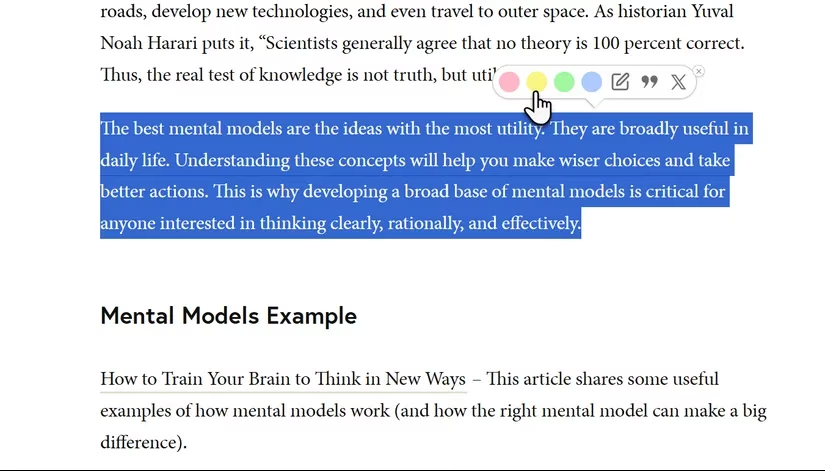
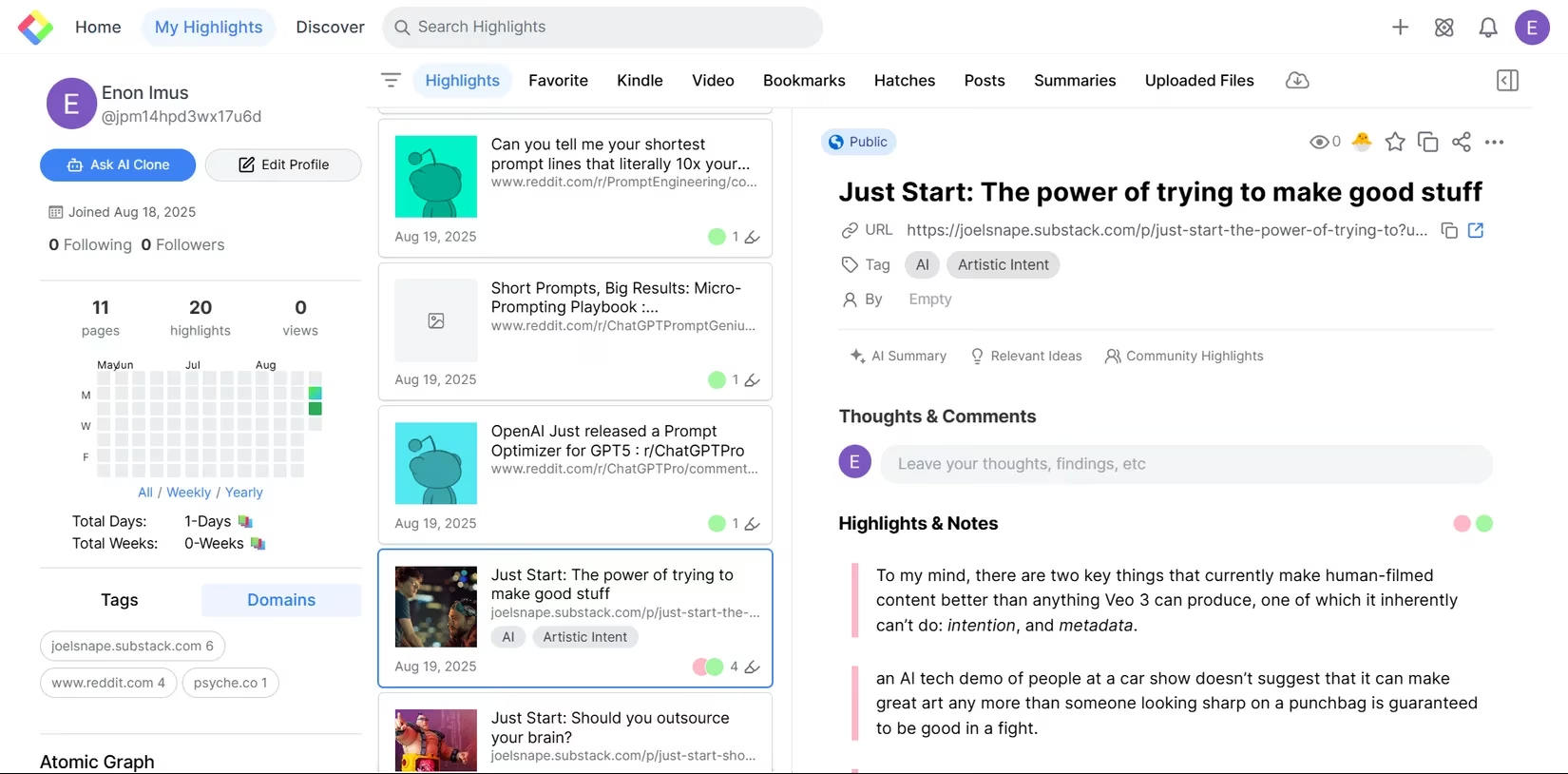
Every single highlight gets automatically linked back to its original page and position. This is huge for long-term research. I can revisit a concept months later and jump straight to the source without digging through hundreds of bookmarks. My personal dashboard shows everything sorted by date and source, and the search bar means I never lose a quote again.
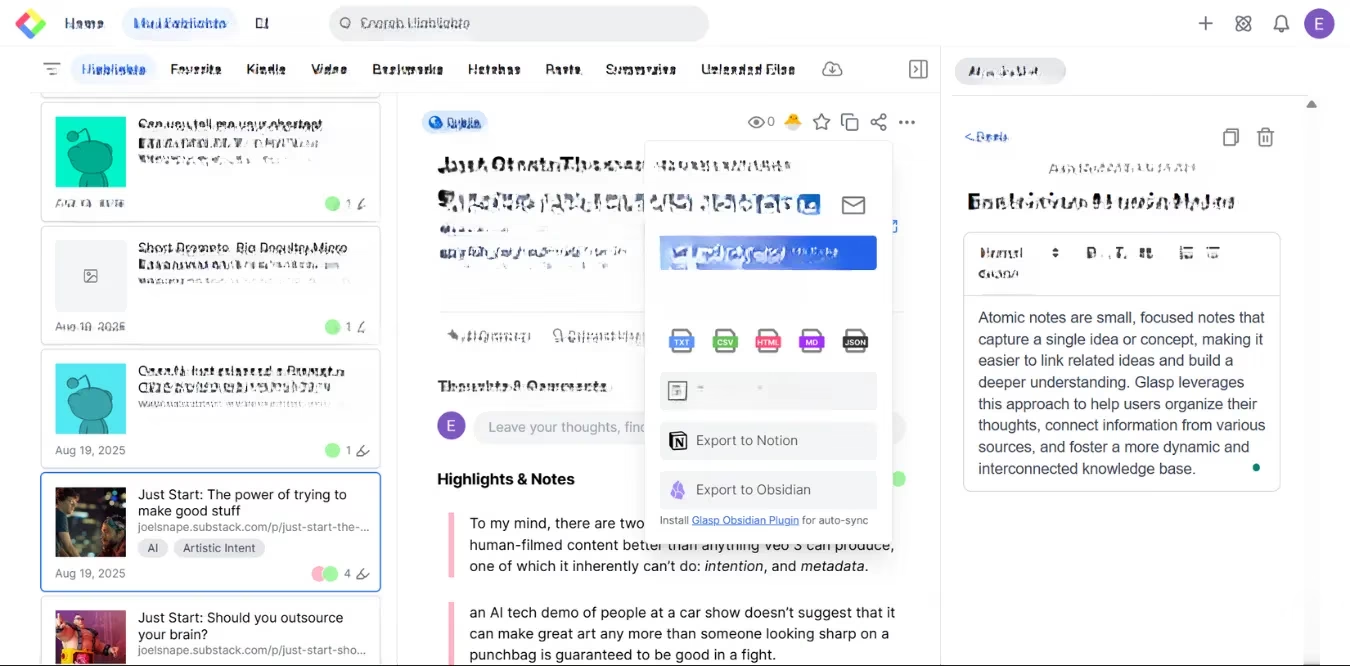
Exporting is a breeze too. I can copy-paste my highlights as snippets, download them as text files, or send them straight into Notion—where I manage pretty much my entire life. The process flows so smoothly that I barely notice the tool itself; it just feels like my browser knows what I want to keep.
PDF support caught me by surprise. Most web highlighters ignore PDFs, but Glasp lets you upload local files and highlight inside them from your browser. Now all my course readings, whitepapers, and even eBook highlights live in one unified space. I don't have to jump between six apps just to keep my thoughts organized.
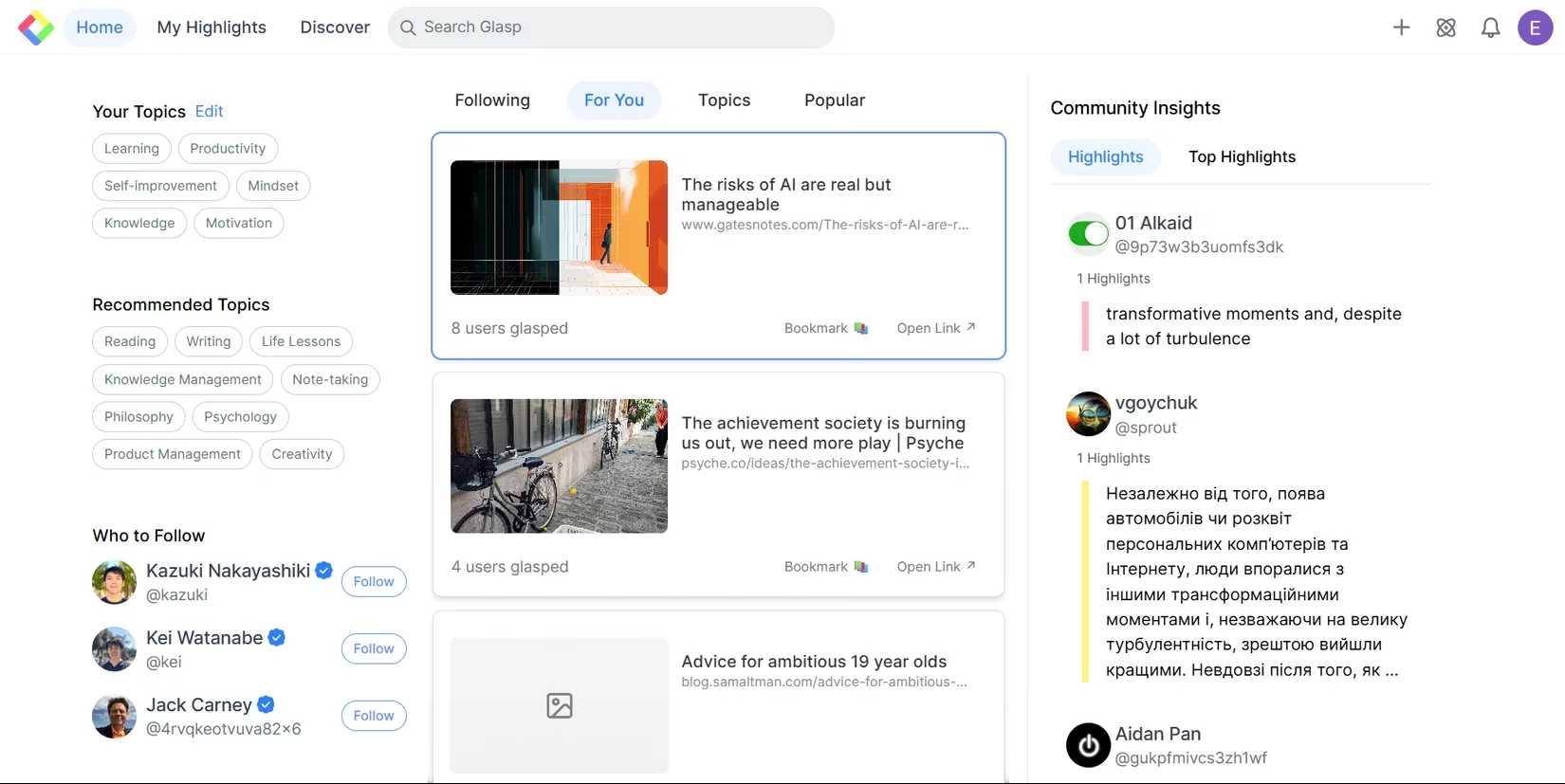
What makes Glasp genuinely special in 2026 is the social layer. On the free plan, all highlights are public by default—you can opt for private with a subscription—and this turned my highlighting into a discovery engine. I follow a few researchers whose clipping feeds give me curated reading lists every morning. Sometimes I fall into a rabbit hole, following their highlights to articles I would have never found otherwise. You can even start a shared knowledge base with friends to stay in sync on juicy topics. It’s like a Pinterest board for quotes and ideas, but smarter.
Now let’s talk about the AI features, because in 2026 these have become genuinely useful. Free users get AI-generated summaries of web pages, PDFs, and YouTube videos, plus the ability to chat with their own highlights and notes. I often ask my Glasp library, “What did I save about productivity in March?” and it pulls up relevant snippets and my past thoughts. You can also highlight YouTube videos with timestamps, and auto-tag suggestions make organization almost effortless. Advanced tools like building a personalized AI clone sit behind the paid plan, but the free tier already feels generous.
Of course, nothing is perfect. The free version limits your highlight colors to four and sometimes caps monthly saves. Advanced export formats and direct integration with note-taking apps need a subscription. Glasp works with web content and uploaded PDFs, but it won’t grab highlights directly from offline documents or Kindle apps. However, I easily work around this by importing my Kindle highlights manually. For someone who lives in the browser, these limits are minor.
Here’s a quick breakdown of what I love most:
-
🖍️ Instant color highlights: Yellow, pink, green, blue. Assign your own meaning.
-
🔗 Auto citation: Each quote links back to its source. Never lose context again.
-
🔎 Powerful search & tags: Find any highlight in seconds, even months later.
-
📤 One-click export: Copy, download, or send to Notion without friction.
-
📄 PDF support: Upload and highlight inside PDFs through your browser.
-
🧠 AI summaries & chat: Ask your highlights questions, get instant answers.
-
🌐 Social discovery: Follow others' public feeds and crowdsource inspiration.
In 2026, with so many read-it-later tools fading away, Glasp feels like a complete knowledge management companion disguised as a simple highlighter. It works on Chrome, Safari, Edge, Brave, Opera, and even has iOS and Android versions. If you read, research, or just love collecting brilliant sentences, give it a try. Your future self will thank you every time you rediscover a forgotten gem ✨.