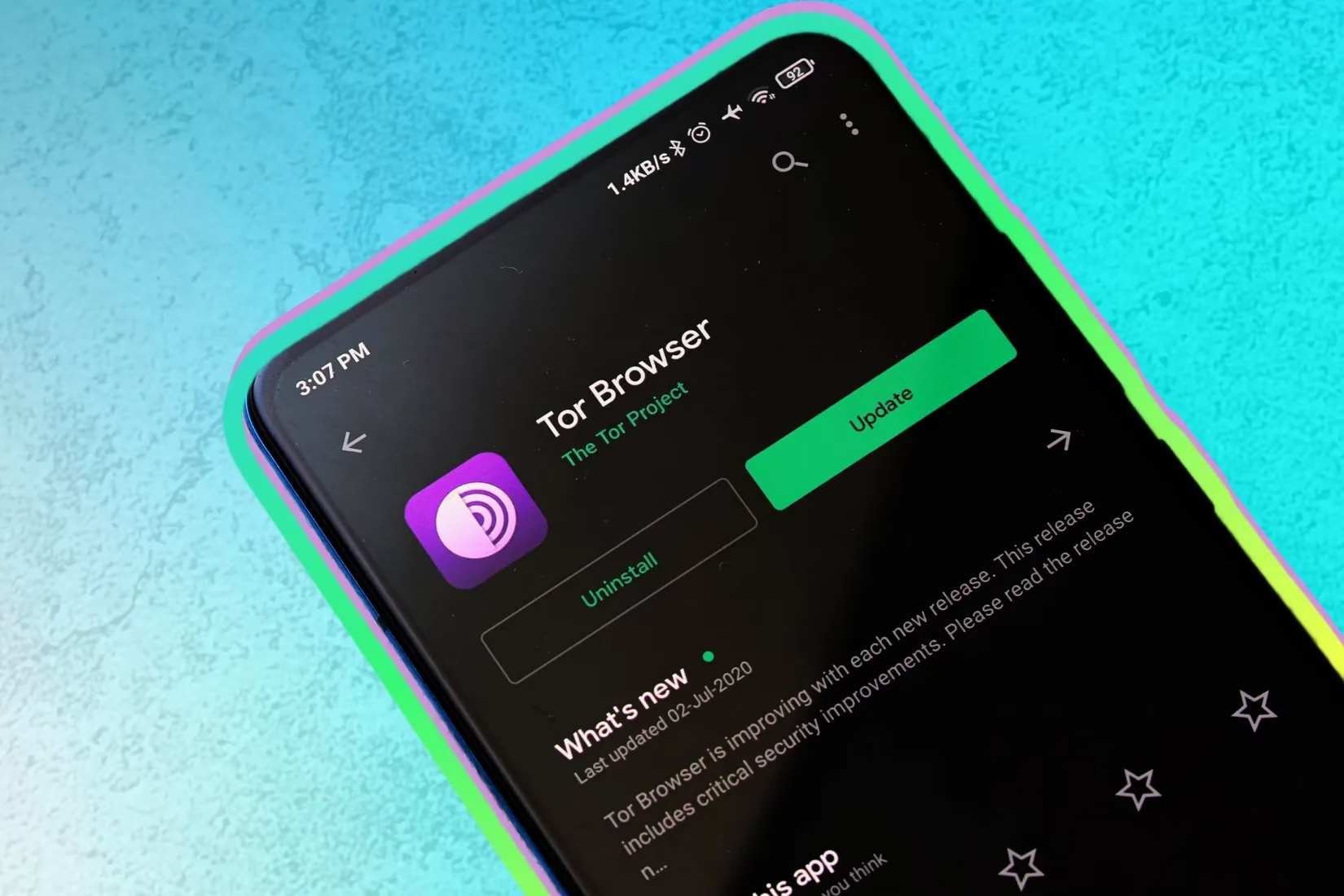
I am a regular gamer who pokes at browsers the way some people poke at a suspicious boss fight: carefully, and with a backup save. Brave has a nifty desktop feature called Private Window with Tor, and on paper it sounds like a cheat code: browse the dark web without installing Tor Browser. I tried it, I read the fine print, and I have thoughts. Brave is a solid free and open-source browser, and its Tor mode is a handy extra. But if your personal safety depends on staying anonymous, Brave is not the final boss. Tor Browser is.
Here is the short version: Brave opens a private window and routes traffic through a proxy connected to the Tor network. That is not the same as Tor Browser. Brave is built for the clearnet, the normal public internet. Tor mode is a secondary feature, not the main event. Tor Browser is built from the ground up for anonymity. Privacy and anonymity get mixed up all the time, but they are not twins. Privacy is like closing the curtains. Anonymity is like making sure nobody can tell which house is yours. Tor removes digital fingerprinting info, encrypts your traffic, and sends it through multiple relays around the world. Brave does not erase identifying details by default. So using Brave's Tor proxy can make you stand out more, not less.
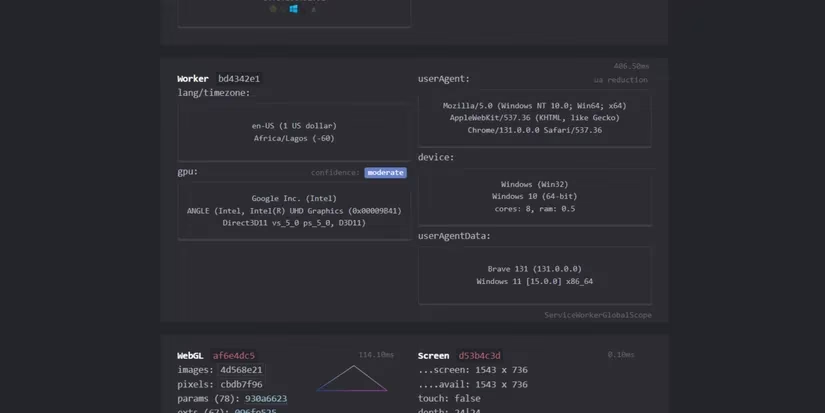
I tested the fingerprinting angle with CreepJS, an open-source tool that checks how identifiable your device is online. With Tor Browser, CreepJS could guess my browser and roughly my operating system, but not much else. With Brave's Private Window with Tor, it picked up more: my time zone, exact operating system, GPU, and screen resolution. That may sound like boring nerd trivia, but bad actors can combine those crumbs into a trail. It is the classic death-by-a-thousand-cuts situation. Tor tries to make everyone look the same, which is the whole point: it is hard to pick out one player when the avatars are identical.
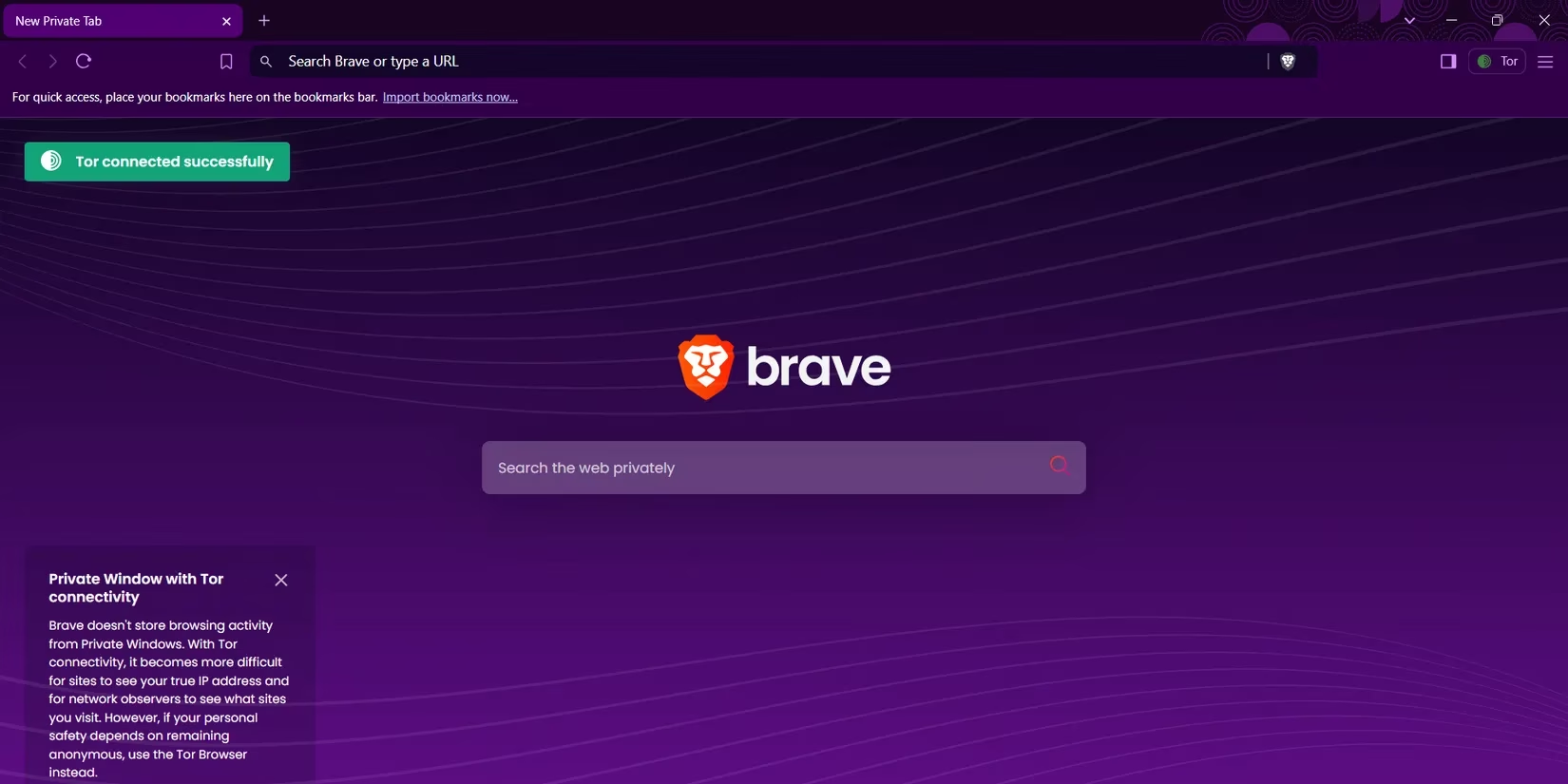
Brave has improved, and the old issue where dark web browsing history could leak to ISPs is fixed. But I still would not treat it as a full anonymity suit. The company itself has recommended Tor Browser for users whose personal safety depends on remaining anonymous. That is a big neon sign, and I am not going to ignore it. Brave's normal windows and Tor windows also look very similar. That is a recipe for a facepalm: one wrong tab and you may expose sensitive data to the wrong people. Mixing clearnet and darknet activity in one browser is like carrying your house keys and your gym locker key on the same ring. It works until it does not.
The quick and dirty comparison
| Question | Brave Private Window with Tor | Tor Browser |
|---|---|---|
| Main purpose | Everyday privacy browsing | Anonymity and anti-fingerprinting |
| Built for clearnet? | Yes | It can browse clearnet, but anonymity is the focus |
| Hides your IP via Tor relays? | Yes, through a proxy | Yes, by design |
| Standardizes fingerprints for everyone? | Not to the same degree | Yes, much more aggressively |
| Good for casual dark web research? | Maybe, if you accept some exposure | Yes |
| Good when safety depends on anonymity? | No | Yes |
That table is the TL;DR. Brave is not junk. It is a good privacy browser for normal life, and I like it for everyday browsing. But Tor mode feels like a guest room in a house built for something else. Tor Browser is the dedicated safe house. In 2026, the browser wars are still spicy, but the core lesson has not changed: do not confuse privacy features with full anonymity.
So what is the play? If you need to browse the dark web securely and anonymously, use Tor Browser. It is cross-platform, easy to install, and pretty easy to use. It focuses on protecting your identity and masking your activity. For casual research, maybe you just want to peek at a dark web page and you do not mind being a little exposed. In that case, Brave's Tor mode is an okay side quest. But for anything that requires real privacy, Tor Browser is the better option. Better safe than sorry, as the old saying goes.
If you still want to use Brave's Tor mode, at least stack the odds. Turn on Block fingerprinting under Settings > Shields, install the NoScript addon, and use another browser for clearnet access while Tor mode is on. Do not put all your eggs in one browser basket. And remember: Brave is a good privacy browser, but it is not a magic invisibility cloak. Tor Browser is the tool with the anonymity crown. I will keep Brave for everyday browsing and Tor Browser for the serious stuff. That is my gamer logic: use the right loadout for the right dungeon.