
In 2026, clickjacking is still one of the sneakiest tricks on the web. It does not need to break into a device in the traditional sense. Instead, it hijacks something people do hundreds of times a day: clicking. Also known as a UI redress attack or user interface overlay attack, clickjacking is an interface-based attack that manipulates users into clicking buttons or links disguised as something else. How can a single click be dangerous when the page looks completely normal? The answer is that the page may be real, but the click is not going where the user thinks it is.
Unlike website spoofing, where victims are taken to a fake site designed to mimic a legitimate company, clickjacking takes users to the real website. The attacker then creates an invisible overlay on top of that legitimate site using HTML tools such as cascading style sheets (CSS) and iframes. An iframe is an HTML element that embeds one webpage or HTML document inside another. Because the overlay is transparent, the victim still sees and interacts with what looks like the legitimate page. But when they click a button, play a game, or complete a task they believe is harmless, those clicks are applied to the invisible site on top. The result can be devastating: hackers gain access to accounts, download malware, take over devices, or perform other harmful actions.
Clickjacking comes in several forms, and each one preys on a slightly different habit. Here is a quick comparison:
| Attack type | How it works | Why it fools people |
|---|---|---|
| Classic clickjacking | A transparent iframe sits over a legitimate page, so clicks hit hidden buttons. | The visible page looks normal and trustworthy. |
| Likejacking | A fake video or special offer tricks users into liking a social media page or post. | The click feels like part of watching or claiming something. |
| Cursor-jacking | A custom cursor clicks links or page elements the user did not intend to interact with. | The pointer itself becomes part of the deception. |
| Double clickjacking | Malicious elements are inserted between the first and second clicks of a double click. | The user believes they are solving a CAPTCHA or confirming a harmless action. |
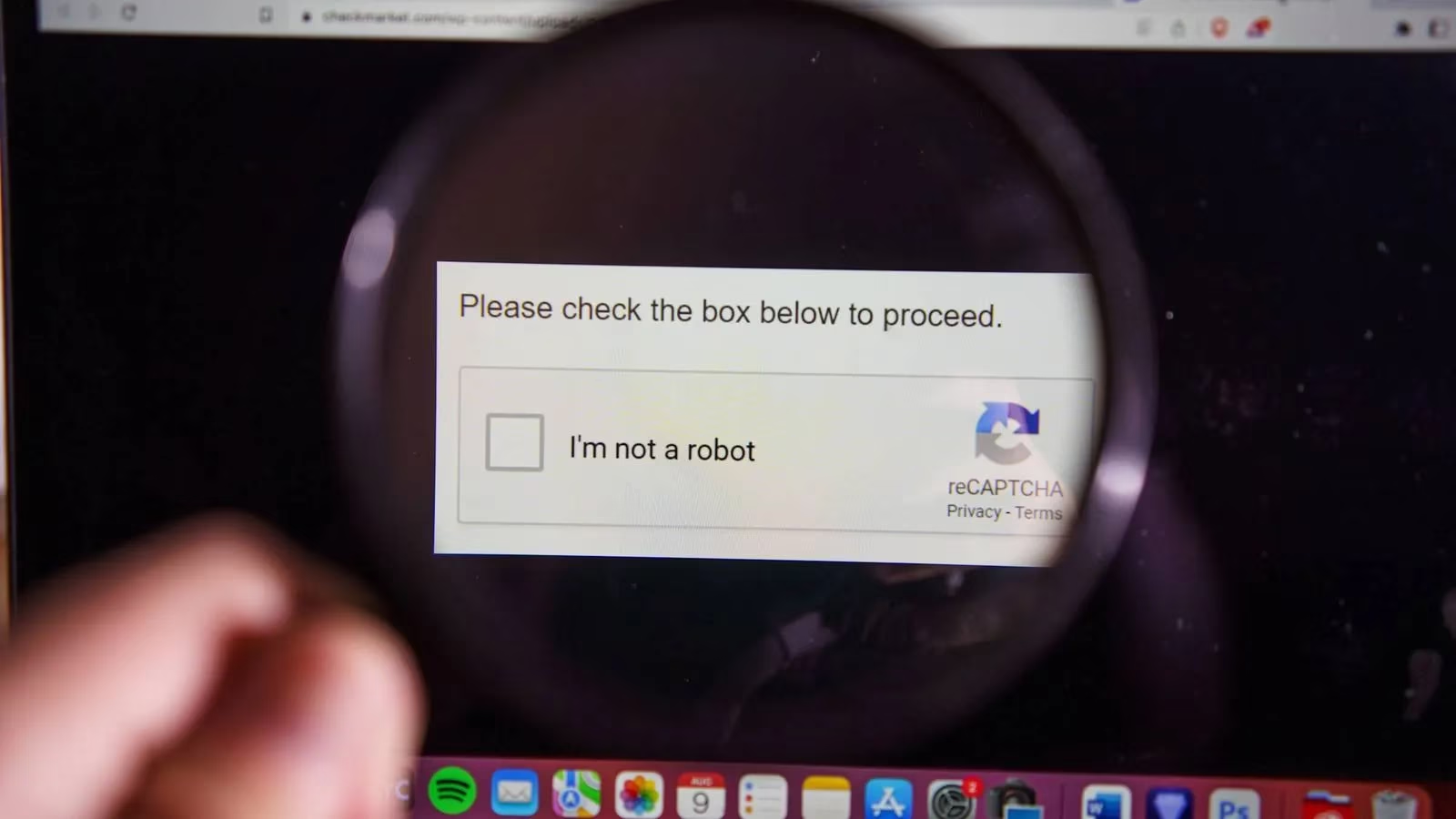
Double clickjacking deserves special attention in 2026. Many modern browsers have mitigated classic clickjacking with defenses such as X-Frame-Options, Content Security Policy frame-ancestors directives, SameSite cookies, and iframe sandboxing. However, a sophisticated version called double clickjacking can circumvent traditional protections by exploiting the timing and sequence between two clicks. In a double clickjacking attack, malicious elements are inserted between the user's first and second clicks. The victim is first taken to an attacker-controlled site and given a prompt, such as solving a CAPTCHA or double-clicking a button to authorize an action. The first click closes or changes the top window, the CAPTCHA overlay, causing the second click to land on an authorization button or link that was previously hidden. That second click may authorize malicious plug-ins, cause an OAuth application to connect to the account, or approve a multi-factor authentication prompt. Why is this so effective? Because the victim thinks they are simply completing a routine verification, not granting account access.
Likejacking remains common on social platforms. Attackers disguise themselves as marketers and send an interesting video or a special offer. When the user clicks play or interacts with the content, they unknowingly click a hidden like button. Cursor-jacking is even more disorienting. It uses a custom cursor that clicks on links or parts of a website the user never intended to touch. These variations show that clickjacking is not one single technique. It is a family of tricks that all depend on the gap between what a user sees and what a browser actually clicks.
How Users Can Protect Themselves in 2026
Clickjacking techniques are designed to confuse people and steal their clicks, but a few habits can reduce the risk significantly.
-
Keep devices and browsers up to date. Security patches and software updates are released regularly to address vulnerabilities. Installing them as soon as possible helps protect against new attacks.
-
Be suspicious of prompts that require double clicks. This is especially important on websites that are not familiar. If a CAPTCHA or confirmation asks for a double click, why should anyone trust it without checking?
-
Always double-check the URL. Attackers use typosquatting to buy versions of legitimate domains with very subtle differences, such as an extra letter or a hyphen inserted into the domain. A quick glance at the address bar can expose the trick.
-
Avoid clicking links when the source is unclear. A website link checker can help determine whether a link is safe before it is opened.
-
Review OAuth app permissions and MFA prompts. If an unexpected prompt asks to approve a login, connect an app, or authorize a plug-in, deny it and investigate. In 2026, account takeover often happens through consent screens rather than stolen passwords.
-
Use passkeys, password managers, and browser security features where possible. They are not a complete shield against clickjacking, but they make credential theft and account abuse harder.
-
Slow down. Attackers exploit trust in legitimate sites and basic actions people normally do without thinking, like double-clicking. Pausing for a moment before clicking can break the attack.
In 2026, attackers are also using AI-generated CAPTCHAs, realistic overlays, and polished fake prompts to make clickjacking harder to spot. Browser vendors continue to tighten iframe restrictions, cross-origin policies, and permission prompts, but no single defense is perfect. Mobile browsers and in-app webviews can be just as vulnerable as desktop browsers, so the same caution applies on phones and tablets.
Ultimately, clickjacking succeeds because it turns a person's own clicks against them. It does not need a dramatic pop-up or an obvious virus warning. It only needs a convincing page, a hidden layer, and a user who is moving too fast. After all, if a prompt feels rushed, confusing, or out of place, why trust it with account access? The safest response is simple: slow down, check the address, question unexpected double clicks, and think before clicking.