
Browser password managers remain a convenient default for millions of people in 2026. They autofill logins, sync across devices, and eliminate the need to remember dozens of credentials. Yet security researchers continue to warn that these built-in tools are not equivalent to dedicated password managers. The main problem is not that browsers are careless; it is that browser storage is tied to a broad ecosystem of extensions, shared profiles, physical access, and update cycles. With a few disciplined habits, however, a browser password manager can become a reasonably safe option for everyday, non-critical accounts.
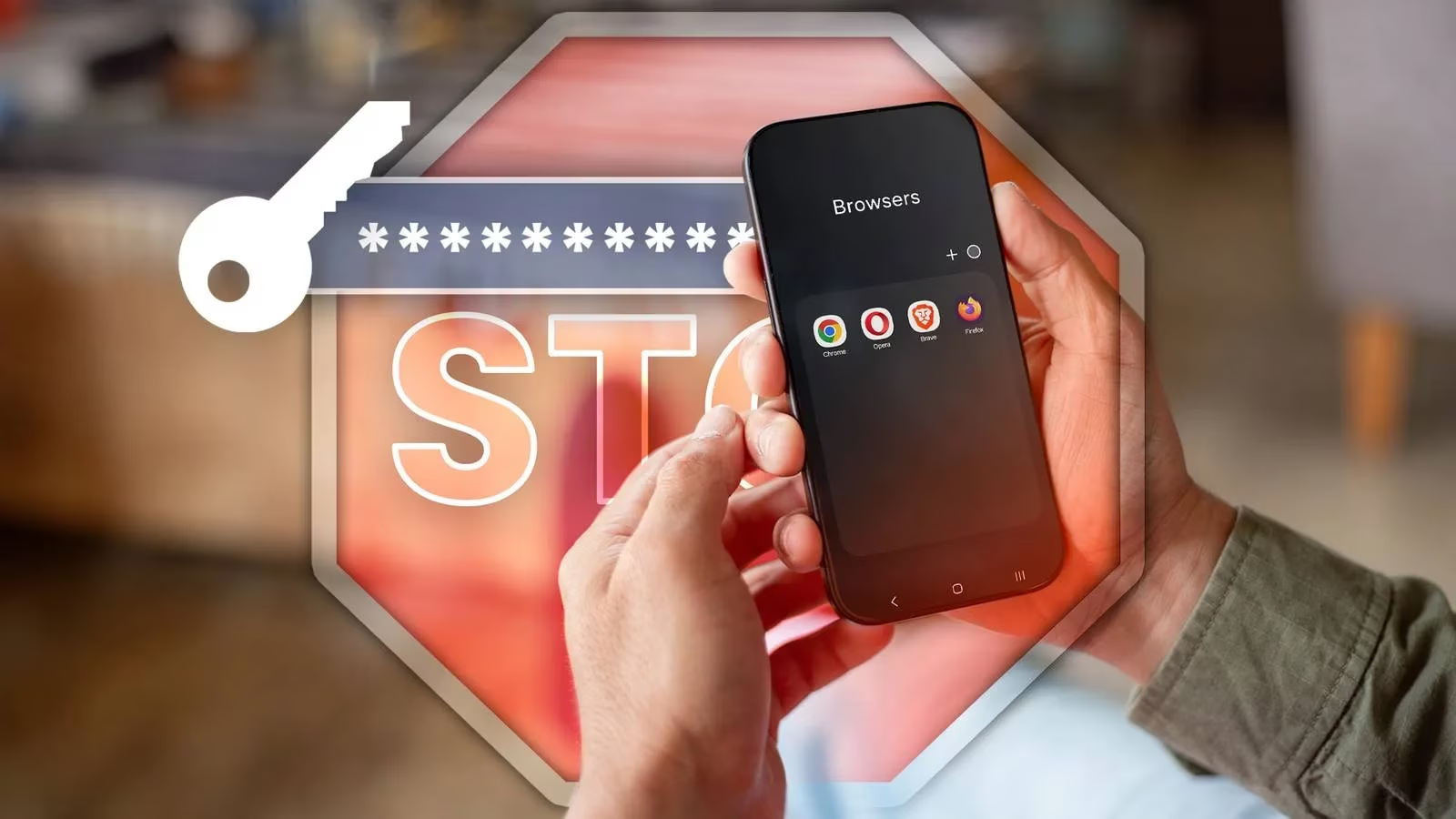
Audit Extensions Before Storing Passwords
Fake or malicious browser extensions appear in most extension stores, whether the browser is Chrome, a Chromium-based option such as Edge, or Firefox. These extensions often impersonate popular services, including password managers, to skim data. Once installed, a rogue extension can access browsing data, cookies, history, and even saved passwords. Users should review every extension, remove unused ones, verify the developer, check permissions, and read recent reviews. If an extension seems suspicious, it should be removed immediately, and affected passwords should be changed.
Treat Shared Devices as a Privacy Risk
Shared devices, and by extension shared browsers, are very bad for privacy. Anyone with access to the device, and likely the device password, can open the browser and see stored passwords. Because most services remember credentials and automatically log users in, an account becomes defenseless if someone else decides to use it. Shared devices also add risk factors: another person might install an extension or program that is not as safe as they think. In such cases, potentially malicious software can go unnoticed until it is too late. Individuals who must use a shared computer should avoid saving passwords there, use a guest profile, or keep browser storage empty.

Lock the Device Before Walking Away
Browser-based password managers have little protection against physical access. If a PC supports Windows Hello or has a device password, the browser may ask for credentials before revealing a password, but that is about the extent of it. If a person leaves a device in a public space such as an office, library, or school, the device should be locked first. Locking a device hides the browser and, by extension, the password manager behind a password in the user's absence. This simple step can often be the difference between being protected or compromised, especially in public places.
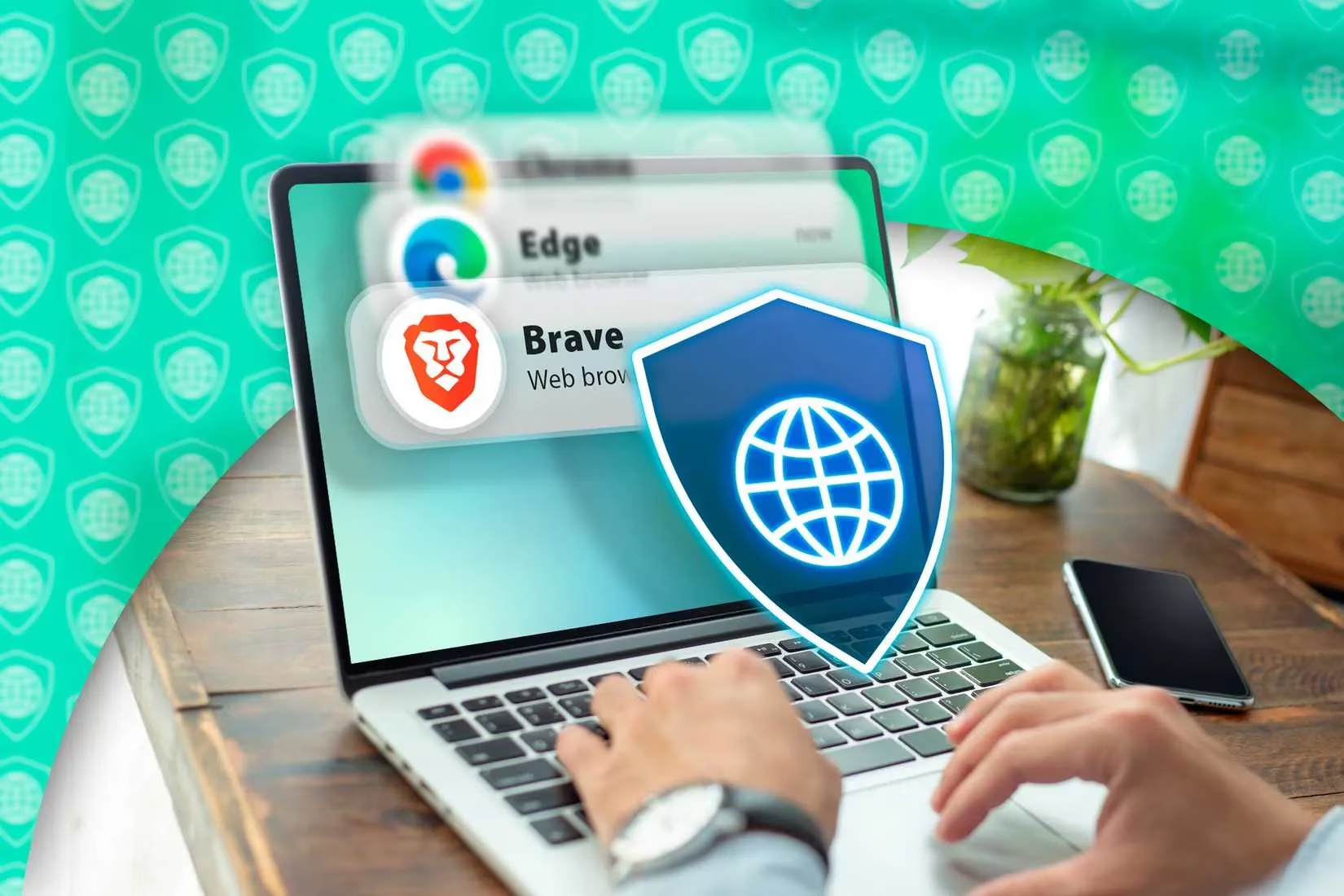
Keep the Browser Updated
Keeping a browser updated ensures protection against bugs or vulnerabilities that might be discovered and exploited. Google, for example, releases security updates for Chrome every week. There have been instances where a critical vulnerability in a major browser was exploited to steal user data. In 2026, similar risks remain. No one knows when a new flaw might be found and abused. Ensuring the browser is updated is the most hassle-free way to stay protected against known vulnerabilities that have already been patched. Updates also add features and improve the overall experience.
Avoid Storing Critical Passwords in a Browser
No matter how convenient a browser password manager is, it is still not as secure as a dedicated one. This is one of the main reasons to avoid using a browser password manager for high-value accounts. When storing passwords for quick access, users should avoid critical credentials such as bank, work, primary email, cloud, cryptocurrency, and government accounts. A bank account or work credential is far more valuable to a cybercriminal than a casual social media account. The best use of a browser password manager is for non-essential services and accounts that need secure passwords but are not the keys to a person's digital or financial life.
| Account Type | Browser Password Manager | Recommended Approach |
|---|---|---|
| Casual social media | ✅ Acceptable | Use a unique password |
| Shopping sites | ⚠️ Acceptable with caution | Avoid saving payment data |
| Primary email | ❌ Not recommended | Use a dedicated manager |
| Banking and finance | ❌ Not recommended | Use a dedicated manager with MFA |
| Work credentials | ❌ Not recommended | Follow employer policy |
| Cryptocurrency | ❌ Not recommended | Use hardware or dedicated storage |
Use Dedicated Managers for High-Value Logins
Dedicated password managers typically encrypt the vault, offer zero-knowledge architecture, support multi-factor authentication, and provide secure sharing. Browser password managers have improved, but they still lag behind paid alternatives in important ways. For important services, a dedicated password manager is the safer choice. For everything else, browser storage can serve as a handy tool that prevents users from reusing weak passwords or writing them down.
Conclusion
A browser password manager is not the most secure way to store passwords, but with precautions it can still be useful. Users should audit extensions, avoid shared devices, lock screens, keep browsers updated, and keep critical passwords out of browser storage. In 2026, passkeys and passwordless authentication are growing, yet passwords remain widespread. A layered approach, with dedicated managers for high-value accounts and careful browser habits for low-risk logins, offers a practical balance between convenience and security.