
As a dedicated gamer and daily PC user, I've long felt that familiar, unsettling sensation of being watched—not by a person, but by the very operating system I rely on. In 2026, this digital over-the-shoulder glance has only become more pervasive. I decided to stop merely complaining and instead, arm myself with practical countermeasures. Through this journey, I've unearthed some genuine gems that have transformed my PC from a data sieve into a private fortress. True privacy isn't about digital hermitry; it's about the power of selective disclosure, the freedom to choose what parts of your digital life remain yours alone. Our machines are constantly collecting a symphony of data points—device configurations, system stability reports, error logs—all ostensibly to 'improve the experience.' Taking back control requires navigating a labyrinth of settings, a task for which specialized tools are not just helpful, but essential.
🛡️ Taming the Telemetry Beast with O&O ShutUp10++
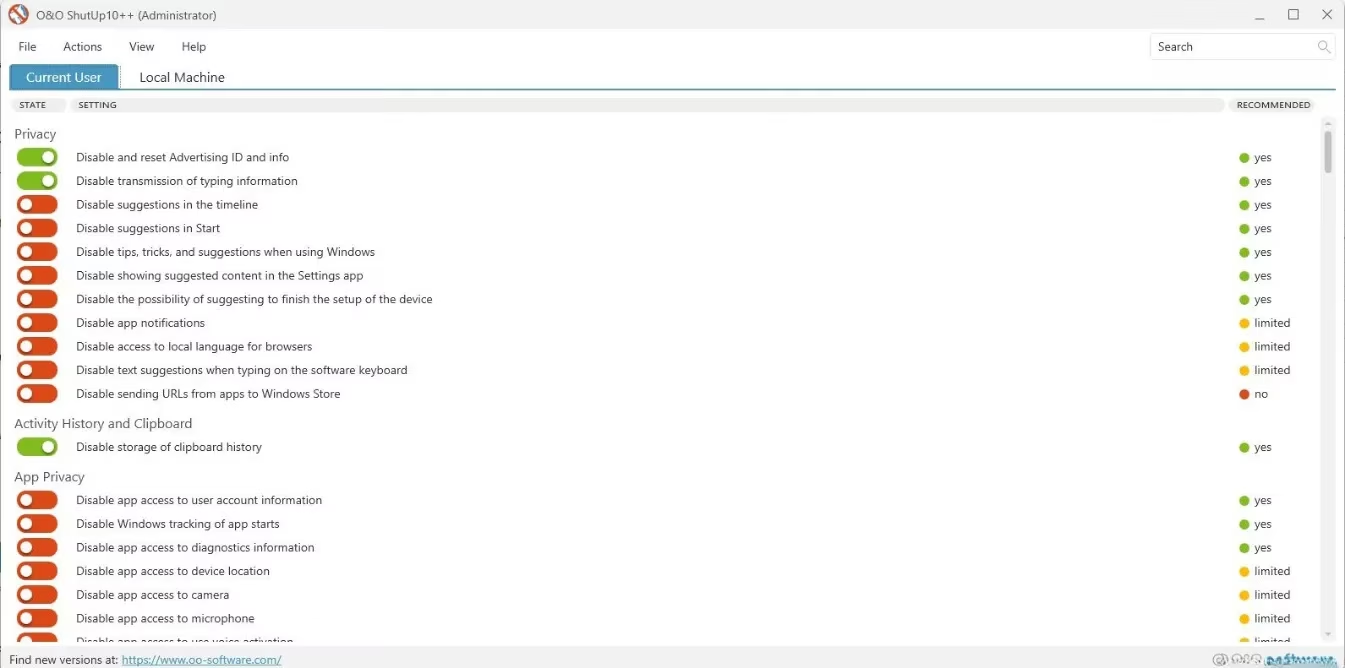
Your PC's built-in telemetry is like a chatty concierge, constantly reporting your every move back to headquarters. Manually silencing this chatter is a tedious, multi-layered process buried deep within system settings. This is where O&O ShutUp10++ becomes your digital mute button. This lightweight, intuitive tool allows you to disable telemetry for your current user profile or for every account on the machine. What sets it apart is its educational approach: clicking on any option reveals a clear description, helping you make an informed decision about what to block. It even provides recommendations and offers controls to curb data collection from third-party applications. Using it feels less like running a complex utility and more like having a straightforward conversation with your PC about boundaries. It's the easiest, most effective telemetry blocker I've ever used, and it runs so lightly it's practically a ghost in the machine.
🌐 The Browser: Your First Line of Defense
Our browsers are the primary portals to the internet, making them the most common source of data leaks. From tracking cookies and third-party scripts to sophisticated fingerprinting and WebRTC leaks, the threats are numerous. While few browsers offer robust protection out of the box, my absolute go-to in 2026 is the Mullvad Browser. Think of it as a stealth submarine for your web traffic—designed from the keel up for anonymity. It provides formidable fingerprinting resistance, ensuring you don't leave a unique, trackable signature on every site you visit. Its WebRTC protection is ironclad, preventing your real IP address from leaking during video calls. Features like Tor letterboxing and canvas protection further ensure you blend into the digital crowd. The best part? All this hardening is built-in; no extensions or complex configurations are needed. It's privacy by default, not as an afterthought.
🔒 Doubling Down with Mullvad VPN
It might seem redundant to recommend both the Mullvad Browser and Mullvad VPN, but the synergy is powerful. A quality VPN is your PC's invisibility cloak, masking your IP, encrypting traffic, bypassing geo-blocks, and preventing ISP snooping. Mullvad VPN excels at all this while starting your privacy journey from the very first step: account creation. No email, no username—just a randomly generated account number. You can pay anonymously via mailed cash or cryptocurrency. Once set up, features like Multihop route your connection through multiple WireGuard servers, making tracing your activity as difficult as following a single raindrop in a thunderstorm. Its credibility was proven when Swedish authorities demanded user data, and Mullvad had nothing to give, upholding their strict no-logging policy. For comprehensive PC privacy, this VPN is non-negotiable.
🔍 Searching Without a Shadow: Brave Search
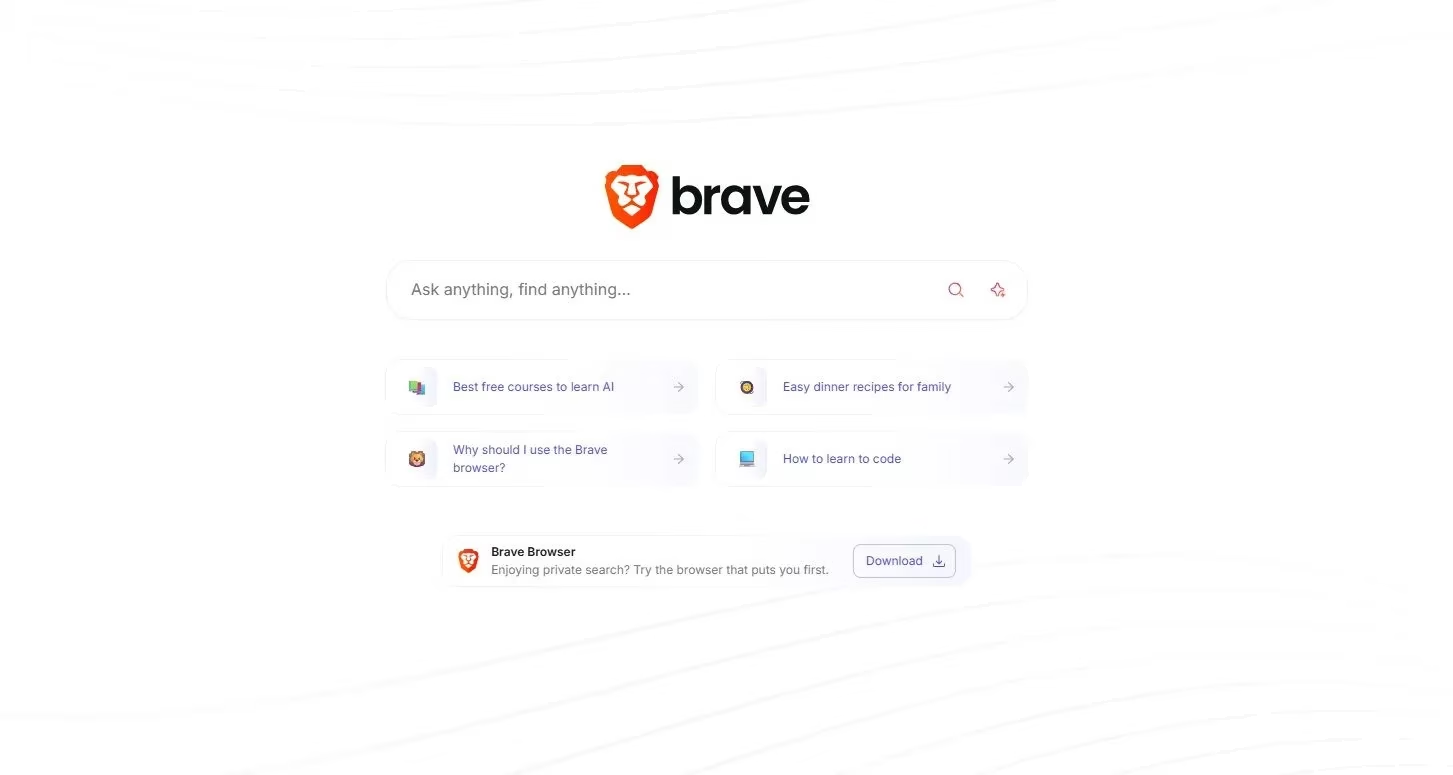
Search is a fundamental PC activity, yet defaulting to giants like Google or Bing ties your queries directly to your accounts, building detailed profiles for targeted ads. Brave Search is my private sanctuary. It independently indexes the web, doesn't link searches to any user profile, and allows truly anonymous queries without logging IPs. Being open-source, its privacy claims are transparent and verifiable. Switching to it is like moving from a brightly lit, camera-filled shopping mall to a quiet, trustworthy local bookstore where your curiosity remains your own.
⚠️ The Human Factor: You Are the Ultimate Tool
All the software in the world is useless without the right habits. You can have the best tools, but with poor practices, your data will still leak like a colander holding water. You are the final and most critical layer of defense.
-
Demote Your Admin Account: Never use an administrator account for daily tasks. If compromised, it gives an intruder the keys to the entire kingdom. Use a standard user account for everyday activities.
-
Avoid Account Reuse & Cross-Logins: Resist the convenience of 'Sign in with Google/Facebook/Microsoft' across different services. Compartmentalize! This limits the damage from any single breach, containing it like a firebreak in a forest.
-
Audit Before You Install: Scrutinize every application's permissions, even from official stores. Does a simple note-taking app really need access to your contacts and location? Assume every app is collecting the maximum data it can until proven otherwise.
🏁 The Privacy Marathon: A Reality Check
Making your PC private is not a sprint; it's a marathon with no finish line. Consistency is key. Here's the honest trade-off: increased privacy often comes at the cost of convenience. You're deliberately disabling the seamless, connected features designed to make computing effortless. The real question for 2026 and beyond is: How much inconvenience are you willing to accept for your digital autonomy? For me, the peace of mind that comes from knowing my gaming sessions, searches, and communications are truly mine is worth every minor adjustment. Start with one tool, build one habit, and remember—in the digital age, privacy isn't given, it's taken.
| Tool | Primary Function | Key Privacy Benefit |
|---|---|---|
| O&O ShutUp10++ | System Telemetry Control | Granular disabling of OS data collection |
| Mullvad Browser | Private Web Browsing | Built-in, strong fingerprinting & WebRTC protection |
| Mullvad VPN | Traffic Encryption & Anonymity | Strict no-logs policy & anonymous accounts |
| Brave Search | Private Web Search | Independent index, no query profiling or IP logging |
| User Habits | Behavioral Security | Reduces attack surface & limits breach impact |