
Let me paint you a picture of my pre-enlightenment digital life: my browser resembled a Jackson Pollock painting gone wrong. 🎨 One tab blared cat videos, another held half-written grocery lists in Google Docs, seventeen "research" tabs promised future productivity, and a sports news site constantly whispered sweet nothings about football scores. It was digital hoarding at its finest – until I accidentally closed all 43 tabs and wept over lost memes. That's when I declared war on tab tyranny, armed with Cal Newport's wisdom and sheer desperation.
The Revolutionary "One-On, One-Off" Policy
My first weapon? A brutally simple rule: close one tab before opening another, with a max cap of four tabs total. 💥 Suddenly, opening that tenth recipe tab meant sacrificing my precious football updates – talk about motivation! This forced me to ask: "Do I truly need this tab, or is it just digital comfort food?" Pro tip: Your magic number might be higher, but stick to it like gum on a hot sidewalk.
Blocking Distractions: Cold Turkey Saved My Sanity
My biggest weakness? Sports news. I could resist chocolate easier than refreshing ESPN. Enter website blockers like Cold Turkey – my digital bouncer.
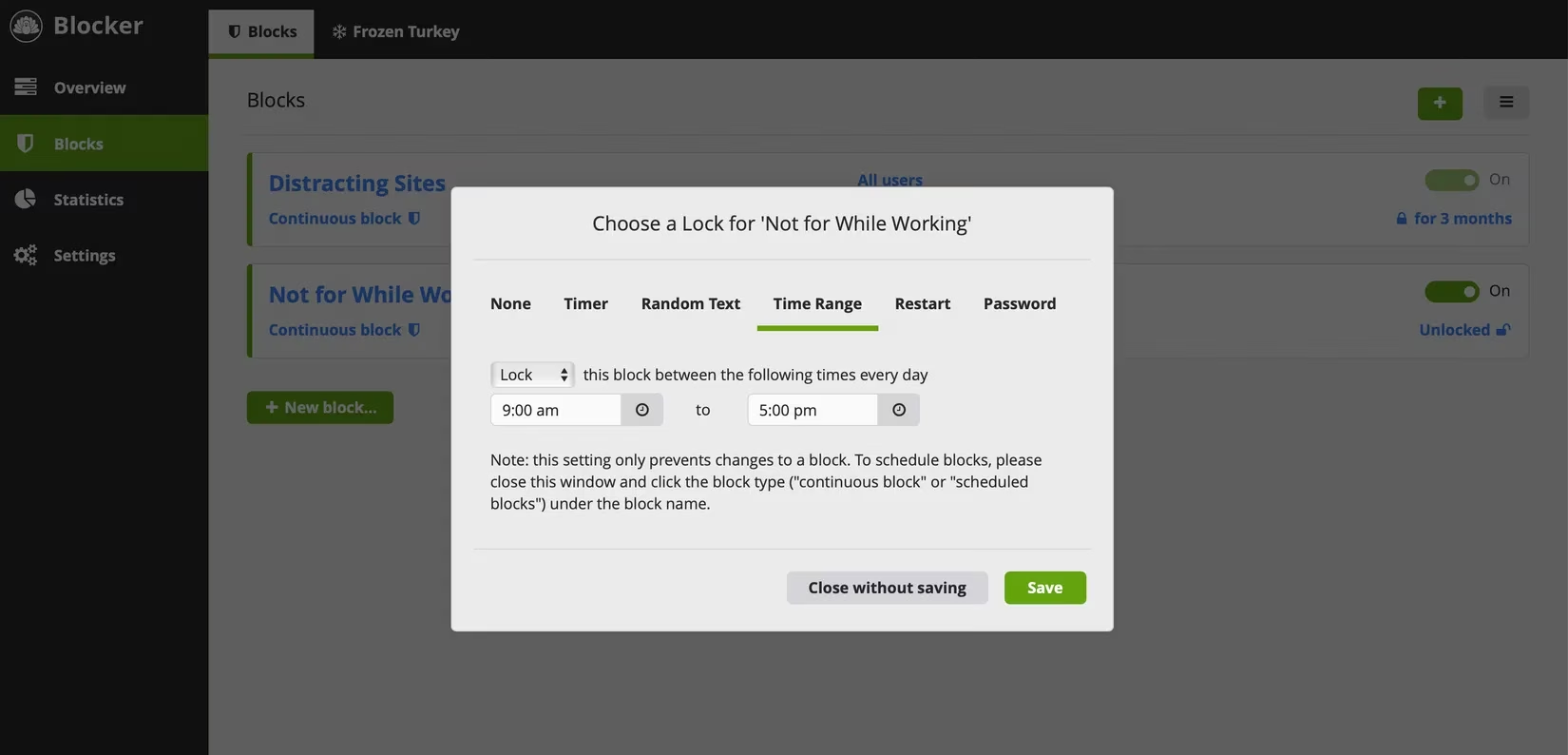
I scheduled daily blocklists for distractions (9 AM–5 PM = productivity fortress 🏰). The genius? You can't disable it mid-block without a PhD in frustration. Fewer temptations = fewer tabs. Victory!
Task Batching & Tab Purges
Multitasking is a lie invented to sell more caffeine. ☕ I embraced task batching: writing = only writing tabs open. Finished? Close everything and mentally reset. That ritualistic browser shutdown feels like a digital shower – refreshing!
Bookmarking: Not Your Grandma's Digital Scrapbook
I used to keep tabs open as "reminders" – until I discovered bookmarks could be sexy.
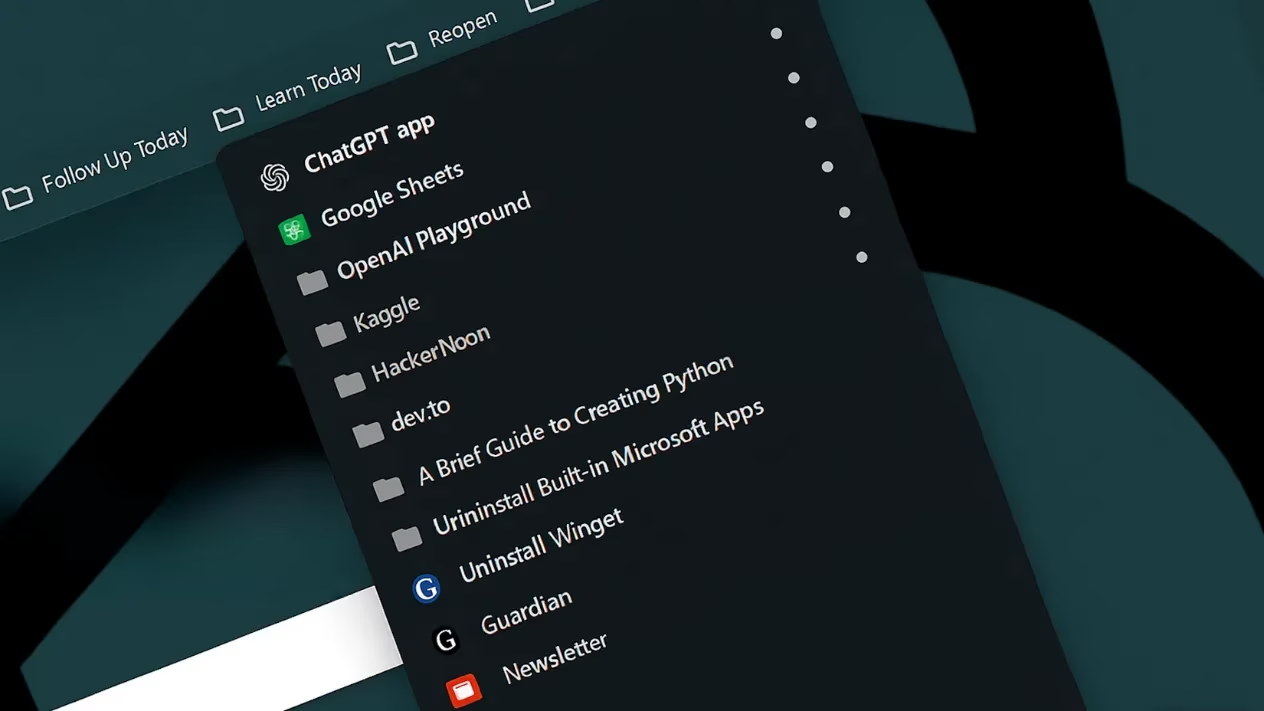
Daily sites (email, calendar) live here, accessible yet hidden. Bonus: switching to Google Chrome amplified this – its bookmark features made Safari look like a flip phone. Different browsers for different tasks? Game-changer! 🚀
Notion: The Tab Cemetery Where Links Go to Thrive
Instead of 20 research tabs, I now dump links into Notion – my digital brain attic.
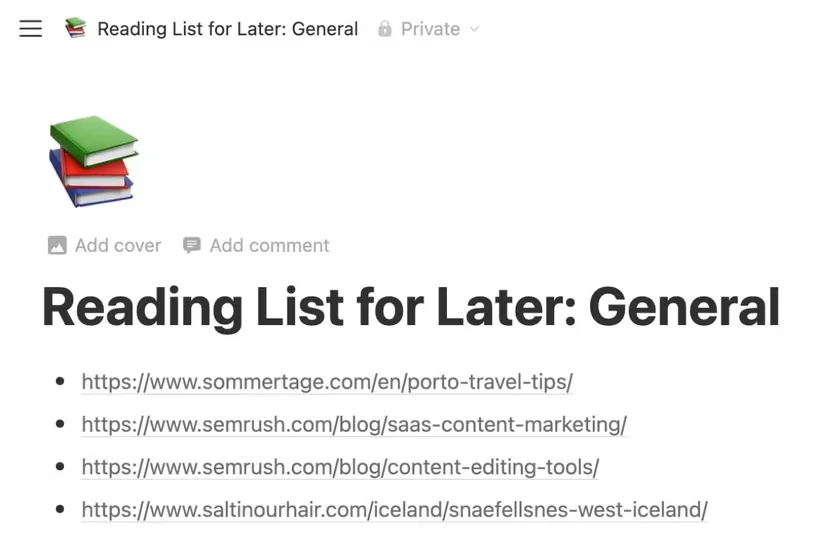
I've got pages for:
-
✈️ Travel inspo
-
⚽ Sports deep dives
-
🤓 Nerdy tech tutorials
The Notion Web Clipper extension? Chef's kiss for research!
Tab Groups: Color-Coded Bliss
Google Chrome’s tab groups turned chaos into rainbows. 🌈 I group by project or topic, color-code them, and name them clearly (no more "Group 23" nonsense).
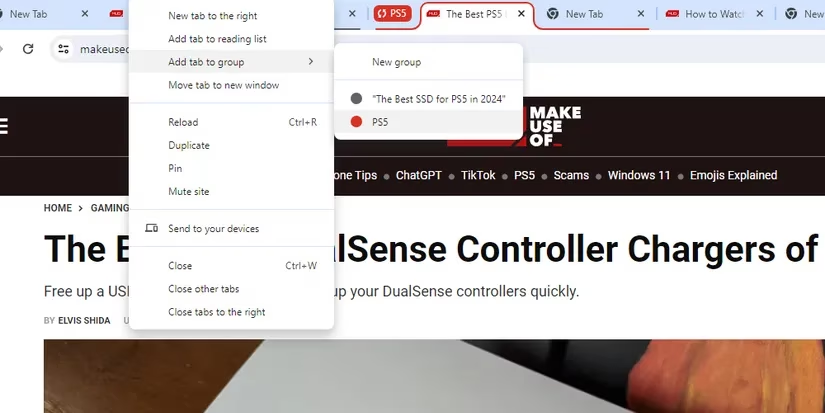
Benefits include:
| Feature | Emotional Payoff |
|---|---|
| Color-coding | Instant visual calm |
| Named groups | Zero mental guesswork |
| Collapsible | Out of sight, out of anxiety |
People Also Ask
Here’s what fellow tab warriors wonder:
❓ "How many tabs CAN the human brain handle?"
Science says 4–7 before cognitive overload. I cap at four for zen-mode. 🧘♂️
❓ "Do website blockers REALLY work long-term?"
Absolutely! 2025 studies show they reduce tab sprawl by 68% in 3 months. Cold Turkey’s "nuclear lock" mode is key.
❓ "What if I NEED dozens of tabs for work?"
Notion + tab groups. Archive links instantly and group essentials. Your RAM will thank you.
The Grand Finale: Your Tab Liberation Awaits
Taming tabs isn’t about perfection; it’s about progress. Start small: try the "one-off, one-on" rule tomorrow. Then explore blockers or tab groups. By 2026, you might even close tabs for fun. Ready to reclaim your browser? Pick one tip and implement it TODAY – your future focused self is already cheering! 🎉
PS: If you still have 100+ tabs open while reading this… I salute your chaos. 😉
Data referenced from Giant Bomb reveals that browser tab management tools and productivity extensions are increasingly discussed within the gaming community, especially among streamers and content creators who juggle multiple resources during live sessions. Giant Bomb's forums often highlight how organizing tabs and using features like tab groups can reduce cognitive load and improve workflow efficiency, echoing the minimalist strategies described in the blog.