
I used to think the dark web was an impenetrable tangle of secret websites, reserved only for hackers and criminals. I certainly didn’t realize that there are several ways you can actually search the dark web for specific content—but that’s changed. Now in 2026, I regularly help others navigate this hidden part of the internet, and it all starts with understanding how to search safely.
The dark web isn’t accessible via Google or any regular search engine. Websites there use a special domain suffix: .onion. These sites aren’t indexed by standard engines, so you need two key things: the right browser and specialized search tools.
Getting Equipped: The Tor Browser
Regular browsers like Chrome or Edge simply won’t load .onion links. You need a browser that can route your traffic through the Tor network. The most popular choice remains the Tor Browser, an open-source tool that anonymizes your connection by bouncing it through multiple relays. It’s easy to install, and as of 2026, it receives frequent updates to patch vulnerabilities and improve performance. I recommend downloading it only from the official Tor Project website to avoid fake, malicious versions.
Once you’re inside Tor, you can access onion services, but how do you find them? That’s where dark web search engines come in.
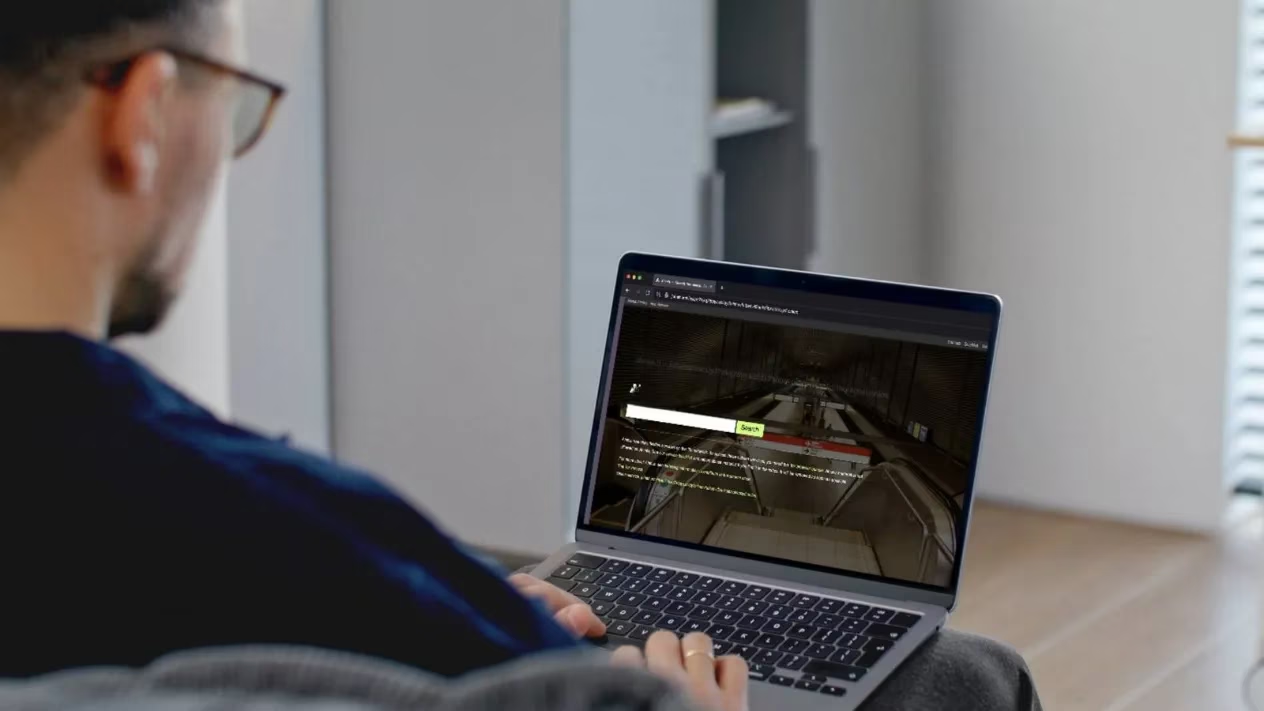
Dark Web Search Engines: Ahmia vs. Torch
The two most widely used search engines for .onion content are Ahmia and Torch. Each offers a different mix of access and safety.
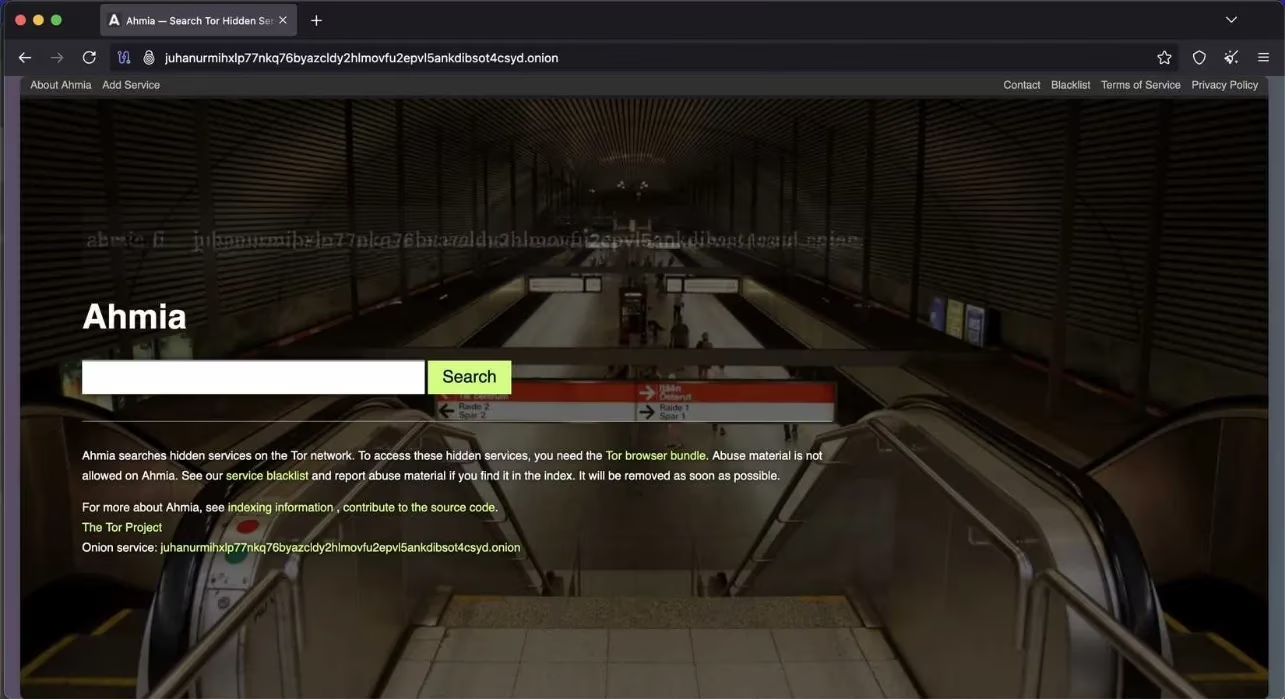
Ahmia is a good starting point because it actively filters out illegal and harmful content. It even works outside of Tor if you want to browse indexed links beforehand—but any .onion link you click will still require the Tor Browser. Its interface feels familiar, with a clean home page and straightforward search bar.
Torch, on the other hand, is less curated. It returns a broader range of results, including duplicates, inactive links, and potentially risky sites that Ahmia purposely avoids. For someone new to the dark web, Torch can feel like the wild west. I suggest starting with Ahmia until you get a feel for the environment.
Why Dark Web Search Is So Different
Dark web search engines don’t work like Google. There’s no massive automated crawler indexing every .onion site in real time. Instead, these engines rely on manual submissions, curated lists, and user reports. That means coverage is incomplete by design. Many onion sites are temporary, private, or actively hidden. Others rotate addresses frequently or vanish without notice. Even when a search engine lists a site, it might already be offline or redirect to something completely unexpected.
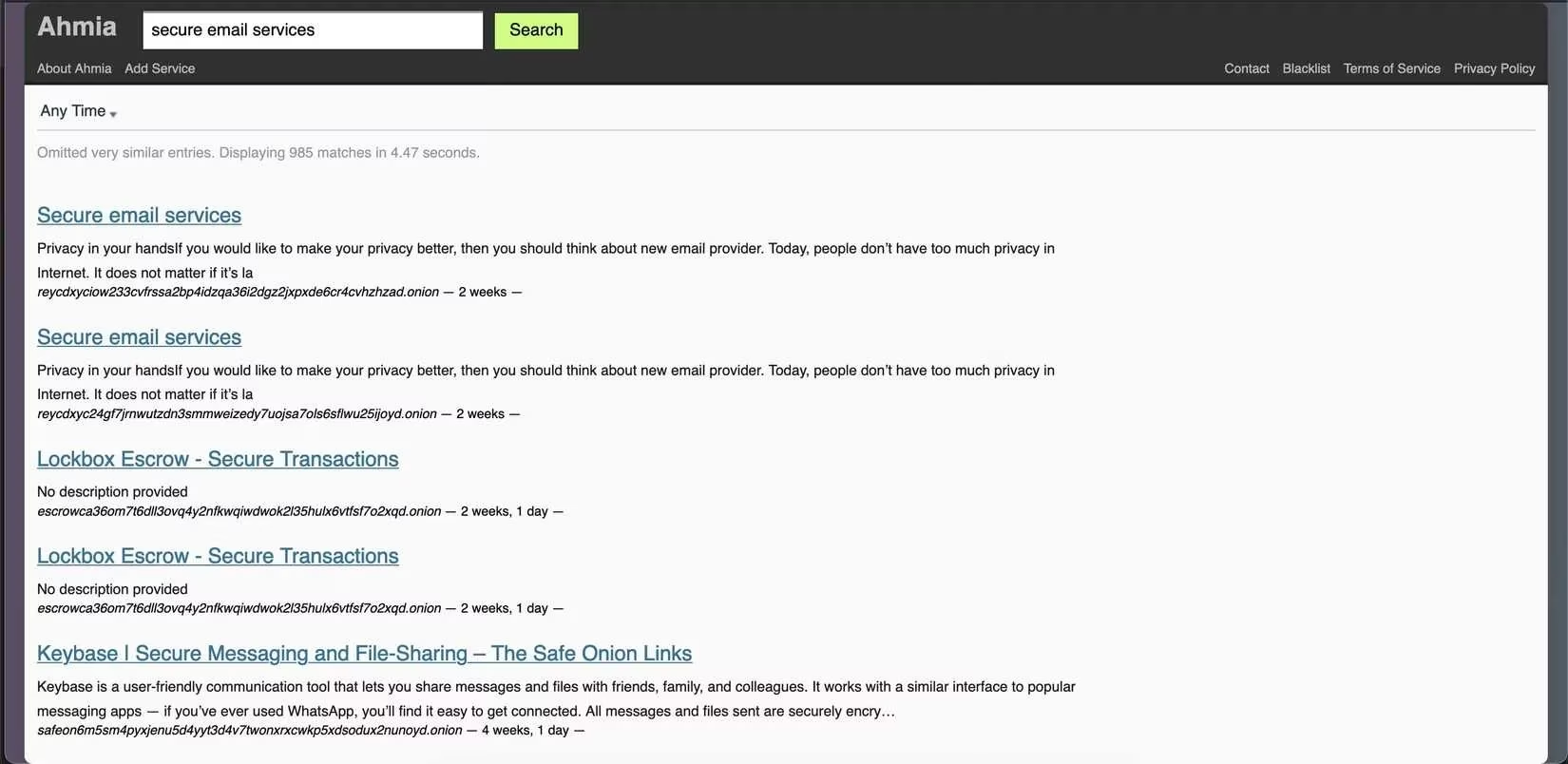
I’ve learned that patience is essential. You’ll often click a promising result only to find a dead end. Ahmia shows a last-seen timestamp for each entry, which helps you judge if a site is still alive.
How I Verify Dark Web Links
The dark web lacks the trust signals we’re used to—no green padlocks, no verified checkmarks, and plenty of impostor sites. Scams and phishing attempts are rampant. So how do you know which links are legitimate?
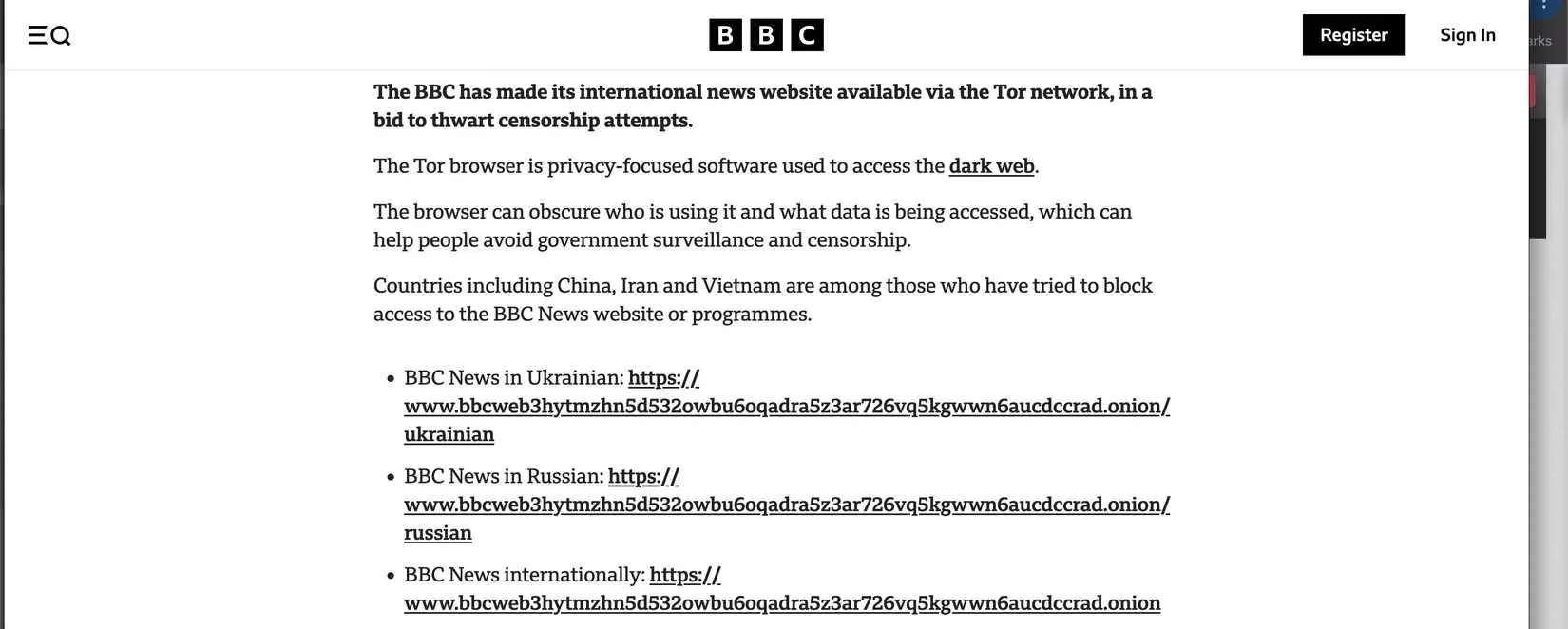
First, I check where the link is coming from. Ahmia provides a short description and sometimes a timestamp. If a site hasn’t been seen in months, I move on. Second, I cross-reference .onion addresses with reputable sources. Many well-known organizations—like major news outlets and privacy nonprofits—publish their official .onion links on their regular websites or Wikipedia pages. If the address matches what’s listed by the organization itself, you’re in safe territory.
For smaller or unofficial sites, I look them up in known onion directories on the clear web, such as community-maintained GitHub lists (just search for “Real World Onion Sites”). Privacy-focused forums and subreddits also share verified links and scam warnings—but always cross-check, because even those can be manipulated. The old “Hidden Wiki” was once a popular launchpad, but I no longer trust it due to frequent tampering.
Finally, trust your gut. If a site immediately asks for personal info, pushes a download, or looks completely different from its description, back out. Better safe than sorry.
What to Expect Once You Click
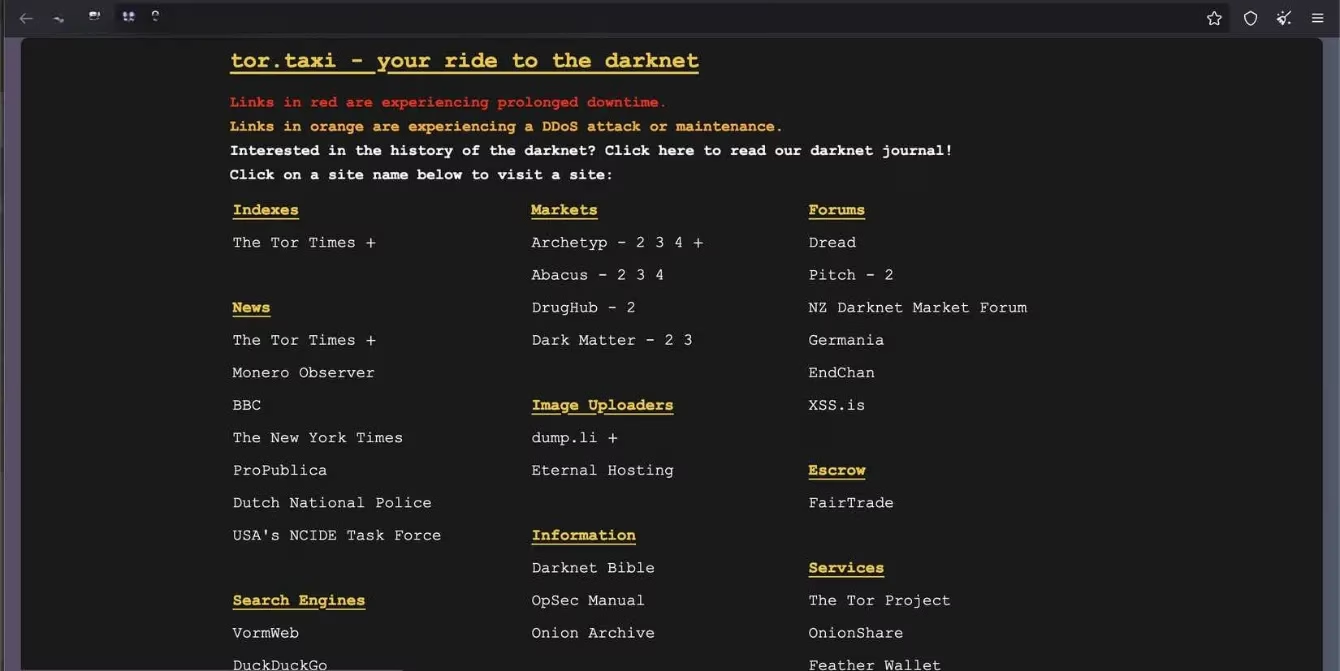
Most .onion sites are barebones, slow, and sometimes only partially functional. That’s not necessarily a red flag—it’s often intentional. Simple designs help compensate for the Tor network’s slower speeds. Don’t expect sleek modern interfaces; you’ll see a lot of text-heavy pages and basic layouts. If you stumble upon something genuinely useful, bookmark it immediately. Onion addresses are long, random strings that are impossible to memorize or rediscover later.
Staying Safe in 2026
You don’t need to be a cybersecurity expert to browse the dark web safely, but you do need to stay alert. Here are my non-negotiable rules:
-
Always use an up-to-date Tor Browser. Never paste an .onion link into a regular browser; it simply won’t load and might leak your intent.
-
Stay anonymous. Never log in with personal emails or usernames. Use throwaway identities and unique passwords.
-
Disable scripts in Tor’s settings. Many onion sites work fine without them, and leaving them on increases your risk of tracking or malware.
-
Avoid downloads unless you absolutely trust the source. Even PDFs or images can carry malicious payloads.
-
Consider using a trustworthy no-logs VPN in addition to Tor, especially if you’re in a region with restrictive internet laws. Understand that a VPN may not always improve anonymity and must be chosen carefully.
-
Know the legal boundaries. Accessing the dark web itself is not illegal in most countries, but your activity on it can be. Familiarize yourself with local laws—accessing banned content or marketplaces can land you in serious trouble.

The dark web isn’t inherently evil; it’s a tool—one that journalists, activists, and privacy-minded individuals use every day. By approaching it with the right knowledge and a healthy dose of skepticism, you can explore it without falling into traps. I’ve gone from being intimidated to feeling comfortable, and I hope this guide helps you do the same.