
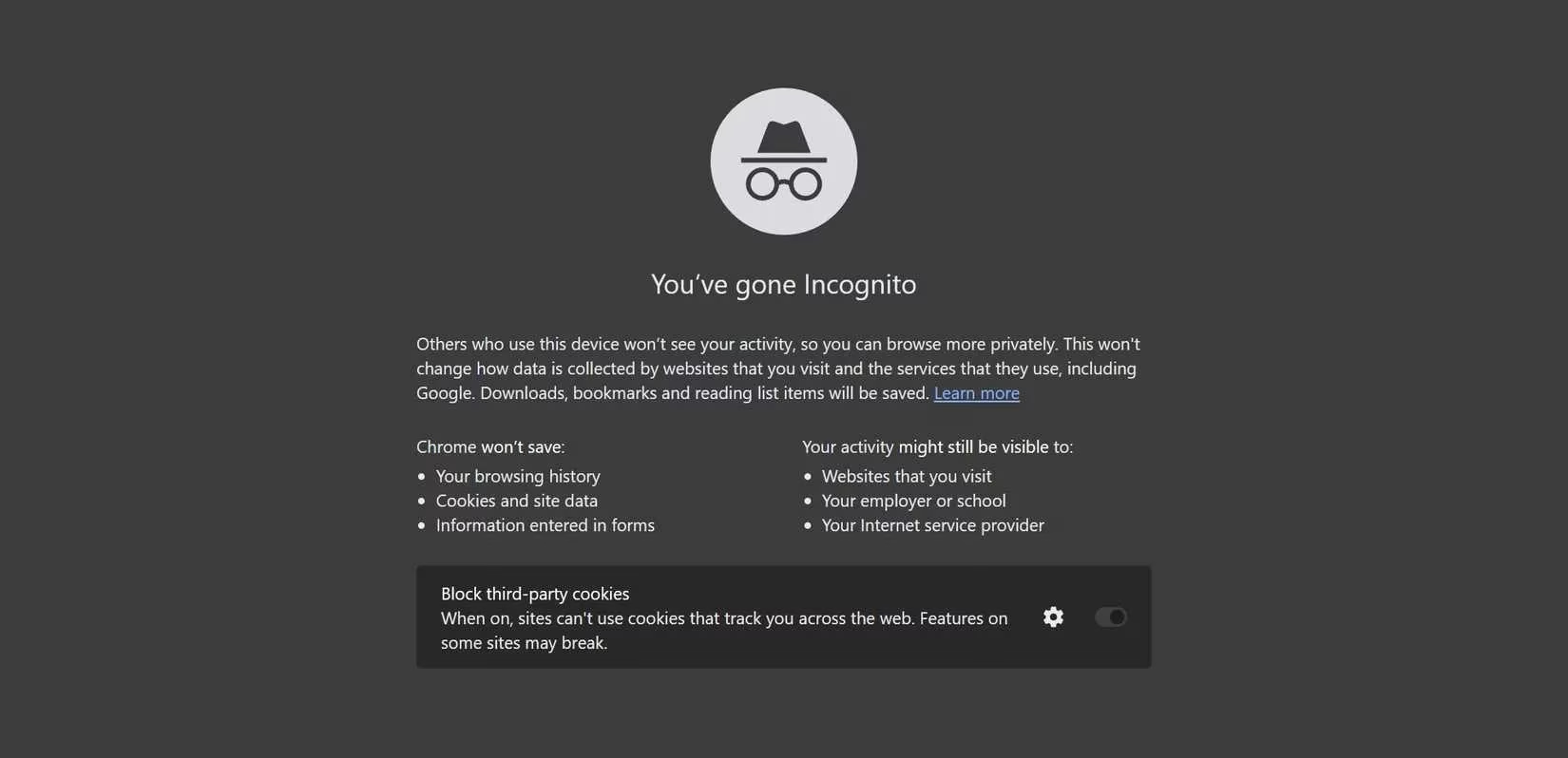
The promise of private browsing has long been symbolized by the incognito or private mode available in virtually every modern web browser. For years, users have clicked that familiar icon with the expectation of anonymity, a digital cloak shielding their online activities from prying eyes. The common belief is that once that private window closes, all traces of the browsing session—history, cookies, login details—simply vanish into the ether. However, as privacy awareness has grown by 2026, a more nuanced and often unsettling reality has come to light. Incognito mode, it turns out, is primarily a local privacy tool, not an invisibility shield for the wider internet. Its capabilities are far more limited than its marketing and popular perception suggest, creating a significant gap between user expectation and technical reality.

What does Incognito mode actually do? 🤔 Fundamentally, it creates a temporary, isolated session on your own device. When you open a private window, your browser starts fresh: it doesn't use your existing cookies, cache, or browsing history. Everything you do within that session is stored temporarily. The magic—and the primary utility—happens when you close the window. At that moment, the browser automatically purges the session data. This means:
-
Your browsing history from that session won't appear in your main browser history.
-
Cookies and site data are deleted, logging you out of any accounts you accessed.
-
Anyone else using your device afterward won't easily see what you were doing.
This local discretion makes it excellent for specific, shared-device scenarios. For instance, checking personal email on a family computer or making a surprise gift purchase without leaving clues in the search bar. However, this is where its powers largely end. The critical disadvantage is that this data isn't saved, meaning you must log into sites every time you use a new private session. More importantly, this local cleanup does nothing to obscure your digital footprint beyond your own screen.
Let's dismantle the major myths surrounding private browsing. First and foremost, Incognito mode does NOT hide your activity from your Internet Service Provider (ISP) or network administrator. Every data packet you send and receive still travels through your ISP's infrastructure. If your ISP engages in traffic monitoring—a common practice in many regions—they can see the domains you visit and, in cases of unencrypted traffic (HTTP), even the content. On a corporate or public Wi-Fi network, the administrator has the same visibility. Second, websites can still track you. While session cookies are deleted upon exit, modern tracking employs far more persistent techniques like browser fingerprinting. This method creates a unique profile of your device based on characteristics like screen resolution, installed fonts, browser plugins, and even hardware configuration. This fingerprint can follow you across browsing sessions, Incognito or not. 😟
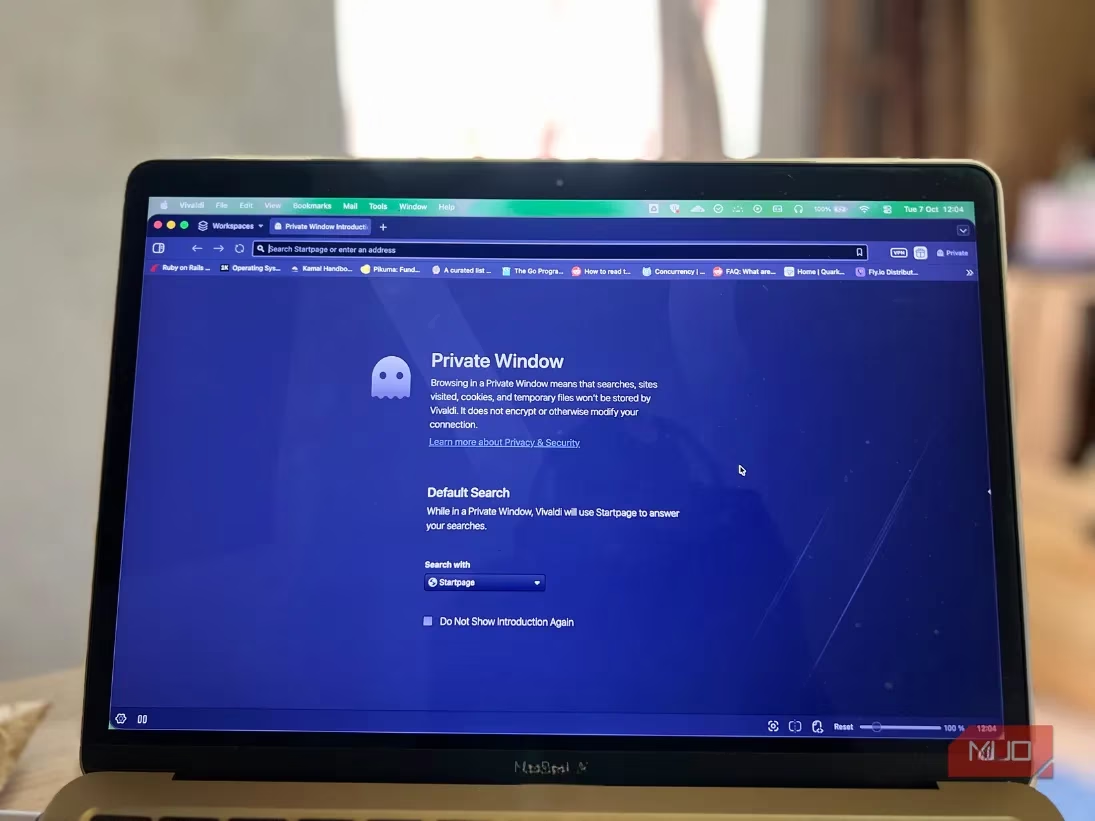
Third, and perhaps most surprisingly for many, Incognito mode does not hide your IP address. Your IP address is your device's unique identifier on the internet, akin to a return address on a letter. Private browsing does nothing to mask it. Consequently, if a website has blocked your IP address, opening an Incognito window will not grant you access. The limitations became starkly clear in the landmark 2023 class-action settlement, where Google agreed to pay $5 billion and delete data after allegations it tracked users even within Chrome's Incognito mode. This case highlighted that the companies providing the browsers might still collect data, shattering the illusion of complete privacy.
Given these significant shortcomings, what are the viable alternatives for users genuinely seeking privacy in 2026? A multi-layered approach is recommended, as no single tool provides absolute protection.
1. Virtual Private Networks (VPNs): Your Digital Tunnel 🔒
A VPN serves two critical functions that Incognito mode lacks:
-
IP Address Masking: It replaces your real IP address with one from the VPN server, obscuring your geographical location from websites.
-
Traffic Encryption: It routes your internet traffic through an encrypted tunnel, hiding your browsing activity from your ISP, network administrators, and potential eavesdroppers on public Wi-Fi.
While not a silver bullet, a reputable, no-logs VPN is a foundational privacy tool. It's important to choose providers with transparent privacy policies, as the VPN provider itself then has access to your traffic.
2. Privacy-Focused Browsers: Built for Stealth
These browsers are engineered with privacy as a default setting, not an optional mode.
-
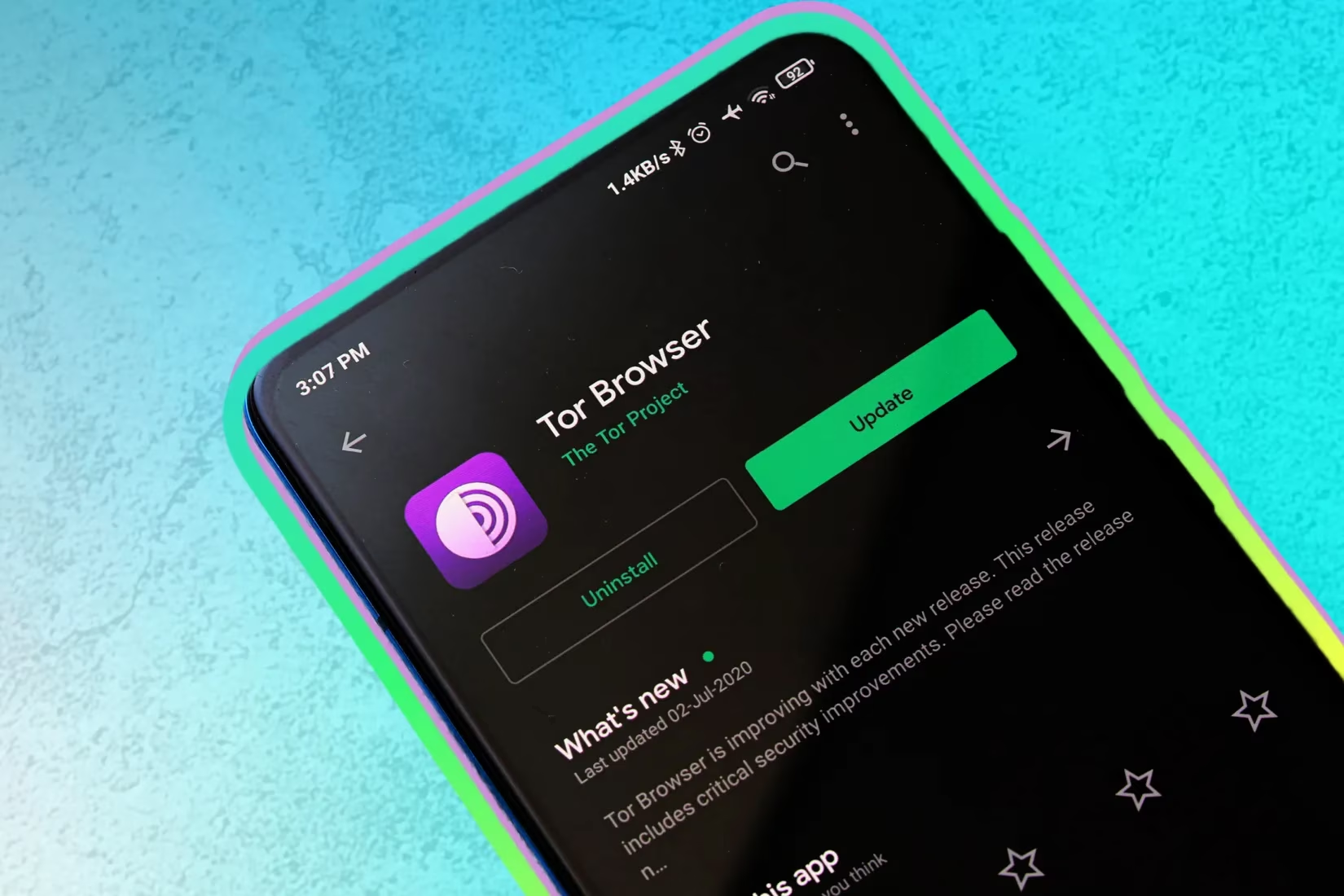
Tor Browser: Often considered the gold standard for anonymity, Tor routes your traffic through a global volunteer-run network, encrypting it multiple times. It hides your IP address, blocks trackers by default, and resists fingerprinting by making its users' browsers look identical. While sometimes slower, it offers profound privacy for sensitive browsing.
-
Others: Browsers like Brave and Firefox (with strict privacy configurations) also offer robust tracker and fingerprinting blocking out of the box.
3. Private Search Engines: Search Without a Shadow
Your search queries are a treasure trove of personal data. Switching from mainstream engines is a simple yet powerful step.
-
DuckDuckGo: Promises not to track your searches, store your personal information, or create search profiles. It also offers built-in tracker blocking on result pages.
-
Startpage: Delivers Google search results but acts as a privacy proxy, so Google never sees your IP address or query directly.
A quick comparison of tools:
| Tool | Hides History Locally? | Hides IP Address? | Encrypts Traffic from ISP? | Blocks Trackers/Fingerprinting? |
|---|---|---|---|---|
| Incognito Mode | ✅ Yes | ❌ No | ❌ No | ❌ Limited |
| VPN | ❌ No | ✅ Yes | ✅ Yes | ❌ No (but can be combined) |
| Tor Browser | ✅ Yes | ✅ Yes | ✅ Yes | ✅ Yes (by default) |
| Private Search Engine | N/A | ❌ No* | ❌ No | ✅ Yes (on its site) |
*Though some, like Startpage, proxy your query.
So, is Incognito mode completely useless? Not at all. It retains a specific and valuable niche. For users sharing a computer with family, roommates, or in a library, it remains the quickest way to prevent your session from being visible to the next person. It's perfect for logging into a single account on a shared machine without leaving credentials behind, or for opening a second login session for another account. Its utility is about local discretion, not global anonymity.
The key takeaway for 2026 is understanding the tool's purpose. Relying on Incognito mode for robust privacy is like closing your curtains at home but then walking outside in a brightly lit suit—it hides you from those inside the house, but not from the outside world. 🏠➡️🌍 For true online privacy, one must look beyond the simple private window. A combination of a trustworthy VPN, a privacy-conscious browser, and a private search engine creates a far more formidable defense against the pervasive tracking of the modern web. The journey to digital privacy begins with discarding illusions and adopting tools designed for the realities of today's interconnected landscape.