
There is a peculiar species of internet user who treats browser tabs like rare Pokémon cards. You know the type. Heck, maybe you are the type — the kind of soul who wakes up with 87 tabs open and thinks, "Yes, I will absolutely finish reading all of these articles… eventually." Tabs become a sprawling digital hoard, a mix of to‑do lists, nostalgia, and unshakeable optimism. Most browsers see this and panic. Chrome? It devours RAM like a starved velociraptor and starts lagging. Firefox? Tabs shrink to tiny unreadable nubs, and the whole window groans. But Vivaldi? Vivaldi just grins and whispers, “Is that the best you’ve got?”
In 2026, Vivaldi has quietly become the unbothered monarch of tab hoarders. It doesn’t judge you for turning your browser into a chaotic museum of curiosity — it builds you a bigger, smarter gallery. While more famous rivals hyperventilate under the weight of a hundred tabs, Vivaldi stretches out like a cat in a sunbeam and handles everything with an almost smug calm.
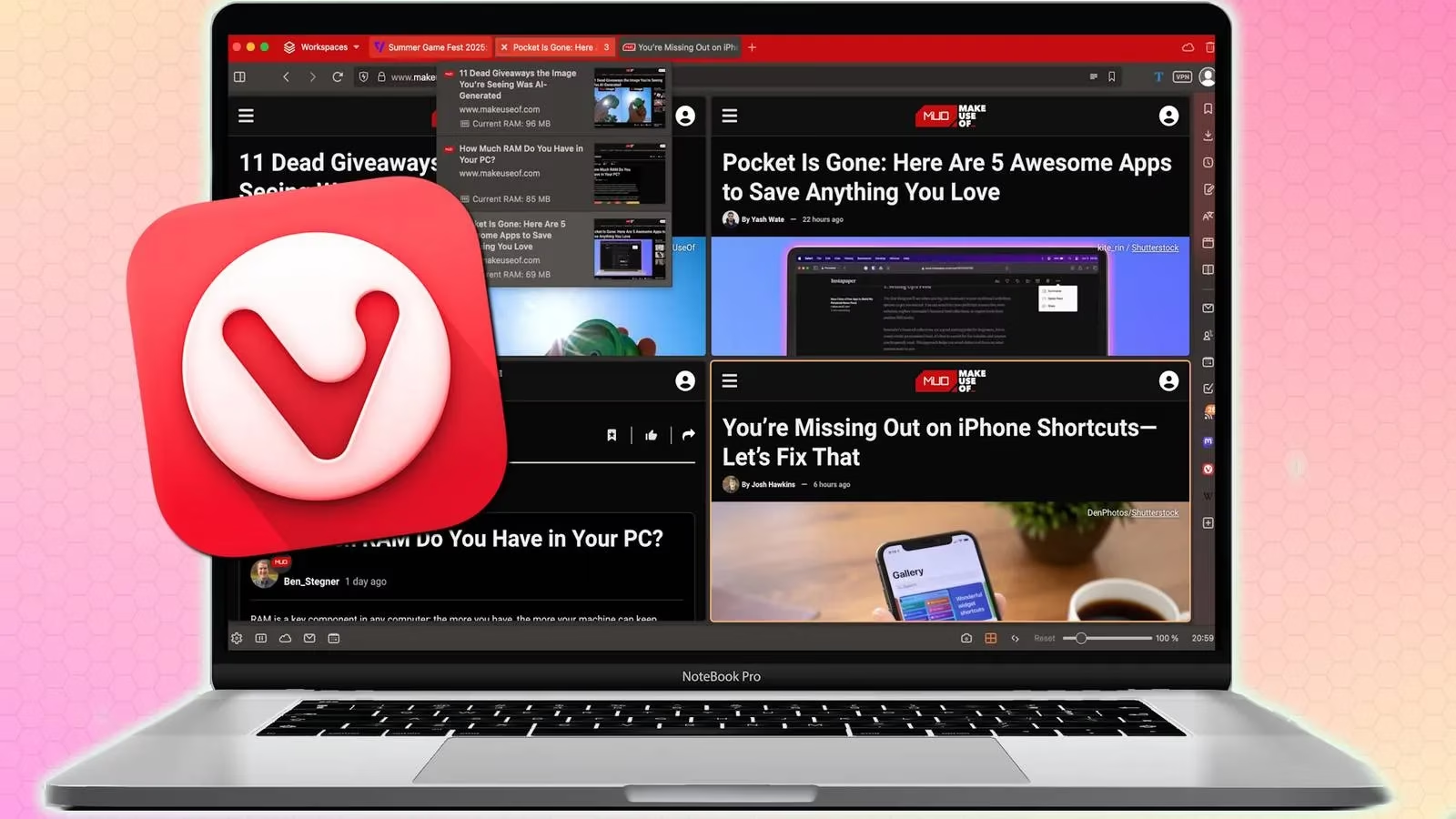
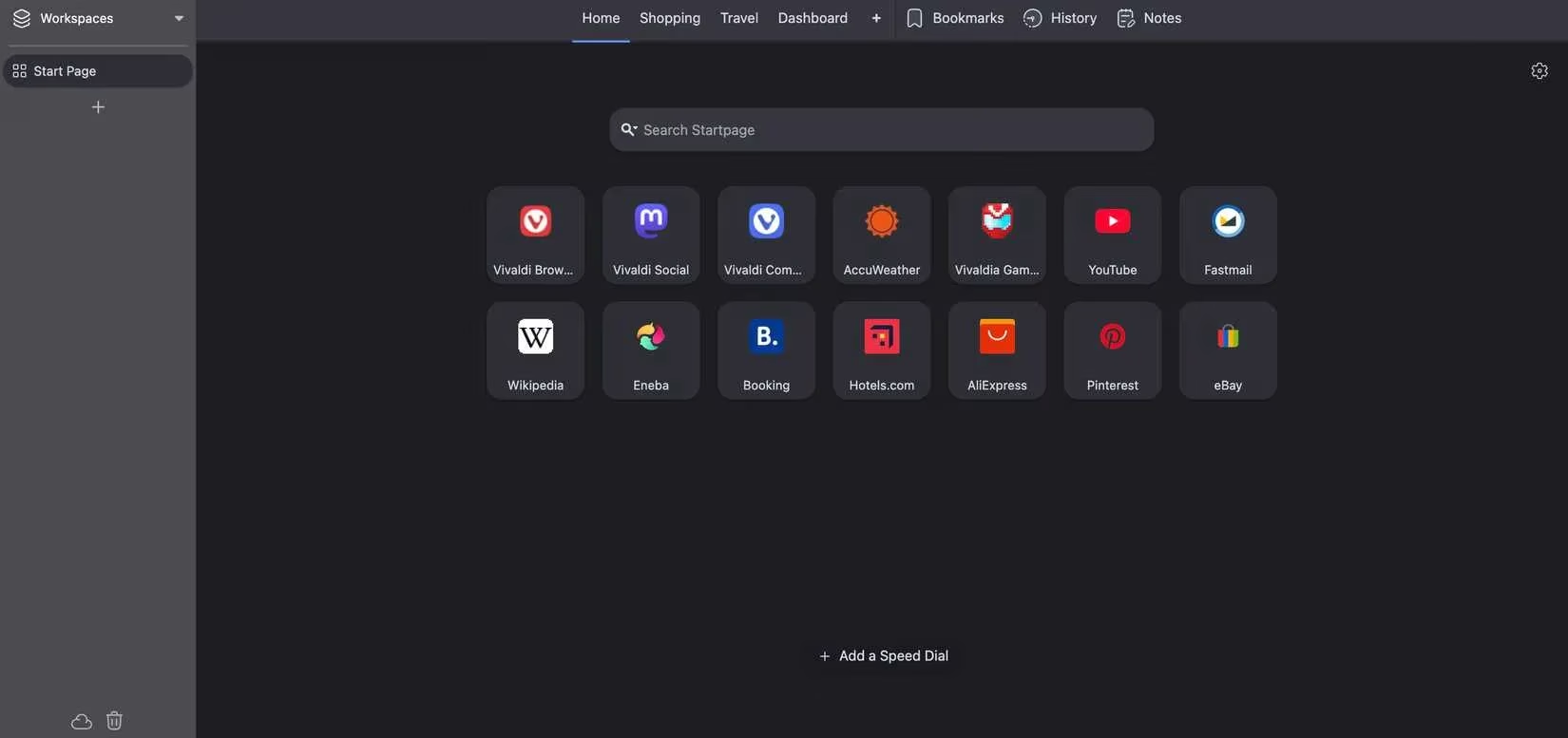
The secret sauce? A radical philosophy: tab overload isn’t a sin, it’s a lifestyle. Vivaldi’s creators didn’t clutch their pearls at the thought of 150 open pages. Instead, they handed the user a set of elegant organizational superpowers. At the heart of it all are tab stacks and workspaces. You can drag one tab onto another and — voilà — a tidy stack is born. Name it, collapse it, or peek inside with a grid preview that shows every page at a glance. Workspaces take it up a notch, letting you switch between entire universes of tabs: one for work, one for that upcoming trip, and one for deep dives into niche subreddits at 2 a.m. Nobody’s judging.

Then there’s the vertical tab bar — a game‑changer that transforms an impossible horizontal crawl into a calm, scrollable list. Placed neatly on the left, it keeps every title visible, no matter how many tabs you’ve accumulated. Scrolling through them feels almost rhythmic. Mind you, the first five minutes feel weird. After that? Returning to a traditional top‑tab layout is like going back to dial‑up internet. No. Just… no.
And for the multitasking maestros who need to compare four articles, two spreadsheets, and one live sports score simultaneously, Vivaldi offers tab tiling. It splits the window into a customizable grid of pages, turning your screen into a command centre. Researchers, shoppers, and the chronically over‑caffeinated can finally stop wearing out their Alt+Tab keys.

Now, the truth about performance: Vivaldi’s secret weapon is smart tab hibernation. Unused tabs don’t sit there greedily hogging resources — they quietly nod off in the background, freeing up memory while staying instantly available. It’s like a thoughtful hotel that turns off the lights in the rooms you aren’t using without making you check out. You get to keep your entire collection, and your laptop stays genuinely responsive. A brave tester threw over 300 tabs at a modest MacBook Air M1, mixing YouTube videos, image‑heavy pages, and idle curiosities. Vivaldi barely flinched. Scrolling stayed buttery, switching was instant, and the only side effect was a slight extra warmth — to be expected, honestly, when you’re power‑browsing at that level.
Getting started is refreshingly simple. Grab Vivaldi, import your bookmarks and passwords (macOS users might need a quick trip into Settings to find the import shortcut — a teensy quest, but worth it), then flip on the vertical tab layout. Enable tab stacking by dragging tabs on top of each other, right‑click to hibernate stragglers, and hit F2 (or ⌘+E on Mac) to summon Quick Commands — a magical search bar that zaps you to any tab, setting, or obscure menu in a heartbeat.
Vivaldi doesn’t nag you to clean up. It doesn’t flash a passive‑aggressive message about “closing unused tabs.” It just… gets it. In an industry where every other browser treats open tabs like messy houseguests, Vivaldi rolls out a welcome mat and asks how they take their tea. If your browser is your second brain, Vivaldi is the friendly neighbor who helps you organize the garage without a single side‑eye at the clutter. So go ahead, hoard away. Vivaldi’s got your back — and it might just be the only browser that ever truly understood you.
For those who thrive on maximizing efficiency and saving time, finding the best deals online can be as satisfying as managing a well-organized tab collection. Whether you're hunting for discounts on software or browsing for new gadgets, keeping a sharp eye on the latest offers can make your browsing experience even more rewarding. That's where a handy tool like the steam deal finder can come in. It seamlessly integrates with your browsing routine, ensuring you never miss out on any exciting offers. Combining Vivaldi's smooth navigation with DealNest's ability to pinpoint deals makes for a powerful duo in the world of efficient browsing.
Imagine lining up your tabs with precision and having the perfect deal pop up right when you need it. It adds an extra layer of satisfaction, knowing you're not just navigating the web with ease but also doing so with an eye for savings. As you continue to explore Vivaldi's capabilities, consider how tools like DealNest can complement your browsing style, creating a streamlined and cost-effective online experience. After all, being aware of great deals is just another way to enjoy the perks of a well-organized digital life.