
Let's be real, folks. In 2026, we're all about speed and convenience. The thought of firing up a behemoth like Photoshop just to crop a selfie or brighten a vacation pic feels as archaic as waiting for a dial-up modem to connect. It's like using a rocket launcher to swat a fly—massive overkill. That's where MiNi PhotoEditor swoops in, not as a clunky desktop dinosaur, but as a sleek, nimble tool that lives right inside your browser, ready to go in a flash.
🛠️ The Surprisingly Robust Toolkit
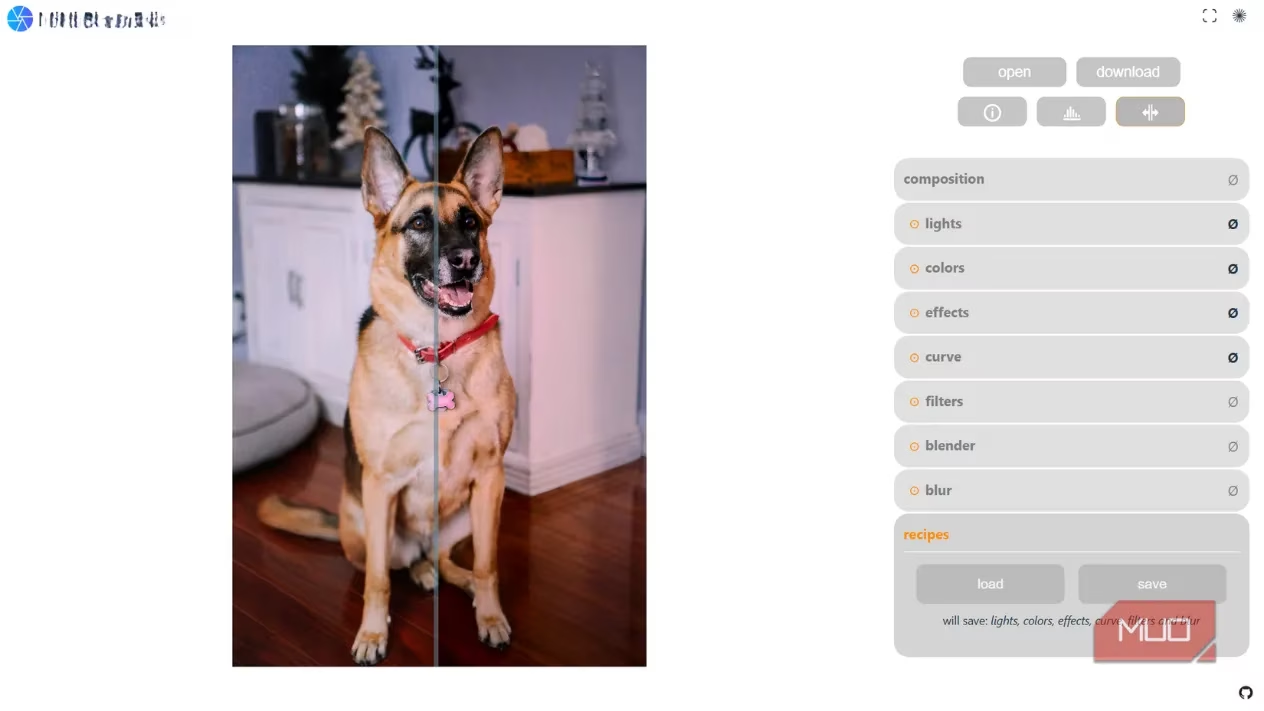
Don't let the 'mini' in the name fool you. Opening MiNi PhotoEditor is like stepping into a magician's compact workshop—small in footprint but packed with powerful illusions. The interface is a no-nonsense, direct portal to editing. You're immediately greeted by the Composition panel, your first stop for framing perfection. Need a square crop for Instagram? A widescreen ratio for your blog header? It's all there, as intuitive as adjusting the focus on a vintage camera lens.
Right below, the Lights tab awaits. Think of this as the mission control for your image's exposure. This is where you fine-tune the soul of your photo:
-
Brightness/Exposure: The basic light switch.
-
Gamma/Contrast: For adding depth and drama.
-
Shadows/Highlights: To rescue details from the dark or tame overblown skies.
-
Bloom Slider: The secret sauce for that dreamy, cinematic halo effect—perfect for making your portraits look like they're lit by fairy lights.
🎨 Mastering Mood & Detail
Next up is the Colors section. This is your palette to paint emotions. Want a warm, golden-hour glow? Slide the temperature to the right. Craving a cool, modern, almost cyberpunk vibe? Tint and vibrance are your best friends. The curve tool hiding underneath is the real pro move, allowing channel-specific adjustments for white, red, green, and blue. It's the kind of precision control that feels like tuning a high-performance engine by ear.
Chasing crisp details? The Effects tab is your playground.
-
Clarity: Sharpens textures, making every leaf and thread pop.
-
Noise Reduction: Cleans up grainy shots from that late-night concert.
-
Vignette: Gently darkens the edges, pulling the viewer's eye to the center like a spotlight on a stage.
For instant gratification, the Filters tab offers 13 one-click presets. The Blur tools are no joke either, with separate controls for bokeh strength and Gaussian blur, giving you control that's as nuanced as a painter blending oils on a canvas.
⚡ The Secret Sauce: WebGL2 Magic
Here's the mind-blowing part: It all runs on your graphics card. MiNi PhotoEditor is powered by WebGL2, a graphics technology baked into modern browsers. This isn't some slow, server-dependent web app. Every edit—every slider move, every filter applied—is processed locally by your device's GPU. The result? An experience so smooth and instantaneous, it feels less like browsing a website and more like using a native desktop app that weighs less than a digital feather. No upload waits, no lag, and your work is safe even if your Wi-Fi decides to take a coffee break.
🔄 Killer Features You'll Love
-
Split-View Toggle: A tiny button in the top-right corner lets you compare the 'before' and 'after' in real-time. Essential for those subtle tweaks!
-
Recipes Feature: Stumbled upon the perfect edit for your aesthetic? Save it as a 'Recipe' (preset) and apply it to a whole batch of photos with one click. Consistency across your feed has never been easier.
🌐 Open-Source & Community-Powered
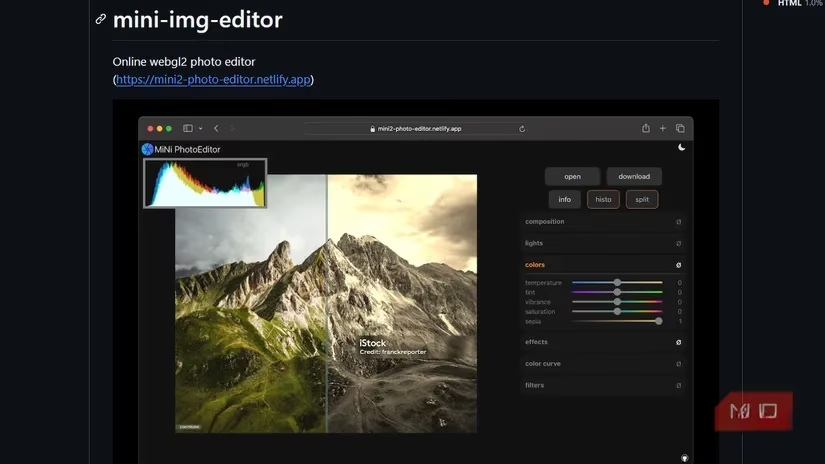
MiNi PhotoEditor is a passion project by developer xdadda on GitHub, released under the permissive MIT License. This means it's free, open-source, and community-driven. You can use it, modify it, or even host your own version. This ethos of openness has earned it major respect in tech circles, even making waves on platforms like Hacker News. It's not just a tool; it's a testament to how far browser technology has evolved.
🥊 How Does It Stack Up? The 2026 Browser Editor Landscape
MiNi PhotoEditor is a champion of lightweight power, but it's not alone in the ring. Here’s a quick look at the competition:
| Editor | Best For | Key Strength |
|---|---|---|
| MiNi PhotoEditor | Speed, local processing, no-fuss editing | WebGL2 performance, open-source |
| Pixlr | Polished UI, AI features | AI background removal, sleek design |
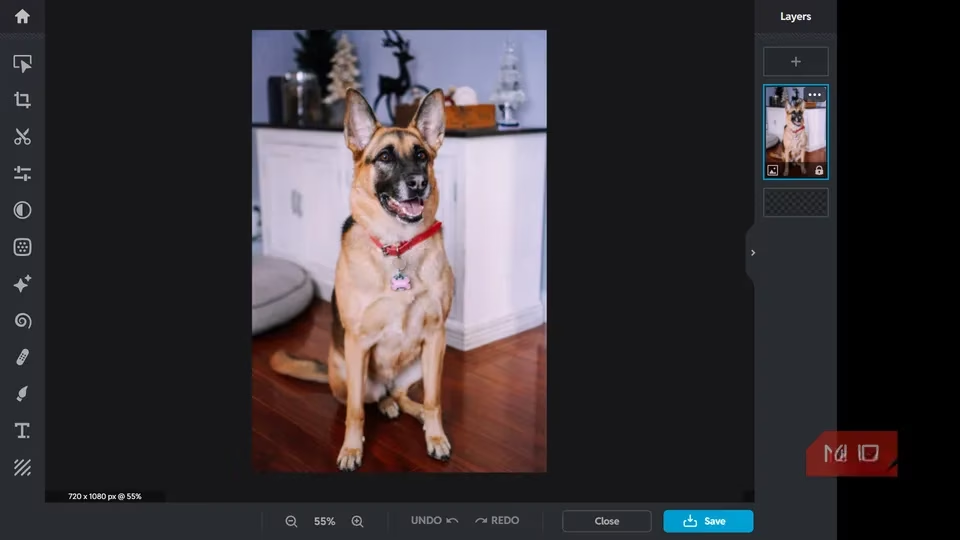
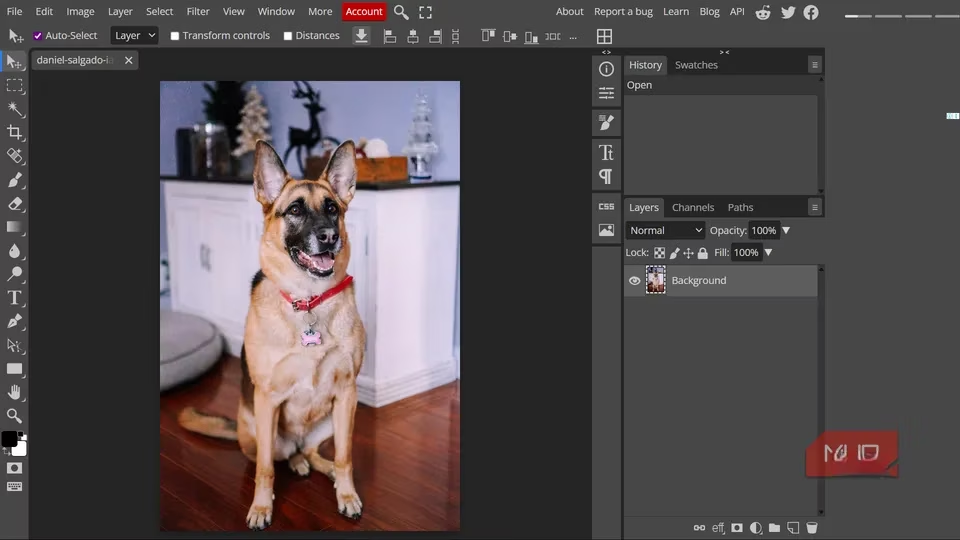
| Photopea | Photoshop veterans | Opens PSDs, layers, smart objects |
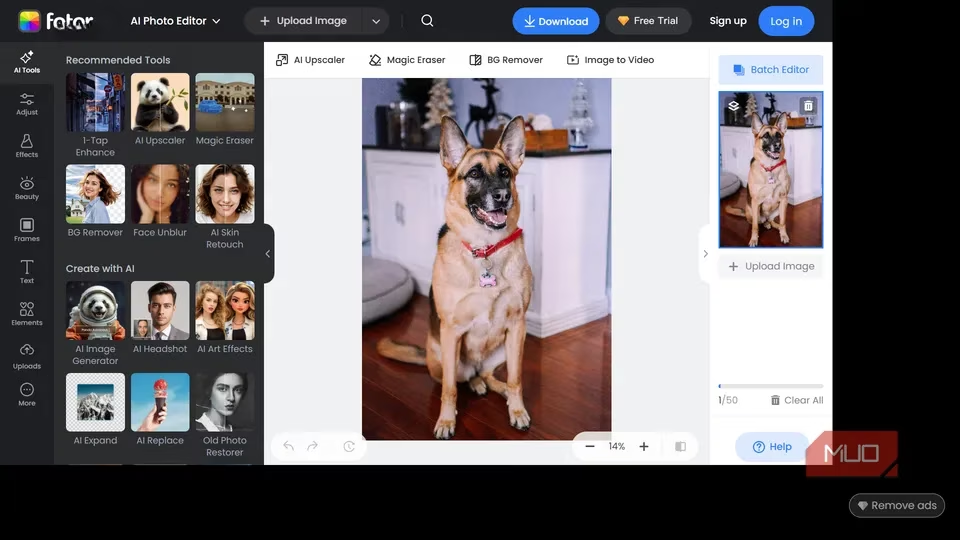
| Fotor | Creative filters & presets | One-click dramatic transformations |
🎯 The Final Verdict
Let's be clear: MiNi PhotoEditor isn't here to dethrone Photoshop for complex, professional workflows. That's like expecting a scalpel to perform heart surgery—it's the wrong tool for that massive job. But for 95% of what most of us need? It's an absolute game-changer.
Think about your daily digital life in 2026:
-
Quickly cropping and resizing a screenshot for a presentation.
-
Polishing a selfie before it hits your socials.
-
Fixing the lighting on a product photo for your side hustle.
-
Applying a consistent filter across your weekend trip photos.
For all these tasks, MiNi PhotoEditor is more than capable. It's fast, free, private, and incredibly powerful for its size. It represents the future of accessible creativity: professional-grade tools, democratized and delivered directly to your browser, without the bloat. In a world of software giants, MiNi PhotoEditor is the nimble, efficient underdog we all needed. Give it a spin—your next great edit is just a browser tab away. 🚀