
Data collection is no longer a niche concern—it's woven into daily digital life. Your browser sits at the epicenter of this privacy battle, acting as the primary gateway between you and the internet. While no solution offers perfect anonymity, switching to a dedicated privacy browser is a critical first step toward reclaiming control. 🛡️
🔍 The Testing Methodology
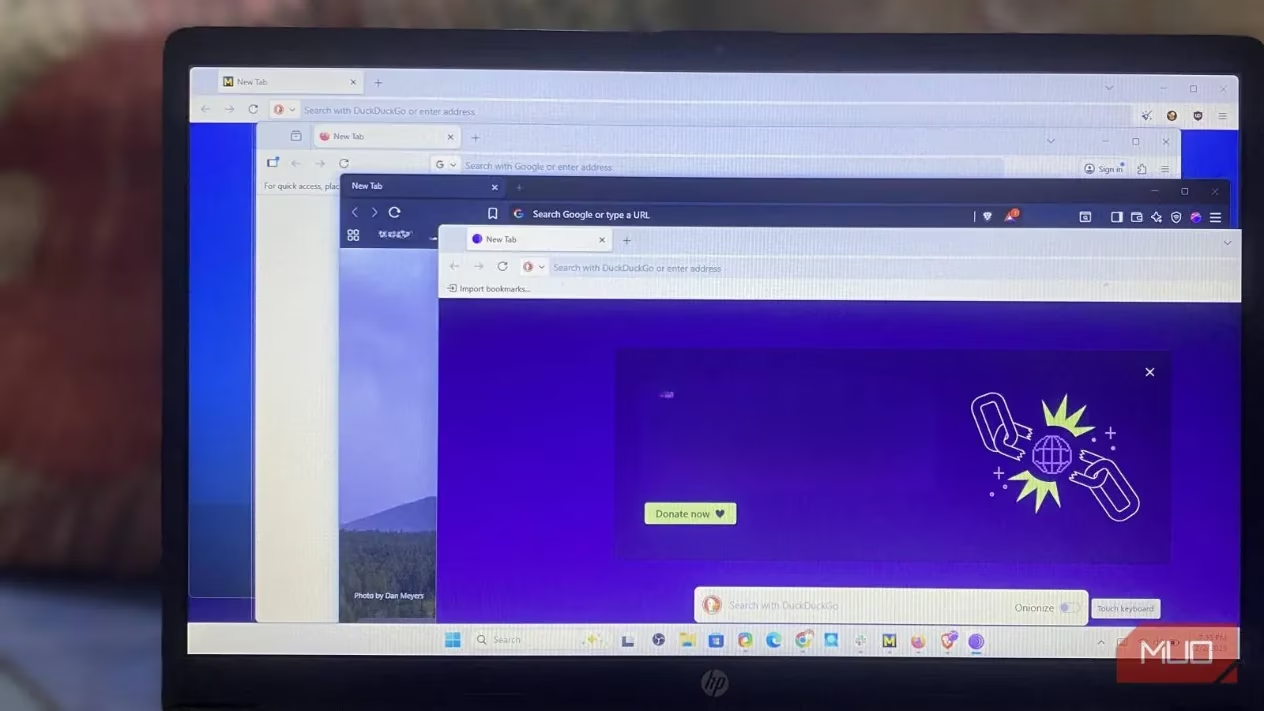
Five leading privacy browsers underwent rigorous evaluation using default settings—the way most users interact with them. Key metrics included:
-
Fingerprinting resistance
-
IP/DNS leak protection
-
Tracker-blocking capabilities
-
Real-world usability
Here’s how they stacked up:
🌐 Tor Browser: The Anonymity Gold Standard
Tor routes connections through three relays (entry, middle, exit nodes), ensuring no single point links your IP to your destination. Its strengths shine in tests:
✅ Cover Your Tracks Test: Returned a non-unique fingerprint (only 12.02 bits of identifying info). You blend into the crowd.
✅ IP Leak Test: Disables WebRTC APIs completely—zero IP exposure.
✅ Security Levels: Offers three modes (Standard → Safest) for adjustable protection.
⚠️ Trade-offs:
-
Aggressive site-breaking protections
-
Slow speeds due to Tor routing
-
Impractical for daily browsing
🦊 Firefox: The Overhyped Contender
Despite its privacy-focused marketing, Firefox’s defaults disappoint:
❌ Fingerprinting: Revealed a unique fingerprint (18.47 bits)—making users easily identifiable.
❌ WebRTC Leaks: Exposed public IP addresses in BrowserLeaks tests.
🔥 Silver Lining:
-
Open-source foundation
-
Customizable with add-ons (but requires tech savvy)
-
More usable than Tor
🛡️ Mullvad Browser: Tor’s Speedy Cousin
Built by Mullvad + Tor Project, this newcomer ditches Tor’s network for better speed while keeping robust privacy:
✅ Fingerprinting: Near-perfect score (12.01 bits)—non-unique footprint.
✅ WebRTC: No IP leaks despite enabled APIs.
✅ Pre-Hardened: Includes 9 filter lists (EasyPrivacy, uBlock) and canvas protection.
⚠️ Drawbacks:
-
No persistent logins/history (privacy-first but inconvenient)
-
Limited extensions
🚀 Brave Browser: The Daily-Driver Champion
Brave redefines privacy-performance balance without extensions:
✅ Fingerprinting: Uses randomized fingerprints—thwarts long-term tracking.
✅ WebRTC: Zero sensitive data leaks.
✅ Shields Up: Blocks trackers/ads by default with 8 filter lists.
✅ Speed: Fastest among privacy browsers.
🌟 Why It Wins:
-
Seamless site compatibility
-
Automatic HTTPS upgrades
-
Intuitive for non-tech users
📊 Performance Comparison Table
| Browser | Fingerprint Resistance | IP Leak Protection | Usability | Speed |
|---|---|---|---|---|
| Tor | ⭐⭐⭐⭐⭐ | ⭐⭐⭐⭐⭐ | ⭐⭐ | ⭐ |
| Firefox | ⭐⭐ | ⭐⭐ | ⭐⭐⭐⭐ | ⭐⭐⭐ |
| Mullvad | ⭐⭐⭐⭐⭐ | ⭐⭐⭐⭐⭐ | ⭐⭐⭐ | ⭐⭐⭐⭐ |
| Brave | ⭐⭐⭐⭐✨ | ⭐⭐⭐⭐⭐ | ⭐⭐⭐⭐⭐ | ⭐⭐⭐⭐⭐ |
💡 The Ultimate Verdict
Privacy without usability is meaningless. After extensive testing in 2025:
-
Brave dominates for daily use—strong protection + no learning curve.
-
Mullvad excels for maximum anonymity without Tor’s lag.
-
Tor remains unbeaten for high-risk scenarios but frustrates routinely.
-
Firefox requires heavy tweaking to match others’ defaults.
🔒 Remember: Over-hardening breaks websites. Start with a balanced browser—then customize cautiously. Your digital footprint deserves both vigilance and convenience! ✨