

As someone who spends hours researching builds, watching esports streams, and hopping between gaming wikis, my browser isn't just a tool—it's my command center. I'm a huge fan of Apple's ecosystem; my MacBook Pro and iPhone are daily drivers, and the seamless integration between them makes life smoother. However, the one piece of software that continues to disappoint me, especially in a gaming-heavy workflow, is Safari. Despite its promise of speed and efficiency, I've encountered enough friction that I simply cannot use it as my main browser anymore. The problems range from half-functional extensions to tab management that feels archaic, and they hit hard when I'm trying to be productive or just unwind with some game-related browsing.
Extension Instability Makes Browser Tools Unusable
One of the most critical features for any modern gamer or writer is reliable browser extensions. I frequently rely on tools like grammar checkers while typing out Discord messages or polishing reviews for a gaming community. My experience with the Grammarly extension in Safari has been nothing short of frustrating. Every time I try to correct a sentence, the browser hangs and eventually crashes, costing me draft after draft. Even after tweaking Safari's settings to prioritize performance, the issue persists.
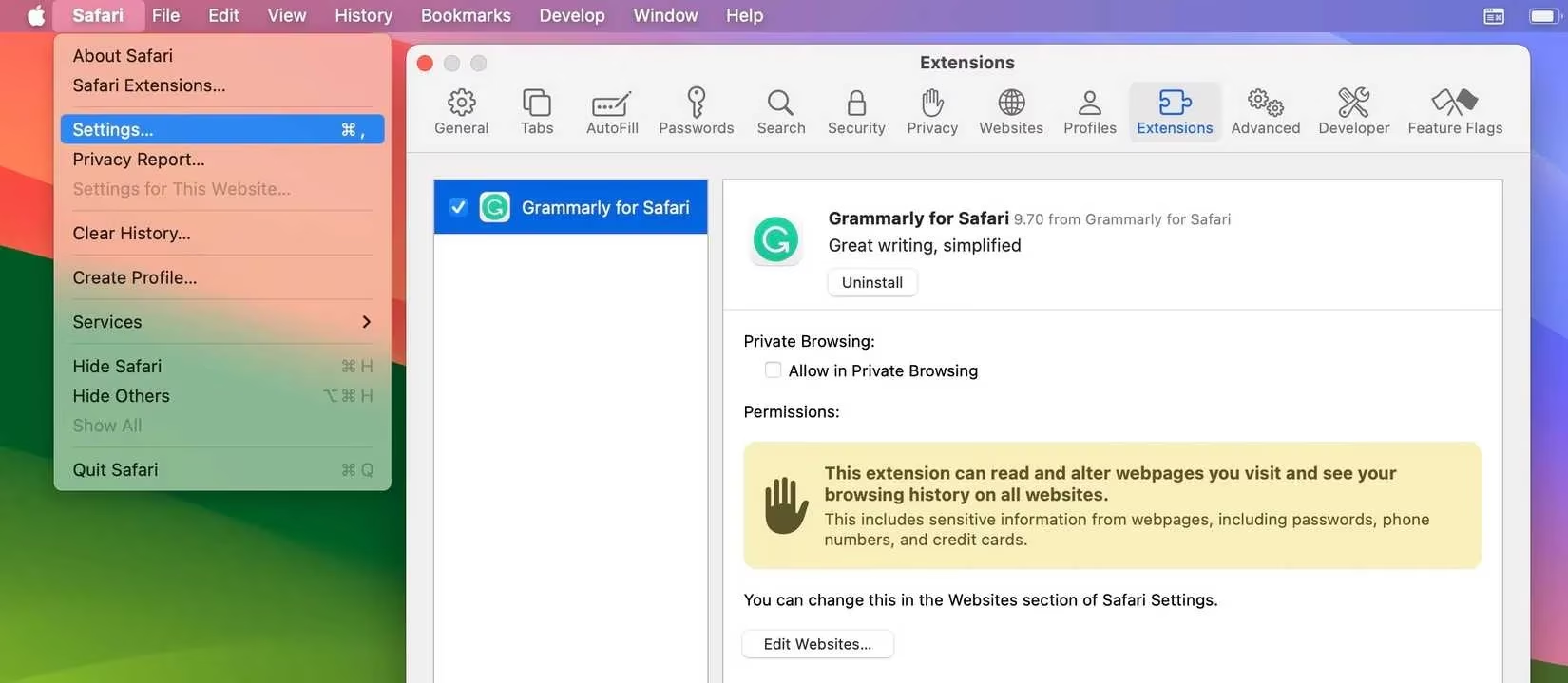
Other extensions tell the same story. The moment I uninstall them, Safari performs dramatically better—almost as if the browser struggles under the weight of its own add-on system. The one bright spot is Cold Turkey, a blocker that helps me stay off distracting gaming forums when I need to work. But sticking with a browser because of one plugin, especially when that plugin works flawlessly in Chrome or Firefox, feels like a compromise I shouldn't have to make. In my testing, many Chrome-designed extensions simply refuse to cooperate with Safari's architecture, and while developer decisions play a role, the pattern across multiple tools points toward a browser-level flaw.
Energy Warnings That Kill My Session
Imagine being in the middle of a clutch moment on a browser-based strategy game or watching a live tournament stream, only to have the page suddenly close because Safari deems it too energy-hungry. This has happened to me more times than I'd like to count. Safari's aggressive energy-saving measures frequently shut down tabs that contain video content or complex interactive elements. I've seen it happen on resource-intensive sites like Twitch, YouTube gaming channels, and even detailed map guides for RPGs.
The worst part? This behavior isn't occasional; it's a regular occurrence across all my Apple devices, from my MacBook to my iPad. While Chrome and Firefox do occasionally trigger similar warnings, they happen far less frequently. Clearing caches and disabling unnecessary features haven't solved the problem. After years of this same annoyance, I can't help but feel Apple's fixation on battery life sacrifices the actual browsing experience. For a gaming enthusiast who often juggles multiple tabs of live scoreboards and video replays, this unpredictability is a dealbreaker.
The Address Bar That Can't Read Intent
In the heat of a gaming session, when I want to quickly look up a patch note or a particular weapon stat, I prefer to just type the query directly into the address bar. Every other browser understands this shorthand. Safari, however, frequently misunderstands my intent and tries to resolve my search terms as URLs. This happens especially with searches that include numbers or percentage symbols—things I'd never type as a web address. For instance, searching for "double damage 200% build" often triggers an error page or a DNS lookup failure, forcing me to manually navigate to Google and re-type the entire query.
This might seem minor, but when you're racing against respawn timers or trying to confirm a strategy mid-game, those extra clicks and re-typed words are infuriating. The friction completely disrupts my flow, and until Apple's engine learns to distinguish between a web address and a natural language search, Safari can't be my daily driver.
Bookmarking and Tab Management That Lags Behind
A well-organized bookmark system is essential for any gamer who collects builds, lore pages, and tournament schedules. I prefer a tidy approach: bookmark the essential, close the rest. Safari does allow bookmarking, but the execution feels clunky compared to Chrome. When I access my bookmarks in Safari, I have to open a sidebar that slides in from the side, covering part of my content. The experience feels invasive and unintuitive, especially on a smaller MacBook screen.
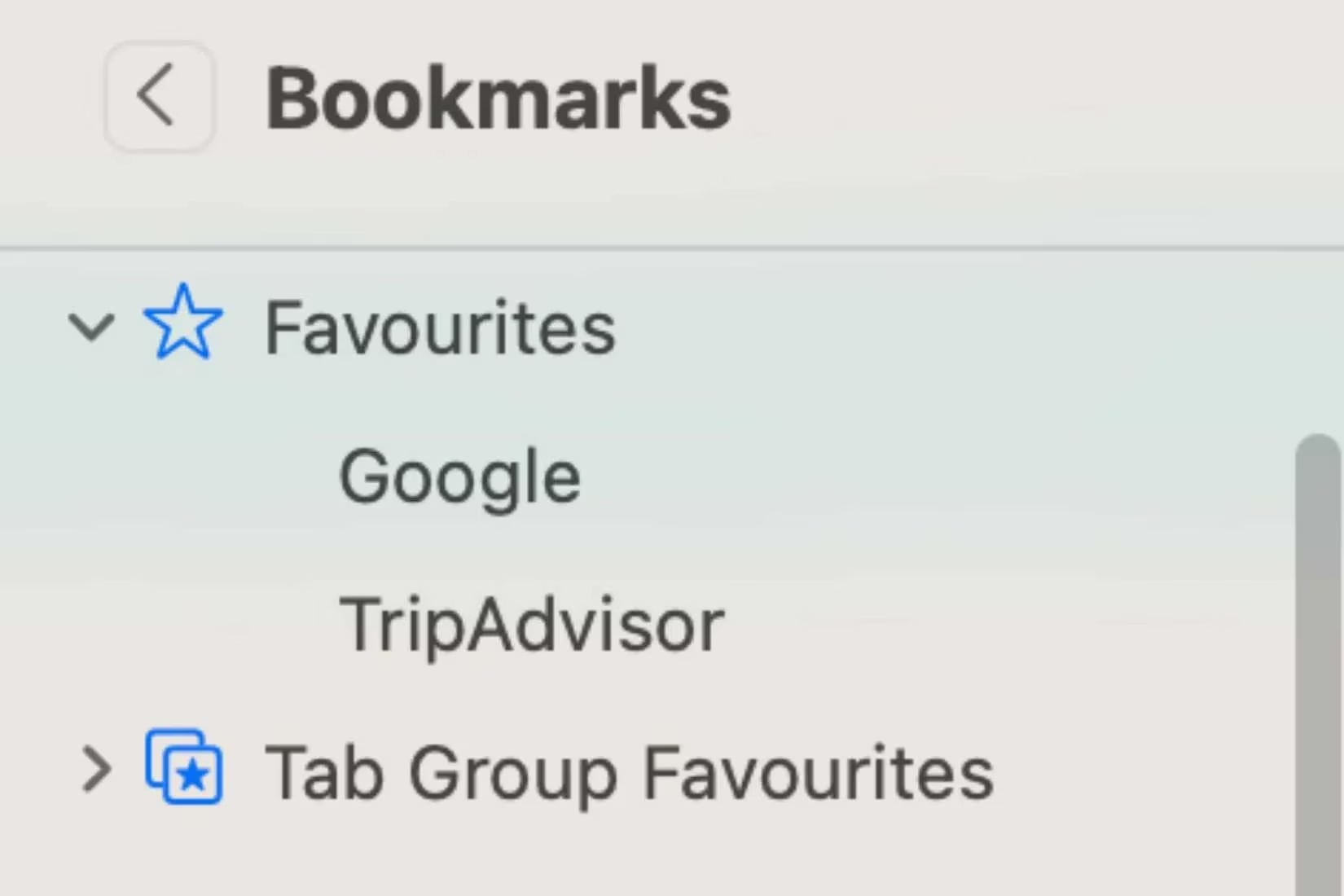
In contrast, Chrome places bookmarks in a clean, persistent bar below the address field, always visible but never in the way. For someone who needs to grab a link to a raid guide or a DPS calculator in seconds, that design is far more practical. I'm not asking for a browser that never closes tabs; I want one that respects my organizational strategy, and Safari falls short.
Loading Failures and Persistent Cookie Prompts
Mobile gaming research often happens on my iPad while I'm waiting in real-life queues. Safari for iOS leaves a lot to be desired. Pages frequently stall partway through loading, showing a blank screen for minutes. I often check my Wi-Fi, only to find social media apps and other browsers are working perfectly. The only fix is to kill the tab and reopen the browser, which disrupts the research I was doing on a game's mechanics or item stats. This happens often enough to break trust.
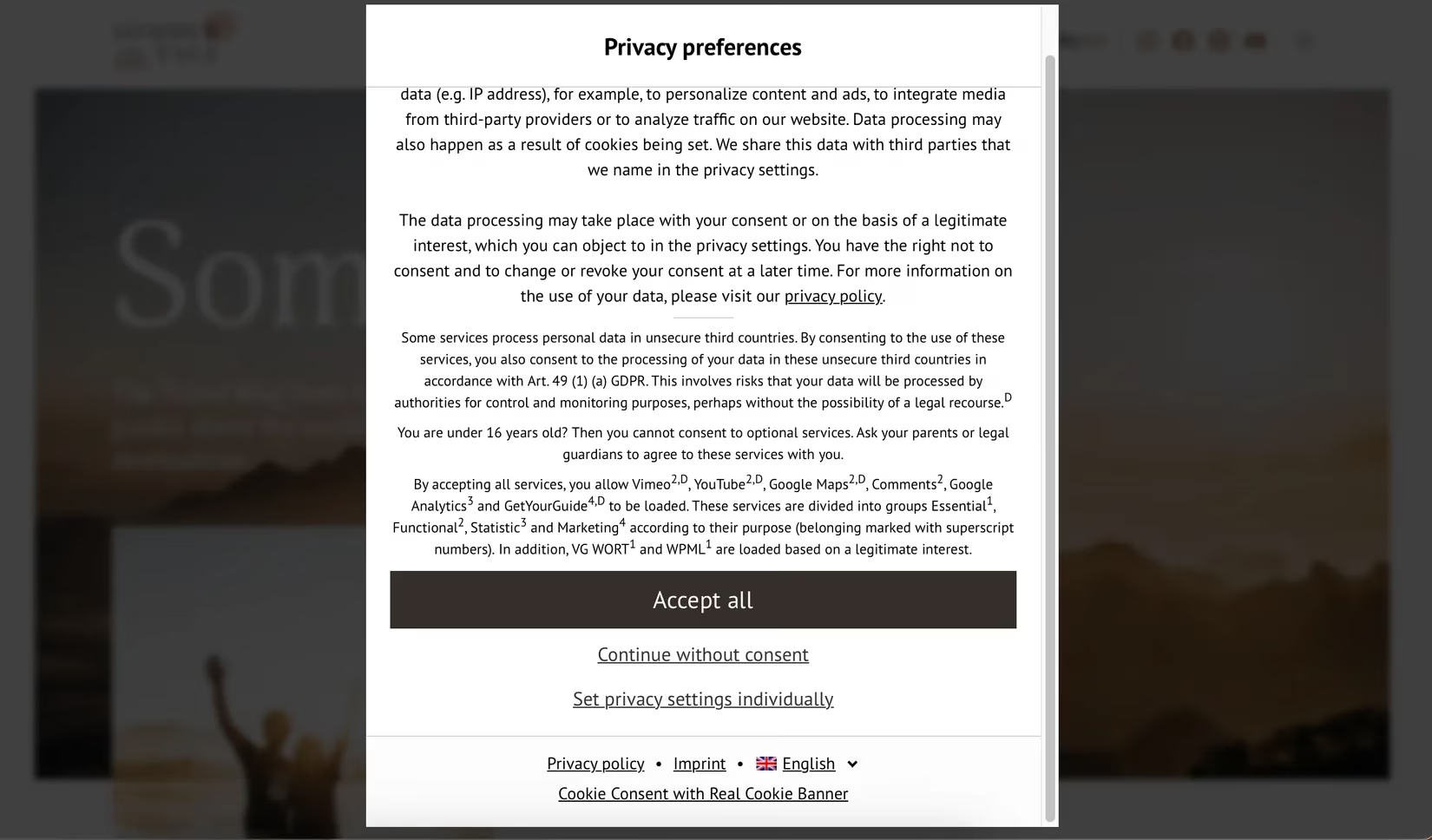
Another persistent annoyance is cookie consent banners. I have no problem accepting cookies, but I'd rather not do it every single time I visit a site. Safari demands cookie confirmation far more frequently than Chrome or Firefox—sometimes multiple times per day on the same website, even without clearing the cache. Other browsers save my preferences properly, requiring re-confirmation maybe once a week. This repetitive task adds unnecessary friction when I'm trying to breeze through multiple gaming news sites.
The Verdict from a Gamer's Perspective
After years of giving Safari chance after chance, I've reached my limit. The browser has potential—its integration with Apple Keychain and handoff features is brilliant—but the core browsing experience is marred by performance hiccups, poor extension support, and user-interface decisions that obstruct rather than assist. For a gaming lifestyle that demands reliability, speed, and customization, Chrome remains my unwavering choice. I'll keep Safari installed for the occasional Apple-specific need, but for raid nights, building theorycrafting, and quick lookups, I need a browser that keeps up without throwing up roadblocks. Unless Apple fundamentally rethinks Safari's approach to energy management, address bar interpretation, and extension architecture, it will remain an also-ran in my gaming workflow.